
dmontgomery40/bambu-printer-mcp
Developer toolsこのページは AI により自動翻訳されています。技術的な詳細は原文をご確認ください。 原文を見る
dmontgomery40/bambu-printer-mcp は、https://github.com/dmontgomery40/bambu-printer-mcp. からインポートされたMCPサーバー候補です。
概要
dmontgomery40/bambu-printer-mcp は、https://github.com/dmontgomery40/bambu-printer-mcp. からインポートされたMCPサーバー候補です。
概要(AI 翻訳)
FULU Foundation、Louis Rossmann、OrcaSlicer-bambulabの寄稿者の皆様、ありがとうございます。 私たちはオープンソース開発者、修理の権利、そして所有するハードウェアをコントロールする権利を支持します。ベンダークラウドの邪魔なしにソフトウェアや印刷を選べるべきです。
Bambuのソフトウェアとクラウドをスキップしたいですか? FULU OrcaSlicer-bambulabを使ってスライスとエクスポートを行い、このMCPの直接LANパスを対応プリンターやファームウェアで使います。このワークフローにはBambu Studio、Bambu Connect、Bambu Cloudは必要ありません。まずはFULUの設定ガイドから始めてください。オプションのBambuNetworkブリッジは別のパスで、引き続きBambuのネットワークランタイムを利用しています。クラウドジョブは引き続きBambuのサービスを使用します。
Bambu Labに特化したMCPサーバーで、Bambuプリンターの制御、STLファイルの操作、Claude Desktop、Claude Code、またはMCP互換クライアントからのエンドツーエンドの3MF印刷ワークフロー管理を行います。
ドキュメントサイトを閲覧して、検索可能なセットアップガイド、スライシングやAMSのガイダンス、そして完全なツールリファレンスをご覧ください。このREADMEとdocsフォルダから生成されます。
私たちの貢献者の協力を得て作られています。
このページは AI により自動翻訳されています。技術的な詳細は原文をご確認ください。
README
以下は原文 README の抜粋です。原文を見る。
bambu-printer-mcp
Thank you, FULU Foundation, Louis Rossmann, and the OrcaSlicer-bambulab contributors. We stand with open-source developers, the right to repair, and your right to control hardware you own. You should be able to choose your software and print without a vendor cloud standing in the way.
Want to skip Bambu’s software and cloud? Use FULU OrcaSlicer-bambulab to slice and export, then this MCP’s direct LAN path on supported printers and firmware. That workflow does not require Bambu Studio, Bambu Connect, or Bambu Cloud. Start with the FULU setup guide. The optional BambuNetwork bridge is a separate path that still uses Bambu’s networking runtime; cloud jobs still use Bambu’s services.






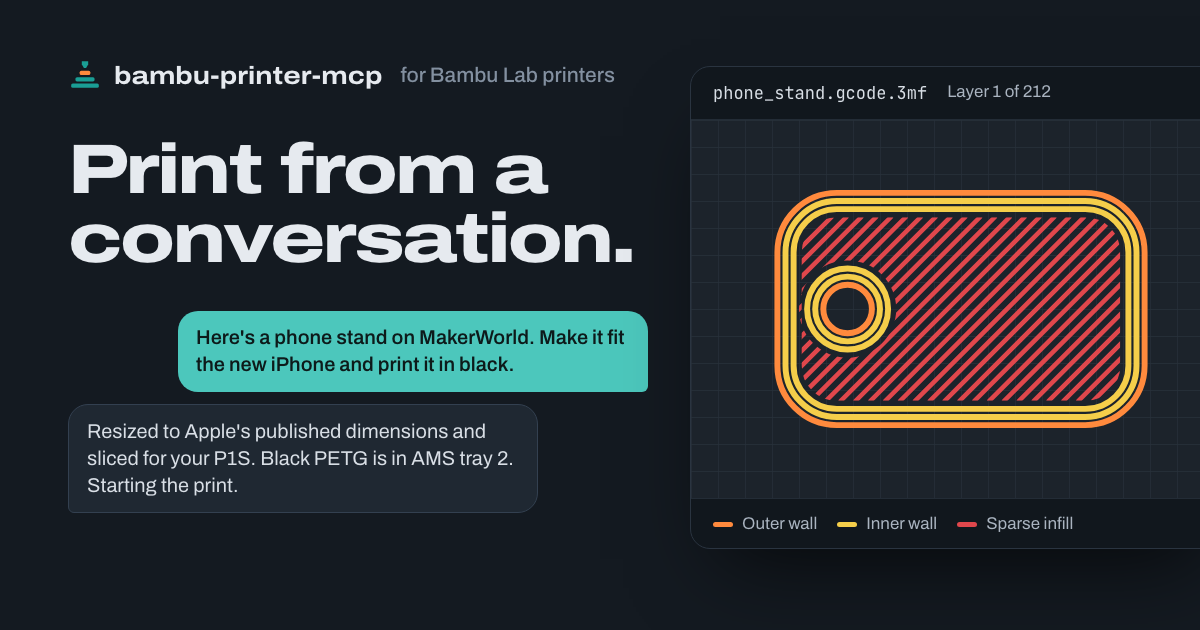
A Bambu Lab-focused MCP server for controlling Bambu printers, manipulating STL files, and managing end-to-end 3MF print workflows from Claude Desktop, Claude Code, or any MCP-compatible client.
Browse the documentation site for searchable setup guides, slicing and AMS guidance, and the full tool reference. It is generated from this README and the docs folder.
Built with help from our contributors. Huge thanks to everyone sharing fixes, careful bug reports, and real printer testing!
This is a stripped-down, Bambu-only fork of mcp-3D-printer-server. All OctoPrint, Klipper, Duet, Repetier, Prusa Connect, and Creality Cloud support has been removed. What remains is a focused, lean implementation for Bambu Lab hardware.
インストール
npx -y -p bambu-printer-mcp bambu-printer-mcp-native-setup