
cyberash-dev/veche
Developer toolsこのページは AI により自動翻訳されています。技術的な詳細は原文をご確認ください。 原文を見る
MCP サーバをバインドしたマルチエージェント委員会会議 — Codex + Claude Code がラウンドで審議
概要
Вече — MCP サーバーとしてマルチエージェントの審議をバインドしました。 vecheはモデルコンテキストプロトコル(MCP)サーバーで、オーケストレータエージェント(Claude Code、カスタムエージェント、IDE)をLLMエージェント間で招集し、構造化されたトランスクリプトを読み込みます。 プロトコルは自己表現です。すべてのメンバーはラウンドで応答し、誰でもリテラルトークンでオプトアウトでき、ミーティングは全員が同じラウンドで通過する瞬間を終わらせます(またはmax roundsに当たる)。 名前は中世のスラブの вече から来る - 問題が解決されたとき、非難と分散によって分解された人気のあるアセンブリ。 これは、ほぼ直接ラウンドにマップします + サイレンスまで. v1 は 2 つの対称の CLI-backed アダプターを出荷します。 - codex exec (OpenAI) - claude -p (Anthropic) 経由で - 子のClaudeコードがこの同じサーバーを再エンタリングするのを防ぐ再帰ガードで オーケストラは、クロード・コード ↔ 別のクロード・コード + コードクス・コミッションを有効にする、クロード・コード である可能性があります.
概要(AI 翻訳)
Вече — MCP サーバーとしてマルチエージェントの審議をバインドしました。
[[veche]は、オーケストラエージェント(Claude)を可能にするモデルコンテキストプロトコル(MCP)サーバーです。
コード, カスタムエージェント, あなたの IDE) convene committee ミーティング LLM エージェントと読み
構造化されたトランスクリプトを戻します。 プロトコルは自己表現です。すべてのメンバーは、
ラウンド、誰でもリテラルトークン[ ]でオプトアウトでき、ミーティングは終了します。
全員が同じラウンドに渡る(またはmax_rounds]を押します)。
名前は、中世のスラブ*から来ます。
問題が解決されたとき、非難および分散。 ほぼ直接マップ
[rounds + until silence]。
v1 は 2 つの対称の CLI-backed アダプターを出荷します。
- [
codex exec経由でCodex (OpenAI) - ロードコードを[
claude -p(無作為)で、子供を予防する再帰ガード 同じサーバーを再入力するClaudeコード
オーケストラは、クロード・コードでありながら、
[Claude Code ↔ another Claude Code + Codex 委員会 建築と行動は
C4インスパイアされた4レベルのモデルを使用して[spec/で完全に指定される;コードは続きます
仕様と変更は、最初に仕様にしました。
お問い合わせ
なぜ
このページは AI により自動翻訳されています。技術的な詳細は原文をご確認ください。
README
以下は原文 README の抜粋です。原文を見る。
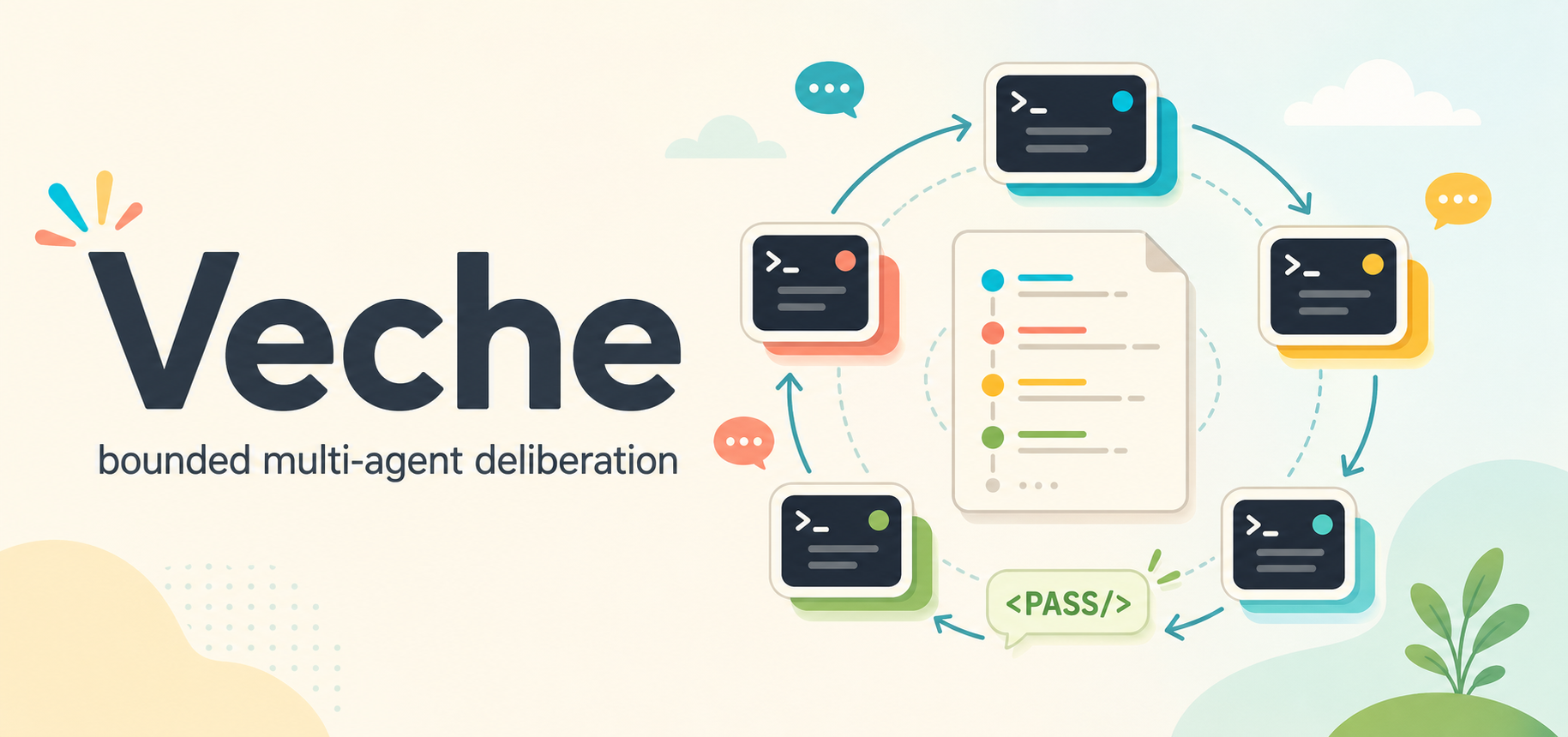
Veche
Вече — bounded multi-agent deliberation as an MCP server.
veche is a Model Context Protocol (MCP) server that lets an orchestrator agent (Claude
Code, a custom agent, your IDE) convene committee meetings between LLM agents and read
back a structured transcript. The protocol is self-extinguishing: every member replies in
rounds, anyone can opt out with the literal token ``, and the meeting terminates the
moment everyone passes in the same round (or hits max_rounds).
The name comes from the medieval Slavic вече — a popular assembly that deliberated by
acclamation and dispersed when the matter was settled. That maps almost directly onto
rounds + until silence.
v1 ships two symmetric CLI-backed adapters:
- Codex via
codex exec(OpenAI) - Claude Code via
claude -p(Anthropic) — with a recursion guard that prevents a child Claude Code from re-entering this same server
The orchestrator may itself be Claude Code, enabling
Claude Code ↔ another Claude Code + Codex committees. Architecture and behaviour are
fully specified in spec/ using a C4-inspired four-level model; code follows the
spec and changes are made to the spec first.
Why
LLMs collapse into a single line of reasoning on hard problems. A standing MCP tool for pulling a second opinion from a different model — or a differently-prompted instance of the same model — broadens the search, surfaces blind spots, and produces more balanced decisions. The committee protocol drives the discussion to a stable point without the orchestrator hand-rolling turn-taking.
Install
npm install -g veche
veche install        # writes SKILL.md to ~/.claude/skills/veche/ and ~/.codex/skills/veche/
                     # plus optional skill UI metadata under agents/openai.yaml
                     # plus claude mcp add / codex mcp add for the stdio MCP server

veche install --for=hermes   # opt-in install into Hermes Agent (~/.hermes/skills/veche/
                             # plus `hermes mcp add veche --command node --args …`)
Restart your Claude Code / Codex / Hermes Agent session after installing. The skill is
invoked as /veche .
If you cloned the repo:
npm install
npm run build
node dist/bin/veche.js install
Prerequisites
| Required for | |
|---|---|
| Node.js ≥ 20.11 | running the server |
codex on PATH |
Codex participants |
claude on PATH |
Claude Code participants and as an MCP host |
CODEX_API_KEY or codex login |
Codex auth (either path works) |
claude login |
Claude Code auth |
Quick start
As a Claude Code skill
After veche install, open Claude Code and type:
/veche should we use argparse or click for a new Python CLI?
The skill first asks for launch options: whether to include a Human Participant, whether
インストール
This server does not publish a one-line install command.
Open the repository installation guide MCP 初心者?mcpskill.org のガイドから始めましょう →設定
{
  "mcpServers": {
    "veche": {
      "command": "node",
      "args": ["/abs/path/to/dist/bin/veche-server.js"],
      "env": { "VECHE_LOG_LEVEL": "info" }
    }
  }
}