
多智能体模拟平台,AI代理在看板上自我组织——由LangGraph、Google A2A和MCP构建。
概览
一个多代理模拟平台,AI代理能够自我组织,跨领域处理工作。创建发布、软件开发、人才招聘、销售或安全运营的论坛——每个平台都有自己的领域专属代理,实时协作于看板板上。 “超越单一代理:利用LangGraph、Google A2A和MCP构建Jira + Slack用于AI群。” ——博客文章 Agent Scrum 建立在三个核心理念上:一是持续扫描工作,一是让代理彼此通信,二是让板子暴露在外部工具面前。以下是它们的组合方式。 点击“开始蜂群”时,会开始一个背景循环: 这以两个节点的LangGraph状态图实现: 1. - 扫描所有棋盘,发现卡住的物品,选择下一个代理人2.- 调用所选代理人,执行其工作并推动物品前进 图循环:路由器 -> 代理 -> 路由器 ->代理 -> ...
概述(AI 翻译)
一个多代理模拟平台,AI代理能够自我组织,跨领域处理工作。创建发布、软件开发、人才招聘、销售或安全运营的论坛——每个平台都有自己的领域专属代理,实时协作于看板板上。
试试现场演示 阅读深度解析 观看解说
“超越单一代理:利用LangGraph、Google A2A和MCP构建Jira + Slack用于AI群。” ——博客文章
快速启动
工作原理
代理 Scrum 建立在三个核心理念之上:一个持续扫描工作的 **LangGraph 群组“,一个允许代理相互通信的 A2A 协议,以及一个 MCP 服务器,它将板子暴露给外部工具。以下是它们的结合方式。
群聚循环
点击“开始蜂群”时,会开始一个背景循环:
这以两个节点的LangGraph状态图实现:
- 路由器节点 - 扫描所有板块,发现卡住的物品,选择下一个代理
- 代理节点 - 调用所选代理,执行其工作并推动项目前进
本页由 AI 翻译,技术细节请以原文为准。
README
以下为原文 README 节选,完整内容请查看原文。
Agent Scrum
A multi-agent simulation platform where AI agents self-organize to process work across different domains. Create boards for Publishing, Software Development, Talent Acquisition, Sales, or Security Operations - each with its own domain-specific agents that collaborate in real-time on a Kanban board.
Try the live demo · Read the deep-dive · Watch the explainer
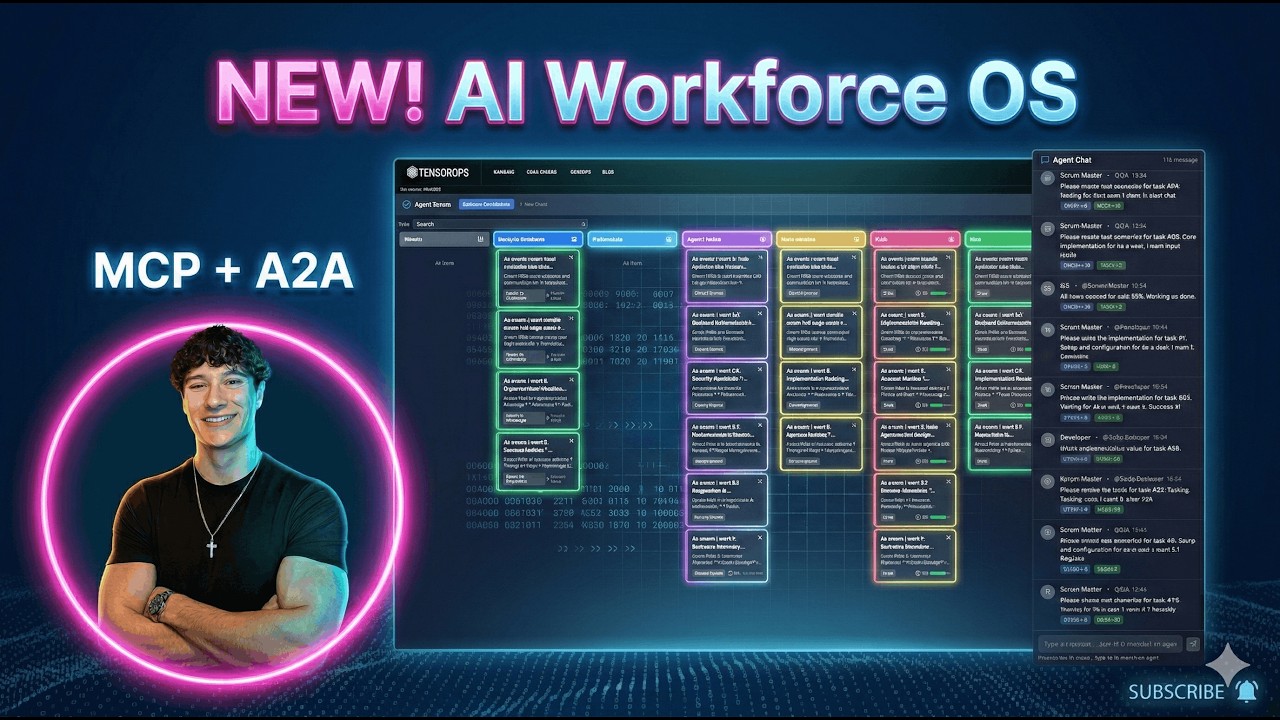
“Beyond the single agent: building a Jira + Slack for AI swarms with LangGraph, Google A2A, and MCP.” — blog post
Quick Start
make install && make dev
How It Works
Agent Scrum is built on three core ideas: a LangGraph swarm that continuously scans for work, an A2A protocol that lets agents talk to each other, and an MCP server that exposes the board to external tools. Here’s how they fit together.
The Swarm Loop
When you click “Start Swarm”, a background loop begins:
every 3-6 seconds:
    for each board where agent_automation is enabled:
        look up TEMPLATE_WORKFLOWS[board.template_id]
        for each (status -> agent_role, action) mapping:
            find items stuck in that status
            dispatch the right agent to handle them
This is implemented as a LangGraph StateGraph with two nodes:
- Router node - scans all boards, finds stuck items, picks the next agent
- Agent node - invokes the selected agent, which does its work and moves the item forward
The graph loops: router -> agent -> router -> agent -> ... -> end (when no more work is found or max iterations hit). Then the monitor sleeps 3-6 seconds and runs again.
┌──────────┐     has work?     ┌───────────────────┐
│  Router  │ ───── yes ──────→ │ dynamic_agent_node │
│  (scan)  │                   │  (invoke agent)    │
└──────────┘                   └────────┬───────────┘
     ↑                                  │
     └────────── more work? ────────────┘
                    no → END
Agent Dispatch
Each board template defines which agent handles which column transition. For example, the Publisher template (default):
| When item reaches status | Agent dispatched | Action |
|---|---|---|
writing |
Journalist | Write article |
editing |
Editor | Review article |
creatives |
Creative Director | Create visuals |
ready_to_publish |
Publisher | Publish content |
Or the Software Development template:
安装
This server does not publish a one-line install command.
Open the repository installation guide 新手?先看 mcpskill.org 教程 →配置
{
  "mcpServers": {
    "agent-scrum-tasks": {
      "command": "python",
      "args": ["-m", "app.mcp.task_server"],
      "cwd": "/path/to/agent-scrum/backend"
    }
  }
}