
glade-tool/glade-mcp 是从 https://github.com/glade-tool/glade-mcp. 导入的 MCP 服务器候选。
概览
glade-tool/glade-mcp 是从 https://github.com/glade-tool/glade-mcp. 导入的 MCP 服务器候选。
概述(AI 翻译)
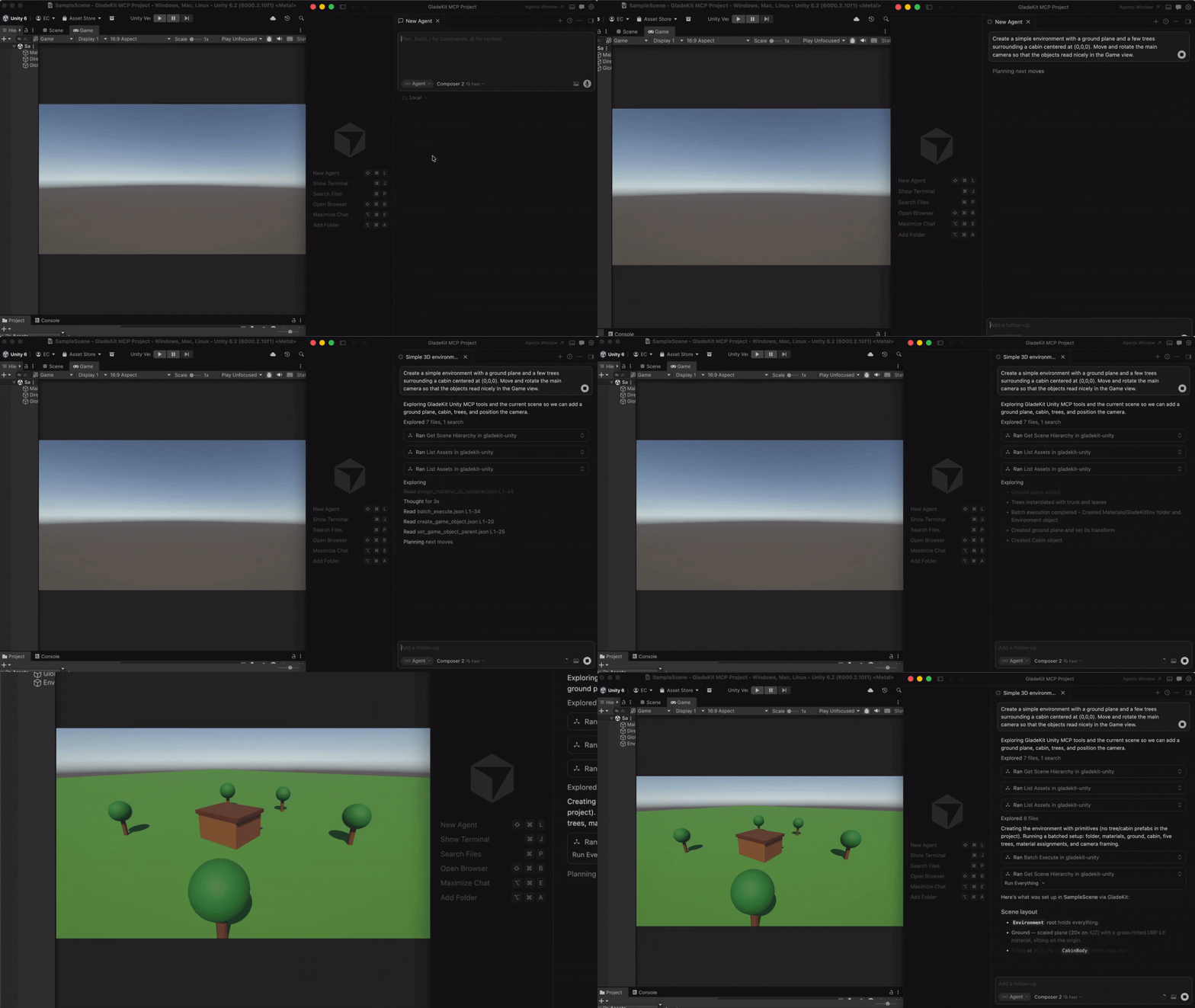
将光标、Claude Code、Windsurf、Claude Desktop 及其他 AI 客户端直接连接到你的 Unity 或 Godot 编辑器。
Unity(2021.3+): 275个工具,涵盖20个类别,完整的Unity系统提示词,GLADE.md 项目上下文,脚本语义搜索,技能校准,免费CC0资产流水线,带RAG的云智能层和跨会话内存。
Godot (4.3+): 115个原生工具,涵盖17个类别——场景/节点、脚本、资源、信号、物理和编辑时空间查询、2D(精灵、瓦片地图、视差)、音频、粒子、动画和AnimationTree、摄像机、导航、用户界面、光照和世界环境、运行时、导出和项目内省。
**两个引擎:**一调用审核的游戏支架(控制器、敌人、战斗、菜单、存档系统)、验证循环(截图、运行时事件观察、可玩性探针)、真正的find_references / rename_symbol的精准脚本编辑,以及构建/导出工具,使代理能够发布它所构建的内容。
MCP服务器会自动检测正在运行的编辑器(Unity在:8765,Godot在:8766]),并公开匹配的工具集。
快速启动
1.安装编辑器桥接
本页由 AI 翻译,技术细节请以原文为准。
README
以下为原文 README 节选,完整内容请查看原文。
GladeKit MCP
Connect Cursor, Claude Code, Windsurf, Claude Desktop, and other AI clients directly to your Unity or Godot editor.
Unity (2021.3+): 275 tools across 20 categories, full Unity-aware system prompt, GLADE.md project context, script semantic search, skill calibration, free CC0 asset pipeline, cloud intelligence layer with RAG and cross-session memory.
Godot (4.3+): 115 native tools across 17 categories - scene/node, scripts, resources, signals, physics and edit-time spatial queries, 2D (sprites, tilemaps, parallax), audio, particles, animation and AnimationTree, camera, navigation, UI, lighting and WorldEnvironment, runtime, export, and project introspection.
Both engines: one-call vetted gameplay scaffolders (controllers, enemies, combat, menus, save system), a verification loop (look_at_game_view screenshots, runtime-event observation, playability probes), surgical script editing with true find_references / rename_symbol, and build/export tools so the agent can ship what it built.
The MCP server auto-detects which editor is running (Unity on :8765, Godot on :8766) and exposes the matching tool set.
Quick Start
1. Install the editor bridge
GladeKit MCP supports both Unity and Godot. Both bridges live in this repo: unity-bridge/ is a UPM package, godot-bridge/ wraps the editor addon at godot-bridge/addons/com.gladekit.mcp-bridge/. Install the one for your engine.
- Download
com.gladekit.mcp-bridge.zipfrom the latest Godot bridge release. (Grab the zip asset under Assets - not “Source code”.) From source instead: copygodot-bridge/addons/com.gladekit.mcp-bridge/out of this repo. - Move the
com.gladekit.mcp-bridge/folder into your project’saddons/directory, so the final path is/addons/com.gladekit.mcp-bridge/plugin.cfg. - In Godot: Project → Project Settings → Plugins → enable GladeKit MCP Bridge.
The Godot bridge starts automatically on localhost:8766. You should see a confirmation line in the editor Output panel:
[GladeKit MCP Bridge] listening on ws://127.0.0.1:8766 (v0.7.14, 115 tools registered, thread-polled at 200Hz)
安装
uvx gladekit-mcp配置
{
  "mcpServers": {
    "gladekit-mcp": {
      "command": "uvx",
      "args": ["gladekit-mcp"]
    }
  }
}