
thanhducpham/figma-remote-mcp-go
Developer toolsЭта страница переведена автоматически. Технические детали смотрите в оригинале. Открыть оригинал
cloned and improved feature in remote mcp from https://github.com/vkhanhqui/figma-mcp-go.git
Обзор
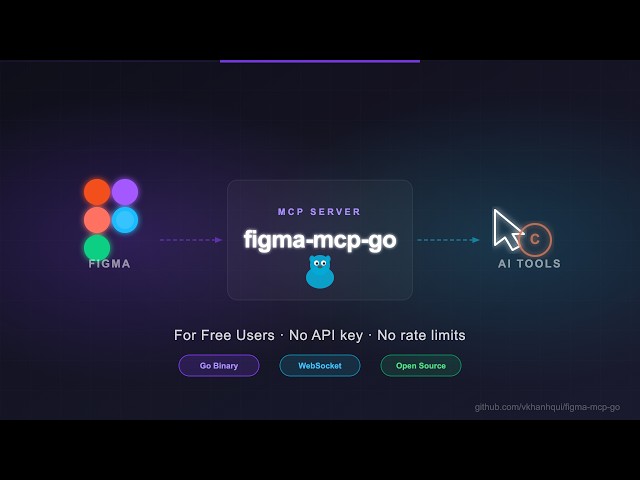
Open-source Figma MCP server with full read/write access via plugin — , no REST API, no rate limits. Turn text into designs and designs into real code. Works with Cursor, Claude, GitHub Copilot, and any MCP-compatible AI tool. - No Figma API token required - No rate limits — free plan friendly - live Figma data via plugin bridge — 73 tools total - Full design automation — styles, variables, components, prototypes, and content - Design strategies included — read_design_strategy, design_strategy, and more prompts built in https://github.com/user-attachments/assets/eae41471-fc72-4574-8261-4f42c38b8c99 https://github.com/user-attachments/assets/17bda971-0e83-4f18-8758-8ac2b8dcba62 If you're experimenting with AI tools, you'll burn through that in minutes. I didn't have enough money to pay for higher limits. So I built something that . Install via npx — no build step required. Watch the setup video or follow the steps below.
README
Показан фрагмент оригинального README. Открыть оригинал.
figma-remote-mcp-go
Figma MCP with Remote Agent Support 
Open-source Figma MCP server with full read/write access via plugin — remote agent support with auth tokens, no REST API, no rate limits. Turn text into designs and designs into real code. Works with Cursor, Claude, GitHub Copilot, and any MCP-compatible AI tool.
Highlights
- No Figma API token required
- No rate limits — free plan friendly
- Read and Write live Figma data via plugin bridge — 73 tools total
- Full design automation — styles, variables, components, prototypes, and content
- Design strategies included — read_design_strategy, design_strategy, and more prompts built in
Styles, Variables, Components, Prototypes, and Content
https://github.com/user-attachments/assets/eae41471-fc72-4574-8261-4f42c38b8c99
Text to Design, Design to Code
https://github.com/user-attachments/assets/17bda971-0e83-4f18-8758-8ac2b8dcba62
Why this exists
Most Figma MCP servers rely on the Figma REST API.
That sounds fine… until you hit this:
| Plan | Limit |
|---|---|
| Starter / View / Collab | 6 tool calls/month |
| Pro / Org (Dev seat) | 200 tool calls/day |
| Enterprise | 600 tool calls/day |
If you’re experimenting with AI tools, you’ll burn through that in minutes.
I didn’t have enough money to pay for higher limits. So I built something that doesn’t use the API at all.
Installation & Setup
Install via npx — no build step required. Watch the setup video or follow the steps below.
1. Configure your AI tool
Choose one of the two modes below based on how you want to run the server:
Mode A: Standalone Mode (IDE runs the Leader)
If you don’t run a separate Leader server in a terminal, configure it without FIGMA_MCP_LEADER_URL. The IDE will spawn the process, which will run as a Leader and bind to port 1994 (default). You then connect the Figma Desktop plugin directly to 127.0.0.1:1994.
Cursor / VS Code (.vscode/mcp.json):
{
  "servers": {
"figma-remote-mcp-go": {Установка
npx -y @natsudvn/figma-remote-mcp-goКонфигурация
{
  "mcpServers": {
    "figma-remote-mcp-go": {
      "command": "npx",
      "args": ["-y", "@natsudvn/figma-remote-mcp-go"]
    }
  }
}