
dmontgomery40/mcp-3d-printer-server
Developer toolsЭта страница переведена автоматически. Технические детали смотрите в оригинале. Открыть оригинал
dmontgomery40/mcp-3d-printer-server — это кандидат на MCP-сервер, импортированный из https://github.com/dmontgomery40/mcp-3d-printer-server.
Обзор
dmontgomery40/mcp-3d-printer-server — это кандидат на MCP-сервер, импортированный из https://github.com/dmontgomery40/mcp-3d-printer-server.
Обзор (машинный перевод)
Спасибо FULU Foundation, Луису Россману и участникам OrcaSlicer-bambulab. Спасибо, что защищаете права на потребителей, разработчиков с открытым исходным кодом, права на ремонт и владельцев, чьё рабочее оборудование не должно ухудшаться из-за заблокированного ПО.
Этот сервер рассматривает форк FULU OrcaSlicer-bambulab как первоклассный слайсер для проектов Bambu Lab. Смотрите руководство по FULU для настройки и текущего состояния.
MCP-сервер, который соединяет Claude, Codex и другие MCP-клиенты с 3D-принтерами под управлением OctoPrint, Klipper (Moonraker), Duet, Repetier-Server, Bambu Lab, PrusaLink или Prusa Connect, а также Creality. Ваш агент может проверять статус, загружать и запускать задания, отменять печать, редактировать STL-меши, запускать слайсер и передавать модели в Blender через опциональный мост Blender MCP.
Просмотрите сайт с документацией в поиске руководств по настройке, учётных данных для каждого принтера, слайсинга и полного справочника инструмента. Он генерируется из этого README и папки docs.
Печатать только на принтерах Bambu Lab? BAMBU-printer-mcp — это форк этого проекта, ориентированный на Bambu, с большим количеством функций Bambu, включая инвентарь и сопоставление AMS, снимки камеры, поддержку X2D и расширение Claude Desktop.
Эта страница переведена автоматически. Технические детали смотрите в оригинале.
README
Показан фрагмент оригинального README. Открыть оригинал.
MCP 3D Printer Server
Thank you, FULU Foundation, Louis Rossmann, and the OrcaSlicer-bambulab contributors. Thank you for standing up for consumer ownership, open-source developers, repair rights, and owners whose working hardware should not be made worse by locked-down software.
This server treats the FULU OrcaSlicer-bambulab fork as a first-class slicer for Bambu Lab projects. See the FULU guide for setup and current status.





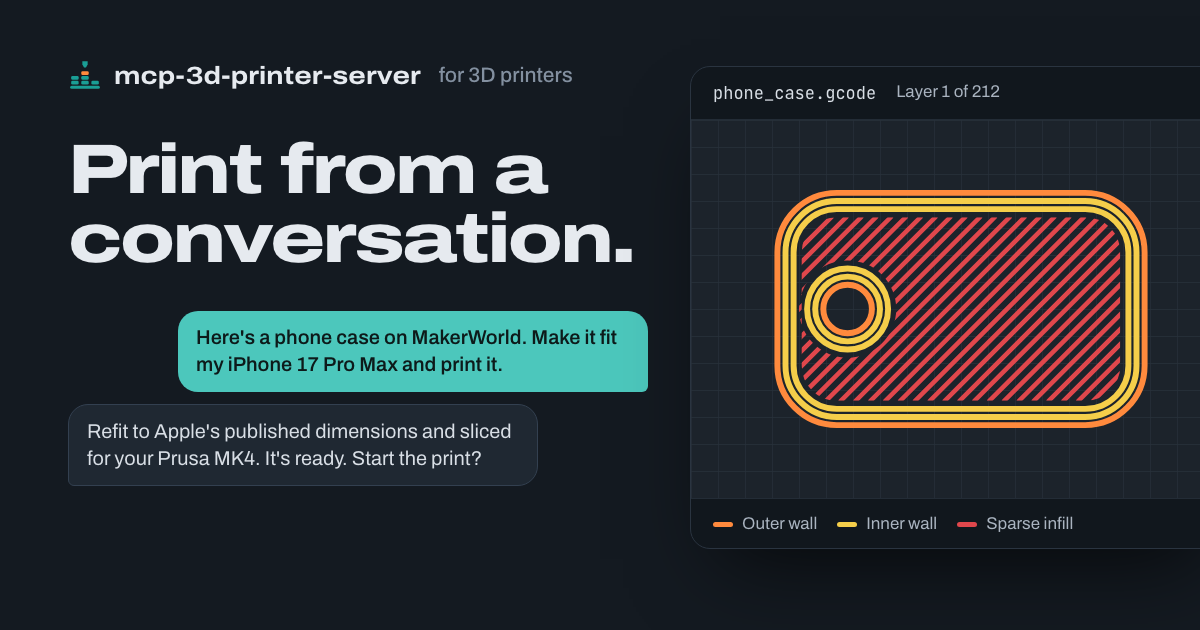
An MCP server that connects Claude, Codex, and other MCP clients to 3D printers running OctoPrint, Klipper (Moonraker), Duet, Repetier-Server, Bambu Lab, PrusaLink or Prusa Connect, and Creality. Your agent can check status, upload and start jobs, cancel prints, edit STL meshes, run your slicer, and hand models to Blender through an optional Blender MCP bridge.
Browse the documentation site for searchable setup guides, per-printer credentials, slicing, and the full tool reference. It is generated from this README and the docs folder.
Only print on Bambu Lab printers? bambu-printer-mcp is a Bambu-focused fork of this project with more Bambu features, including AMS inventory and matching, camera snapshots, X2D support, and a Claude Desktop extension.
Built with help from our contributors. Thank you to everyone sharing fixes, careful bug reports, and real printer testing!
Set up with your agent
Tell your agent which printer system you use (OctoPrint, Klipper, Bambu Lab, Prusa, and so on) and its address, if you know them, then copy and paste this:
Install mcp-3d-printer-server in the agent/harness I'm using now.

Read https://github.com/DMontgomery40/mcp-3D-printer-server/blob/main/docs/SETUP.mdУстановка
This server does not publish a one-line install command.
Open the repository installation guide Новичок в MCP? Начните с руководства на mcpskill.org →