
dmontgomery40/mcp-3d-printer-server
Developer toolsThank you for standing up for consumer ownership, open-source developers, repair rights, and owners whose working hardware should not be made worse by locked-down software.
Overview
Thank you for standing up for consumer ownership, open-source developers, repair rights, and owners whose working hardware should not be made worse by locked-down software.
README
MCP 3D Printer Server
Thank you, FULU Foundation, Louis Rossmann, and the OrcaSlicer-bambulab contributors. Thank you for standing up for consumer ownership, open-source developers, repair rights, and owners whose working hardware should not be made worse by locked-down software.
This server treats the FULU OrcaSlicer-bambulab fork as a first-class slicer for Bambu Lab projects. See the FULU guide for setup and current status.




An MCP server that connects Claude, Codex, and other MCP clients to 3D printers running OctoPrint, Klipper (Moonraker), Duet, Repetier-Server, Bambu Lab, PrusaLink or Prusa Connect, and Creality. Your agent can check status, upload and start jobs, cancel prints, edit STL meshes, run your slicer, and hand models to Blender through an optional Blender MCP bridge.
Browse the documentation site for searchable setup guides, per-printer credentials, slicing, and the full tool reference. It is generated from this README and the docs folder.
Only print on Bambu Lab printers? bambu-printer-mcp is a Bambu-focused fork of this project with more Bambu features, including AMS auto-matching, Bambu camera snapshots and streams, X2D native printing, Bambu Connect, and a Claude Desktop extension. Both servers read the AMS, choose trays, pause, resume, stop, and print through FULU’s authenticated BambuNetwork route.
Camera tools also include camera_stream_start, camera_frame, and camera_stream_stop from version 1.2.26. They reuse configured MJPEG or snapshot sources, send only changed frames, and close when idle. See camera stream configuration and limits.
Built with help from our contributors. Thank you to everyone sharing fixes, careful bug reports, and real printer testing!
Set up with your agent
Tell your agent which printer system you use (OctoPrint, Klipper, Bambu Lab, Prusa, and so on) and its address, if you know them, then copy and paste this:
Install mcp-3d-printer-server in the agent/harness I'm using now.

Read https://github.com/DMontgomery40/mcp-3D-printer-server/blob/main/docs/SETUP.md
for the current setup instructions and supported printer backends.

Detect my OS and harness, then use its native MCP configuration or installer.
Preserve my existing servers and settings. Prefer the published npm package
(npx -y mcp-3d-printer-server, stdio); use Node.js 24 if a runtime is needed.

Ask which printer system I use and set PRINTER_TYPE to match. Never guess it.
Then ask only for the values that backend needs:
- octoprint: PRINTER_HOST (an address, or a URL for HTTPS or a sub-path),
  PRINTER_PORT if not 80, API_KEY (octoprint_request_api_key gets one when
  I click Allow in OctoPrint)
- klipper (Moonraker): PRINTER_HOST, PRINTER_PORT (usually 7125),
  API_KEY if Moonraker requires authentication
- duet: PRINTER_HOST, PRINTER_PORT if not 80
- repetier: PRINTER_HOST, PRINTER_PORT (usually 3344), API_KEY
- bambu: PRINTER_HOST, BAMBU_SERIAL, BAMBU_TOKEN (the LAN access code),
  and BAMBU_MODEL
- prusa: PRINTER_HOST (PrusaLink address or connect.prusa3d.com), API_KEY
- creality: PRINTER_HOST, PRINTER_PORT if not 80, API_KEY (bearer token)
For Bambu Lab, confirm the exact printer model with me; never guess it, and
explain any LAN Only Mode or Developer Mode setting I need to enable.
Keep keys, tokens, and access codes in local/private configuration; do not
repeat them in chat.

Bambu Lab has the most hardware testing. The other backends use each
system's HTTP API and rely on community reports, so tell me plainly if a
backend does not respond as the guide describes.

Offer these optional extras, and set them up only if I choose them:
- Blender MCP for model edits: uvx mcp-for-blender (formerly blender-mcp,
  which now installs it as a compatibility wrapper). Its Blender addon must be
  installed, enabled, and connected inside Blender.
- A slicer for slice_stl: look for an installed PrusaSlicer, OrcaSlicer,
  FULU OrcaSlicer-bambulab, Bambu Studio, or CuraEngine before suggesting
  an install.
Configure executables in the server environment. Do not enable
MCP_ALLOW_EXECUTABLE_ARG.

Verify that the MCP initializes, lists its tools, and reads printer status.
Do not start a print or change printer settings, including temperatures, as
a setup test. Tell me what worked and whether I need to restart or reload
the harness.
Setup reference · Printer backends · Slicing guide · Blender MCP
What to ask your agent
Ask for the result you want, not the steps. Current models plan across tools: they search the web, read photos, look up exact dimensions, edit models, slice, and print. Expect a question or two when a choice matters, such as which printer or filament to use, or whether to start the print.
This server provides the printer, slicing, and mesh tools. Web search, photos, and Blender edits come from your agent and its other connections, such as a Blender MCP server. What your agent can read back depends on the printer system; see printer backends.
Start from anything
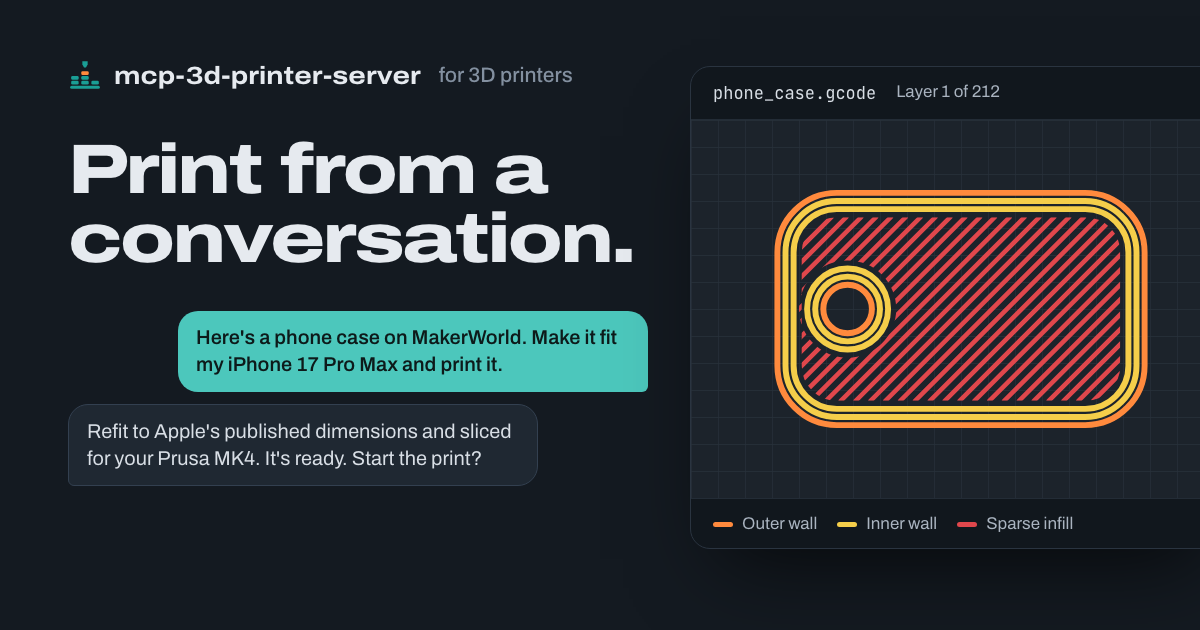
- “Here’s a phone case on MakerWorld. Make it fit my iPhone 17 Pro Max and print it.”
Your agent reads Apple’s dimensional drawings, refits the case in Blender around the new camera and buttons, checks the fit, exports a verified STL, slices it for your printer, and asks before it starts the print. See it worked through. - “Can you print a replacement?” (with a photo of a snapped cabinet clip)
It asks for a measurement or two where the fit matters, models the part, and prints it on the printer you choose. - “Make this bracket 20% bigger and give it a thicker base.”
It scales the STL, extends the base, and reports the new dimensions before it slices anything.
Check on any printer
- “How far along is the Bambu print?”
It requests a fresh status report and gives you progress, the current layer, and time remaining. - “Is the Prusa done yet?”
It reads the printer’s status through PrusaLink and reports its state and job progress. - “What are the bed and nozzle temperatures on the OctoPrint printer?”
It reads OctoPrint’s printer state, including current and target temperatures. - “The first layer isn’t sticking. Cancel it.”
It sends the cancel command through that printer’s backend, then checks the printer’s status.
Slice and print
- “Print this in PETG.” (with an STL)
It slices with the PETG filament profile you’ve set up and checks the job’s peak temperatures and the printer’s state before the print starts. - “Print the bracket I sliced last night on the Bambu.”
It checks the plate’s model, nozzle, bed type, materials, and temperatures against the live printer before it uploads and starts the job. - “Send benchy.gcode to the Klipper printer, but don’t start it yet.”
It uploads the file through Moonraker so you can start it later.
Install
This server does not publish a one-line install command.
Open the repository installation guide New to MCP? Start with the mcpskill.org guide →