
tensoropsai/agent-scrum
Developer tools이 페이지는 AI로 자동 번역되었습니다. 기술적인 세부 사항은 원문을 확인하세요. 원문 보기
AI 에이전트가 Kanban 보드에 자체 조직하는 멀티 시약 시뮬레이션 플랫폼 - LangGraph, Google A2A 및 MCP로 내장.
개요
AI 에이전트가 다른 도메인에 걸쳐 작업을 처리하는 다중 시약 시뮬레이션 플랫폼. 출판, 소프트웨어 개발, Talent Acquisition, Sales, 또는 Security Operations의 보드 만들기 - Kanban Board에서 실시간 협업하는 자체 도메인 별 에이전트와 함께. "단일 에이전트 : LangGraph, Google A2A 및 MCP와 AI 유출을위한 Jira + Slack을 구축." — 블로그 게시물 에이전트 스크럼은 3 가지 핵심 아이디어에 내장되어 있습니다 : 작업을위한 지속적으로 스캔, 그 에이전트가 서로 이야기 할 수 있으며, 그 보드를 외부 도구로 노출시킵니다. 여기에 그들이 함께 맞는 방법입니다. "Start Swarm"을 클릭하면 배경 루프가 시작됩니다. 2개의 노드로 LangGraph StateGraph로 구현됩니다. 1. - 모든 널을 검사하고, 붙어있는 품목을 찾아내고, 다음 대리인을 선택하십시오 2. - 그것의 일을 하고 품목을 앞으로 이동하는 선정한 대리인을 주장하십시오 그래프 루프 : 라우터 -> 에이전트 -> 라우터 -> 에이전트 -> ...
개요(AI 번역)
AI 에이전트가 다른 도메인에 걸쳐 작업을 처리하는 다중 시약 시뮬레이션 플랫폼. 출판, 소프트웨어 개발, Talent Acquisition, Sales, 또는 Security Operations의 보드 만들기 - Kanban Board에서 실시간 협업하는 자체 도메인 별 에이전트와 함께.
** 라이브 데모** · **깊은 ** · **설명서를 해 보세요 **
“단일 대리인: LangGraph, Google A2A 및 MCP.” &mdash를 가진 AI 회전대를 위한 Jira + Slack를 건축하십시오; 블로그 포스트
빠른 시작
오픈 [T0]
그것이 작동하는 방법
에이전트 Scrum은 3 가지 핵심 아이디어에 내장되어 있습니다. LangGraph swarm는 지속적으로 작업에 대한 스캔, A2A 프로토콜는 에이전트가 서로 이야기 할 수 있도록, ** MCP 서버 ** 외부 도구에 보드를 노출합니다. 여기에 그들이 함께 맞는 방법입니다.
Swarm 루프
"Start Swarm"을 클릭하면 배경 루프가 시작됩니다.
2개의 노드로 LangGraph StateGraph로 구현됩니다.
- ** 로이터 노드 ** - 모든 보드를 스캔하고, 붙어있는 항목을 찾아 다음 에이전트를 선택합니다.
- **Agent 노드 ** - 선택한 에이전트를 호출하여 작업하고 항목을 전달합니다
이 페이지는 AI로 자동 번역되었습니다. 기술적인 세부 사항은 원문을 확인하세요.
README
원문 README의 일부입니다. 원문 보기.
Agent Scrum
A multi-agent simulation platform where AI agents self-organize to process work across different domains. Create boards for Publishing, Software Development, Talent Acquisition, Sales, or Security Operations - each with its own domain-specific agents that collaborate in real-time on a Kanban board.
Try the live demo · Read the deep-dive · Watch the explainer
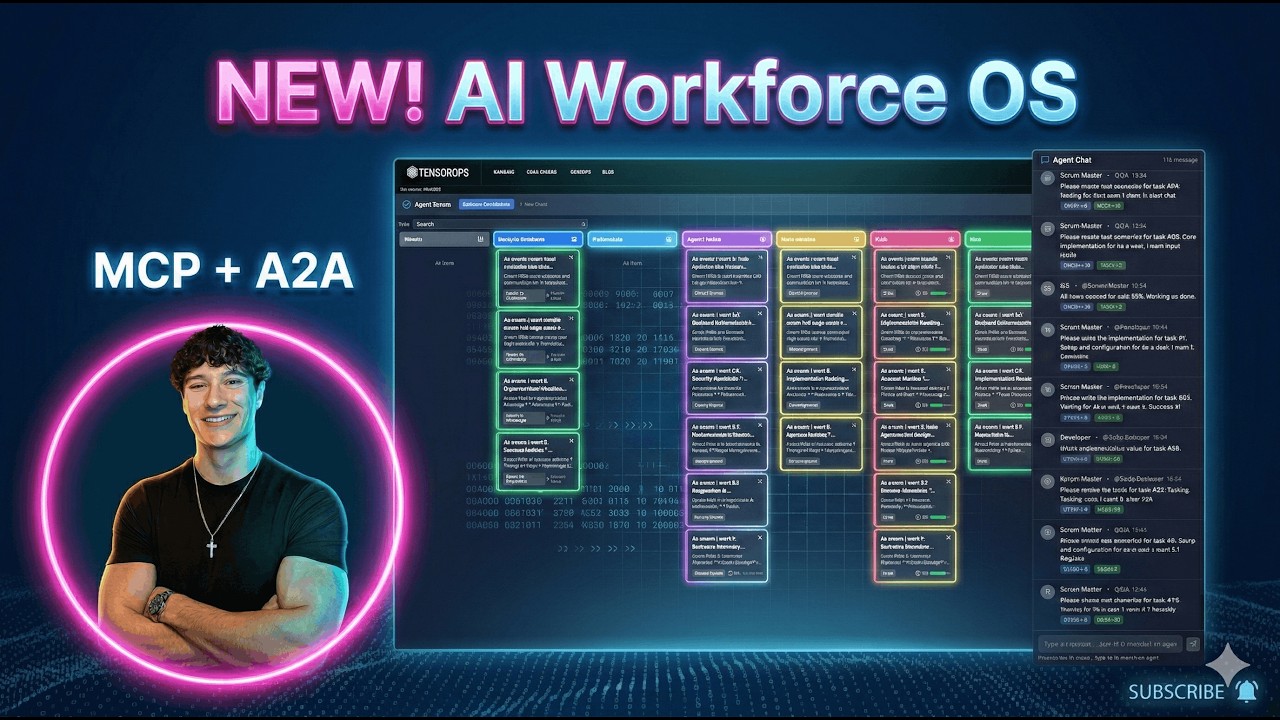
“Beyond the single agent: building a Jira + Slack for AI swarms with LangGraph, Google A2A, and MCP.” — blog post
Quick Start
make install && make dev
How It Works
Agent Scrum is built on three core ideas: a LangGraph swarm that continuously scans for work, an A2A protocol that lets agents talk to each other, and an MCP server that exposes the board to external tools. Here’s how they fit together.
The Swarm Loop
When you click “Start Swarm”, a background loop begins:
every 3-6 seconds:
    for each board where agent_automation is enabled:
        look up TEMPLATE_WORKFLOWS[board.template_id]
        for each (status -> agent_role, action) mapping:
            find items stuck in that status
            dispatch the right agent to handle them
This is implemented as a LangGraph StateGraph with two nodes:
- Router node - scans all boards, finds stuck items, picks the next agent
- Agent node - invokes the selected agent, which does its work and moves the item forward
The graph loops: router -> agent -> router -> agent -> ... -> end (when no more work is found or max iterations hit). Then the monitor sleeps 3-6 seconds and runs again.
┌──────────┐     has work?     ┌───────────────────┐
│  Router  │ ───── yes ──────→ │ dynamic_agent_node │
│  (scan)  │                   │  (invoke agent)    │
└──────────┘                   └────────┬───────────┘
     ↑                                  │
     └────────── more work? ────────────┘
                    no → END
Agent Dispatch
Each board template defines which agent handles which column transition. For example, the Publisher template (default):
| When item reaches status | Agent dispatched | Action |
|---|---|---|
writing |
Journalist | Write article |
editing |
Editor | Review article |
creatives |
Creative Director | Create visuals |
ready_to_publish |
Publisher | Publish content |
Or the Software Development template:
설치
This server does not publish a one-line install command.
Open the repository installation guide MCP 초보자라면? mcpskill.org 가이드부터 시작하세요 →설정
{
  "mcpServers": {
    "agent-scrum-tasks": {
      "command": "python",
      "args": ["-m", "app.mcp.task_server"],
      "cwd": "/path/to/agent-scrum/backend"
    }
  }
}