
pipeshub-ai/mcp-server
Developer tools이 페이지는 AI로 자동 번역되었습니다. 기술적인 세부 사항은 원문을 확인하세요. 원문 보기
This repository contains the packages that make up Pipeshub’s local MCP server
개요
This guide covers how to connect PipesHub's remote MCP server to , , , , , and using static OAuth credentials or bearer tokens. PipesHub exposes a remote MCP endpoint over at /mcp. MCP Clients connect to this endpoint directly -- no local npm packages or stdio processes needed. : Claude Code using this MCP server to answer from Jira, Slack, GitHub and Drive, with each person's own permissions. Start at For coding agents. Install the skill into the user's repo with npx skills add pipeshub-ai/mcp-server (see skills/pipeshub) and append the AGENTS.md snippet on that page. Listed on the official MCP registry as io.github.pipeshub-ai/mcp and on Cursor Directory as PipesHub. The listing files (plugin.json, mcp.json) default MCP to http://localhost:3000/mcp (Docker). Change the URL for a company instance; they contain no secrets. Contributors working in this repository: read AGENTS.md.
README
원문 README의 일부입니다. 원문 보기.
Connecting MCP Clients to PipesHub MCP Server
This guide covers how to connect PipesHub’s remote MCP server to Cursor, Claude Code, Gemini CLI, Codex CLI, Claude.ai (Web), and LibreChat using static OAuth credentials or bearer tokens.
PipesHub exposes a remote MCP endpoint over Streamable HTTP at /mcp. MCP Clients connect to this endpoint directly – no local npm packages or stdio processes needed.
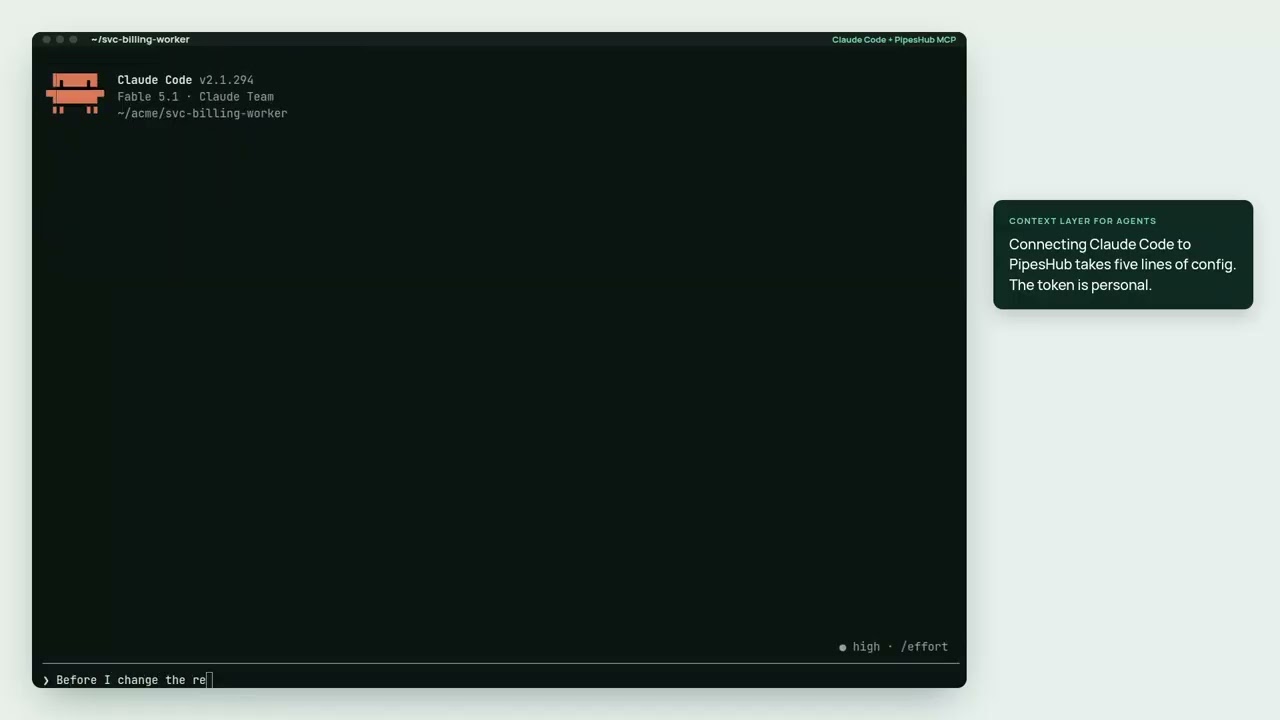
▶ Watch the 2½-minute demo: Claude Code using this MCP server to answer from Jira, Slack, GitHub and Drive, with each person’s own permissions.
Coding agent? Start at For coding agents. Install the skill into the user’s repo with
npx skills add pipeshub-ai/mcp-server(seeskills/pipeshub) and append theAGENTS.mdsnippet on that page. Listed on the official MCP registry asio.github.pipeshub-ai/mcpand on Cursor Directory as PipesHub. The listing files (plugin.json,mcp.json) default MCP tohttp://localhost:3000/mcp(Docker). Change the URL for a company instance; they contain no secrets. Contributors working in this repository: read AGENTS.md.Claude Code plugin:
/plugin marketplace add pipeshub-ai/mcp-server, then/plugin install pipeshub@pipeshub, adds the MCP server, the skill, and the/pipeshub:askand/pipeshub:setupcommands. It connects to${PIPESHUB_MCP_URL:-https://app.pipeshub.com/mcp}withAuthorization: Bearer ${PIPESHUB_MCP_TOKEN}; export both in your shell (self-hosted: set the URL tohttps:///mcp), then restart Claude Code.Looking for the tool reference? See TOOLS.md for descriptions, arguments, and a decision guide for each tool the MCP server exposes (
pipeshub_chat,pipeshub_search,pipeshub_get_record_content,pipeshub_download_record,pipeshub_directory,pipeshub_sources,pipeshub_agents). Searching and reading records is the recommended default;pipeshub_chatis optional (see Leavingpipeshub_chatout).Using QM? QM cannot attach a third-party MCP endpoint — it is an MCP server to its own harness, not a client. Follow Use PipesHub with QM. The deployment-layer bundle in
qm/gives agents apipeshubcommand inside their sandbox; this package ships that command as a second bin.
Prerequisites
설치
npx @pipeshub-ai/mcp start설정
{
  "mcpServers": {
    "pipeshub": {
      "url": "PIPESHUB_INSTANCE_URL/mcp",
      "auth": {
        "CLIENT_ID": "YOUR_CLIENT_ID",
        "CLIENT_SECRET": "YOUR_CLIENT_SECRET",
        "scopes": [
          "org:read", "org:write", "org:admin",
          "user:read", "user:write", "user:invite", "user:delete",
          "usergroup:read", "usergroup:write",
          "team:read", "team:write",
          "kb:read", "kb:write", "kb:delete", "kb:upload",
          "semantic:read", "semantic:write", "semantic:delete",
          "conversation:read", "conversation:write", "conversation:chat",
          "agent:read", "agent:write", "agent:execute",
          "connector:read", "connector:write", "connector:sync", "connector:delete",
          "config:read", "config:write",
          "document:read", "document:write", "document:delete",
          "crawl:read", "crawl:write", "crawl:delete"
        ]
      }
    }
  }
}