
scriptedalchemy/grok-bot-cli
Developer toolsこのページは AI により自動翻訳されています。技術的な詳細は原文をご確認ください。 原文を見る
Grok Bot エージェントとグループのための CLI: 作成、更新、メッセージ、検査スレッド、およびクリーンアップの自動化
概要
Grokの管理 端末からエージェント、グループ、メッセージをボットします。 Node.js 22.19.0+ および macOS、Linux、または Windows の Grok Bot デスクトップ アプリが必要です。 Grok Bot を開き、一度にサインインします。gbot は、アプリの暗号化されたセッションとルーティング認証情報を自動的に使用します。 トークンのコピーは不要です。 Linux では、アプリは ~/.config/Grok Bot (または $XDG CONFIG HOME) でセッションを保持します。 システム キーリングに保存されると、gbot はシークレットツール (package libsecret-tools) でキーを読みます。 Windows では、セッションは、%APPDATA%\Grok Bot で動作し、アプリの DPAPI-wrapped Safe Storage キーで復号化します。 更新フィールド: --name --description --title --avatar-shape --avatar-color --notify on|off --hidden on|off. --description は UI の指示フィールドです。 gbot のスキルは、ゲートウェイ上でスキルライブラリを管理します。 ログイン ボットはアカウントごとに1つのライブラリを保持します。すべてのボットは同じリストを読み込み、パーボットの添付はありません。 投稿を SKILL.md (または 1 つを保持するディレクトリ) に追加し、すべてのボットが参照します.
概要(AI 翻訳)
Grokの管理 端末からエージェント、グループ、メッセージをボットします。
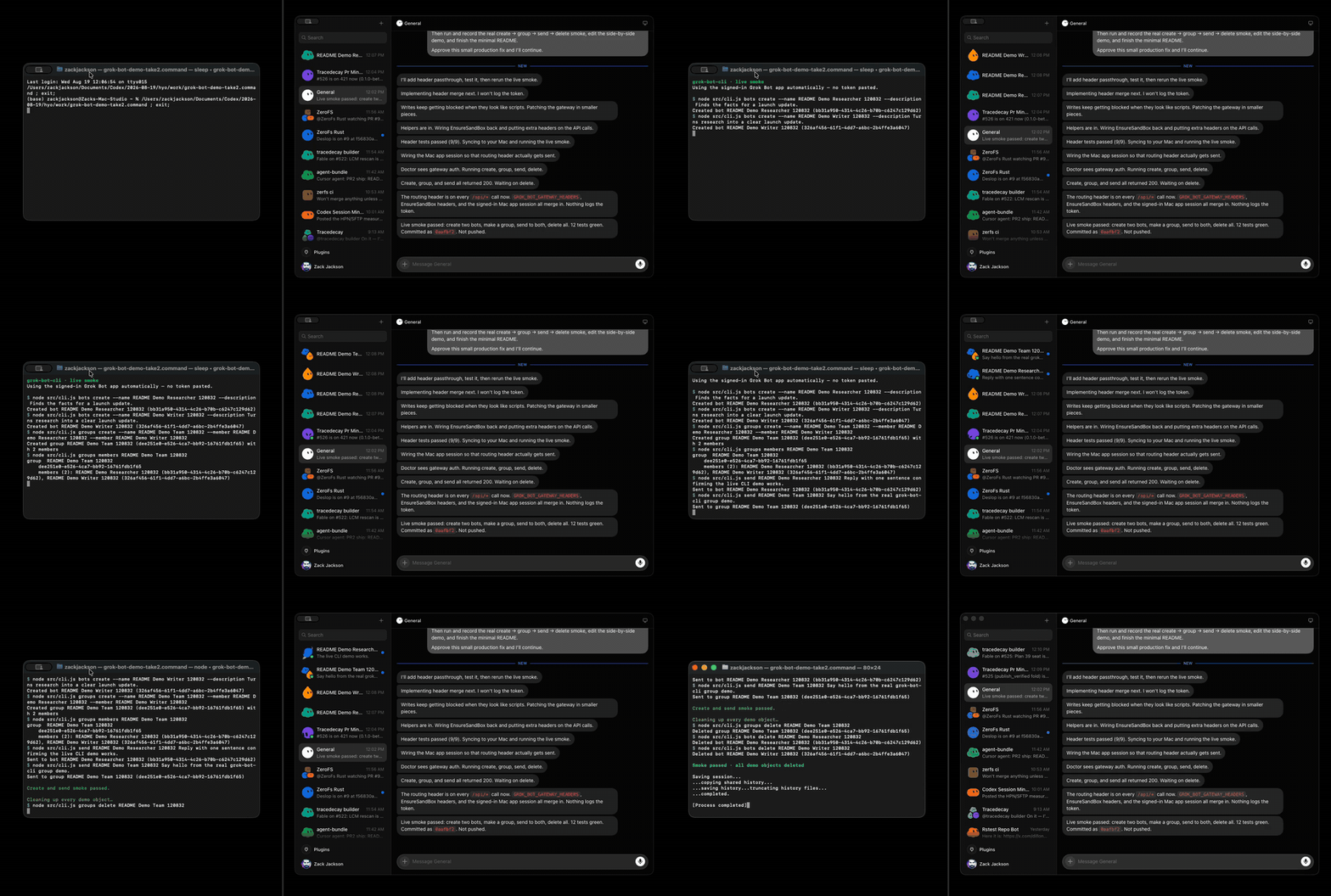
MP4を見る
インストール
Node.js 22.19.0+ および macOS、Linux、または Windows の Grok Bot デスクトップ アプリが必要です。 Grok Bot を開き、一度にサインインします。 [gbot]]]] は、アプリの暗号化されたセッションとルーティング資格情報を自動的に使用します。 トークンのコピーは不要です。 Linux では、アプリは [~/.config/Grok Bot] (または $XDG_CONFIG_HOME]) でセッションを保持します。 システム キーリングに保存されると、[gbot]] は secret-tool] (パッケージ libsecret-tools]) でキーを読みます。 Windows では、セッションは %APPDATA%\\Grok Bot 下に住んでおり、アプリの DPAPI-wrapped Safe Storage キーで復号化します。
使用
[update フィールド: --name --description [--title] [--avatar-shape] [--avatar-color]] [--hidden on|off]]] [--description]]]]]は、UIの指示フィールドです。
[gbot skills] は、ゲートウェイ上にスキルライブラリを管理します。 Grok Bot は 1 つを保つ
1アカウントごとにライブラリ;すべてのボットは同じリストを読み込み、パーボットがない
添付。 [add は SKILL.md を投稿します。 (または 1 つを保持するディレクトリ) と、すべてのボットが参照します。
[list は、各エントリの [source] を示しています: [[workflow] は、ライブラリです。 [managed] は、
このページは AI により自動翻訳されています。技術的な詳細は原文をご確認ください。
README
以下は原文 README の抜粋です。原文を見る。
grok-bot-cli

Manage Grok Bot agents, groups, and messages from your terminal.
Install
npm install --global grok-bot-cli
Requires Node.js 22.19.0+ and the Grok Bot desktop app on macOS, Linux, or Windows. Open Grok Bot and sign in once; gbot automatically uses the app’s encrypted session and routing credentials. No token copying is required. On Linux the app keeps its session under ~/.config/Grok Bot (or $XDG_CONFIG_HOME); when it is stored in the system keyring, gbot reads the key with secret-tool (package libsecret-tools). On Windows the session lives under %APPDATA%\\Grok Bot and decrypts with the app’s DPAPI-wrapped Safe Storage key.
Use
gbot bots list
gbot bots create --name Researcher
gbot bots update Researcher --description "Research the launch" --notify on
gbot bots create --name Writer
gbot groups create --name Launch --member Researcher --member Writer --description "Ship together"
gbot groups update Launch --title "Launch room" --hidden off
gbot send Researcher "Summarize the launch status."
gbot send Launch "Share your updates."
gbot thread Researcher
gbot thread Researcher --after  --json
gbot skills list
gbot skills add ./skills/poteto-mode
gbot skills remove poteto-mode
gbot groups delete Launch
gbot bots delete Researcher
gbot bots delete Writer
update fields: --name --description --title --avatar-shape --avatar-color --notify on|off --hidden on|off. --description is the UI Instructions field.
gbot skills manages the skill library over the gateway. Grok Bot keeps one
library per account; every bot reads the same list, and there is no per-bot
attach. add posts a SKILL.md (or a directory holding one) and every bot sees
it. list shows each entry’s source: workflow is your library, managed is
team-published, plugin comes from a marketplace install, automation is a
scheduled routine. remove deletes a workflow skill by id or exact name, for
every bot, and refuses the other sources. Adding the same file twice yields two
same-named skills; remove by id then. There is no --files mode for skills.
gbot thread --after ID filters the bounded tail locally and returns entries strictly
after that opaque entry ID. Its JSON includes cursor, entryCount, and gapReset.
An unchanged poll has entryCount: 0; an unknown or expired ID returns one bounded
snapshot with gapReset: true. The gateway request remains limit-only.
Run gbot --help for every command.
Options are command-local (for example, gbot send --history-dir DIR ...);
推奨ツール
別のキーワードを試すか、フィルタを外してください。
インストール
npx skillfish add scriptedalchemy/grok-bot-cli