
qwenlm/qwen-code
Developer toolsこのページは AI により自動翻訳されています。技術的な詳細は原文をご確認ください。 原文を見る
あなたの端末に存在するオープンソースのAIコーディングエージェントです。
概要
中文 |ドイツ語 |フランス語 |日本語 |Русский |ポルトゲス(ブラジル) - — 自動メモリ、オートスキル、サブエージェント、エージェントチーム、MCP。動的なワークフロー、セットアップ不要。- — フレームワークとQwenモデルはオープンソースです。両者は共に進化します。ベンダーロックインはありません。- — OpenAI、Anthropic、Gemini、Qwen APIをサポートしています。サードパーティプロバイダーやローカルモデル(Ollama / vLLM)も対応可能です。ランタイムで切り替え可能です。- — IDEプラグイン、デスクトップアプリ、デーモンモード、SDK、IMボット(Telegram / DingTalk / WeChat / Feishu)。 Qwen Codeは自社のエージェントとモデルを使って問題を提出し、PRを提出し、コードをレビューし、テストを実行しながら、積極的に自らを改良しています。コミュニティによって支えられ、AIによって駆動されています。 インストール後に端末を再起動して環境変数が確実に影響するようにしてください。 詳細な設定については「認証ガイドおよび設定参照」をご覧ください。 クロード・コードを知っているなら、すでにQwenコードも知っているはずです。
概要(AI 翻訳)
ターミナル、エディター、デスクトップ、ブラウザ、チャット向けのオープンソースAIコーディングエージェント。
中文 | ドイツ語| フランス語 | 日本語 | Русский | ポルトゲス(ブラジル) | 한국어
なぜクウェン・コードなのか?
- Agentic out out of box — 自動記憶、自動スキル、サブエージェント、エージェントチーム、MCP。動的なワークフロー、セットアップ不要。
- オープンソース、内外問わず — フレームワークとQwenモデルはオープンソースです。それらは共に進化しています。ベンダーロックインはありません。
- マルチプロトコル — OpenAI、Anthropic、Gemini、Qwen APIをサポートします。サードパーティプロバイダーやローカルモデル(Ollama / vLLM)も対応可能です。実行時に切り替え。
- 端末を超えて — IDEプラグイン、デスクトップアプリ、Web UI、SDK、チャット連携(Telegram / DingTalk / WeChat / Feishu)。
[!ヒント] Qwen Codeは自社のエージェントとモデルを使って問題を提出し、PRを提出し、コードを確認し、テストを実施するなど、積極的に自らを改良しています。コミュニティによって支えられ、AIによって駆動されています。
設置
Linux / macOS:
ウィンドウズ:
インストール後に端末を再起動して環境変数が適用されるようにしてください。
NPM / ホームブリュー
NPM(Node.js 22+が必要):
ホームブルー(macOS / Linux):
クイックスタート
このページは AI により自動翻訳されています。技術的な詳細は原文をご確認ください。
README
以下は原文 README の抜粋です。原文を見る。
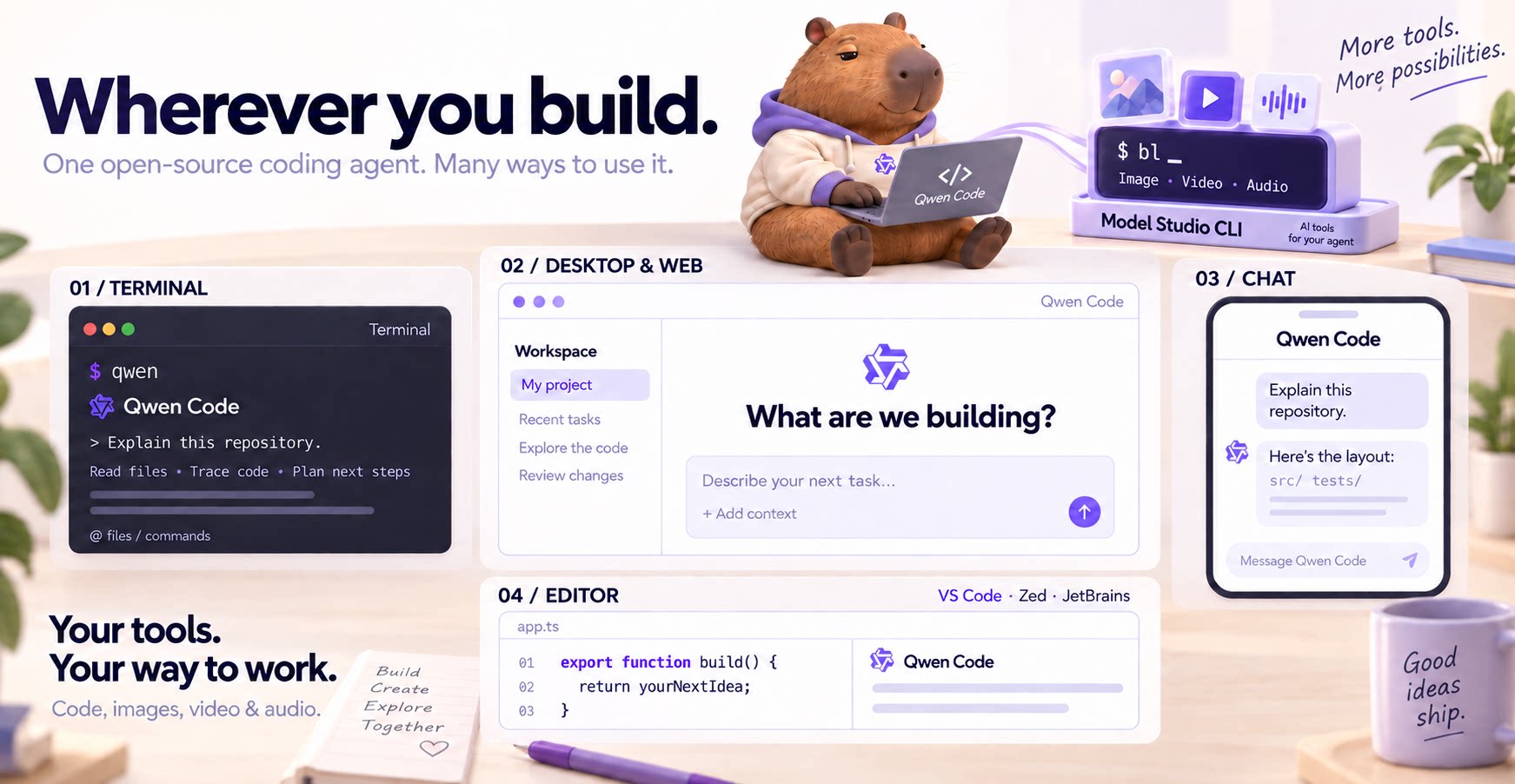
Why Qwen Code?
- Agentic out of the box — Auto-Memory, Auto-Skills, SubAgents, Agent Teams, and MCP. Dynamic workflows, zero setup.
- Open-source, inside and out — The framework and the Qwen models are open-source. They evolve together. No vendor lock-in.
- Multi-protocol — Supports OpenAI, Anthropic, Gemini, and Qwen APIs. Any third-party provider or local model (Ollama / vLLM). Switch at runtime.
- Beyond the terminal — IDE plugins, Desktop app, Web UI, SDKs, and chat integrations (Telegram / DingTalk / WeChat / Feishu).
[!TIP] Qwen Code is actively iterating on itself — using its own agent and models to file issues, submit PRs, review code, and run tests. Powered by the community, driven by AI.
Installation
Linux / macOS:
curl -fsSL https://qwen-code-assets.oss-cn-hangzhou.aliyuncs.com/installation/install-qwen-standalone.sh | bash
Windows:
irm https://qwen-code-assets.oss-cn-hangzhou.aliyuncs.com/installation/install-qwen-standalone.ps1 | iex
Restart your terminal after installation to ensure environment variables take effect.
Quick Start
推奨ツール
別のキーワードを試すか、フィルタを外してください。
インストール
npx skillfish add qwenlm/qwen-code