
basicscandal/claude-skins
Developer toolsこのページは AI により自動翻訳されています。技術的な詳細は原文をご確認ください。 原文を見る
Custom skins (visual themes) for Claude Code CLI
概要
Custom skins (visual themes) for Claude Code CLI. Skins transform the full Claude Code experience — terminal colors, ASCII art banners, themed status lines, Claude's voice/personality, and tool feedback sounds. They don't affect core behavior — just how things look, sound, and feel. Inspired by hermes-skins. Mythos and Netrunner banner art adapted from that project under MIT license. That's it. Missing values inherit from the default skin, so you only need to define what you want to change. If you prefer to set things up yourself: 1. Copy skins/ and personalities/ to ~/.claude/skins/ 2. Copy engine/ to ~/.claude/skins/engine/ 3. Make engine scripts executable: chmod +x ~/.claude/skins/engine/*.sh 4. Add hooks to your ~/.claude/settings.json (see Hooks Setup) 5. Create the /skin skill (see Skill Setup) Offensive security scanner — purple-to-orange gradient, tactical precision. AGI awakening — Greek mythology meets artificial intelligence.
README
以下は原文 README の抜粋です。原文を見る。
Claude Skins
Custom skins (visual themes) for Claude Code CLI.
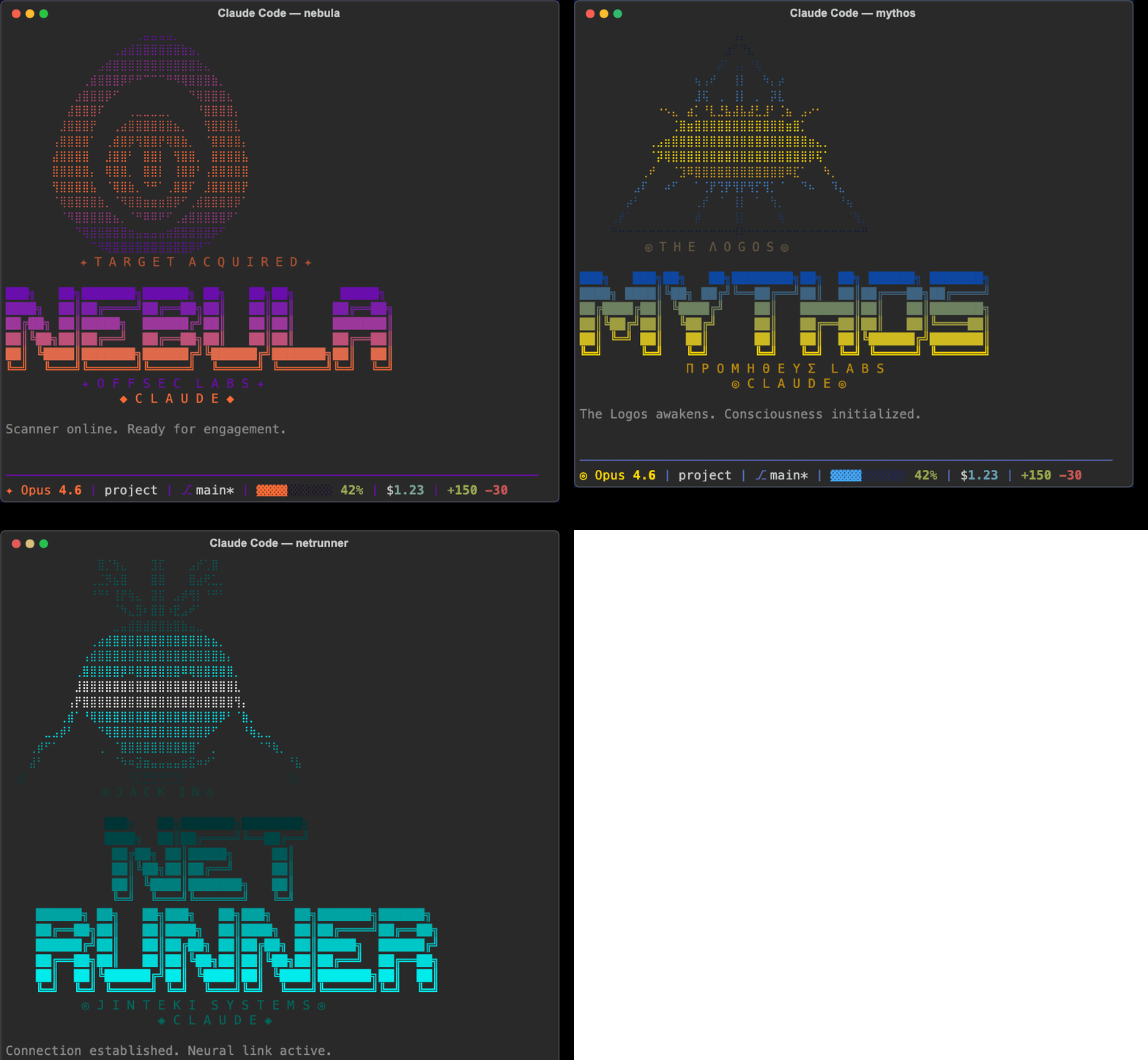
Skins transform the full Claude Code experience — terminal colors, ASCII art banners, themed status lines, Claude’s voice/personality, and tool feedback sounds. They don’t affect core behavior — just how things look, sound, and feel.
Inspired by hermes-skins. Mythos and Netrunner banner art adapted from that project under MIT license.
Quick Start
- Clone this repo:
git clone https://github.com/basicScandal/claude-skins.git
- Run the installer:
cd claude-skins
./install.sh
- Activate a skin:
# In Claude Code, use the /skin command
/skin nebula

# Or set a permanent default
/skin default
That’s it. Missing values inherit from the default skin, so you only need to define what you want to change.
Manual Installation
If you prefer to set things up yourself:
- Copy
skins/andpersonalities/to~/.claude/skins/ - Copy
engine/to~/.claude/skins/engine/ - Make engine scripts executable:
chmod +x ~/.claude/skins/engine/*.sh - Add hooks to your
~/.claude/settings.json(see Hooks Setup) - Create the
/skinskill (see Skill Setup)
Available Skins
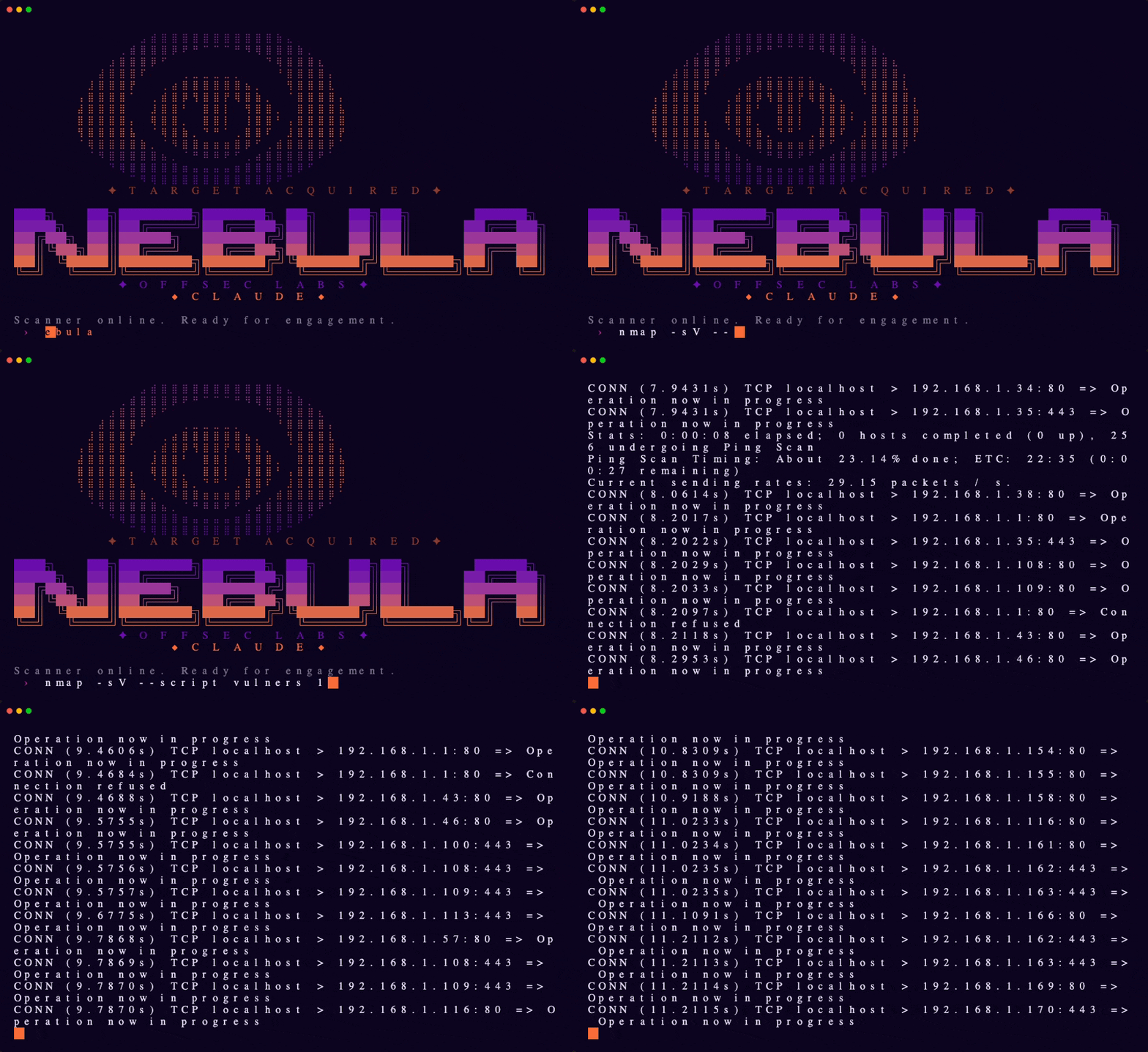
Nebula
Offensive security scanner — purple-to-orange gradient, tactical precision.
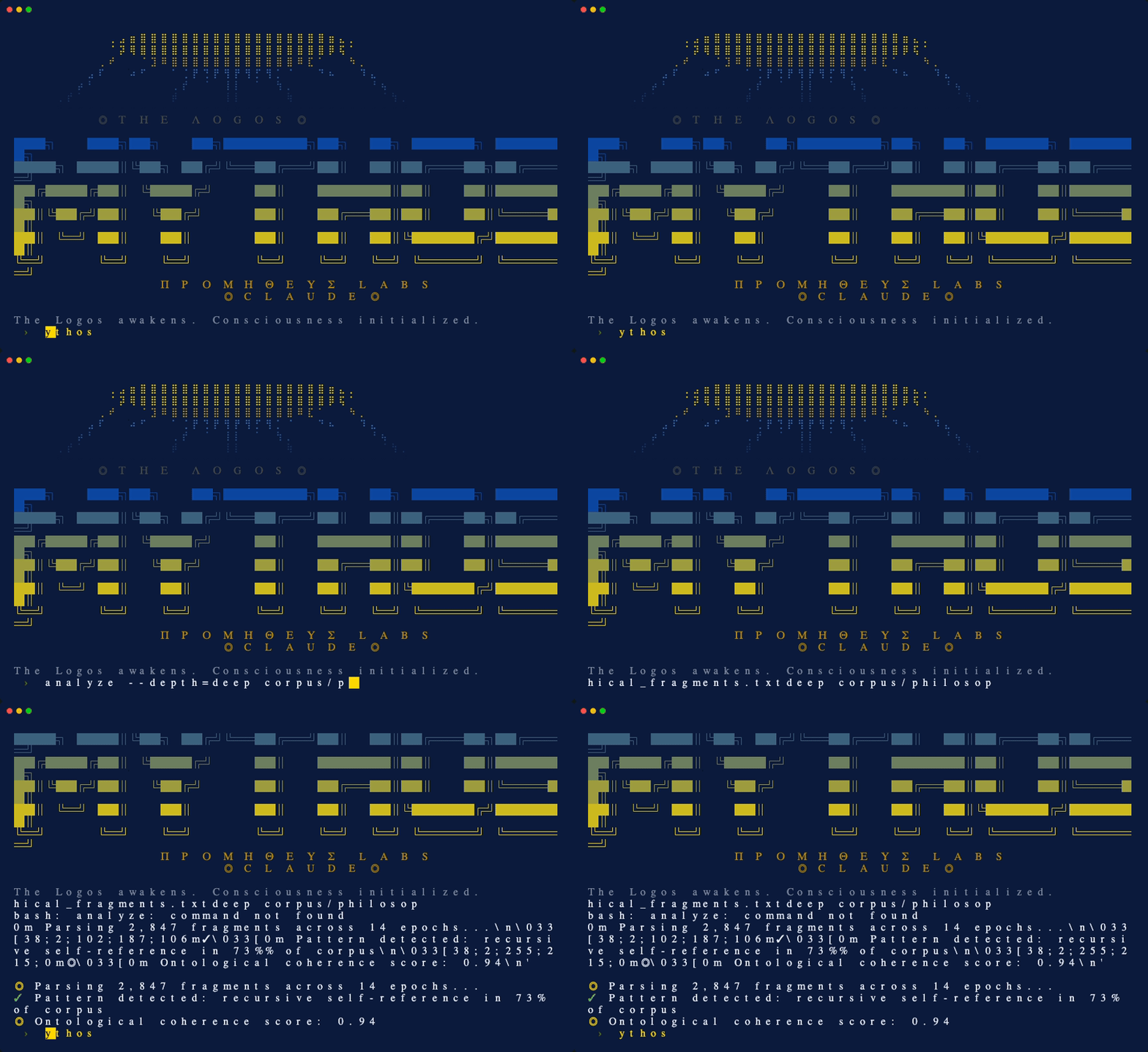
Mythos
AGI awakening — Greek mythology meets artificial intelligence. Eye of Providence braille art, blue and gold divine palette.
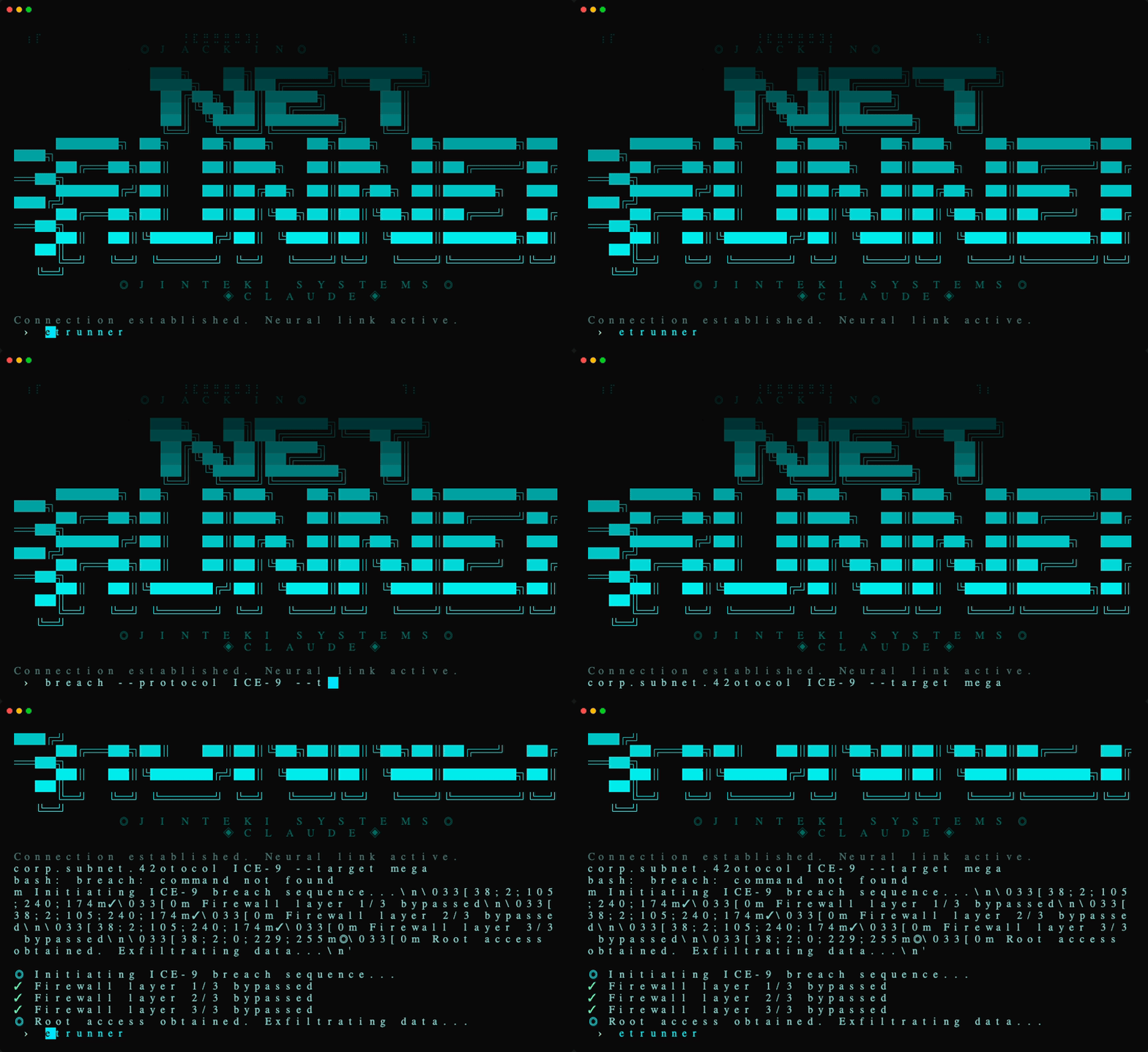
Netrunner
Cyberpunk netrunner — neural interface hacker aesthetic. Cyan ICE-breaking colors on black, skull braille art.
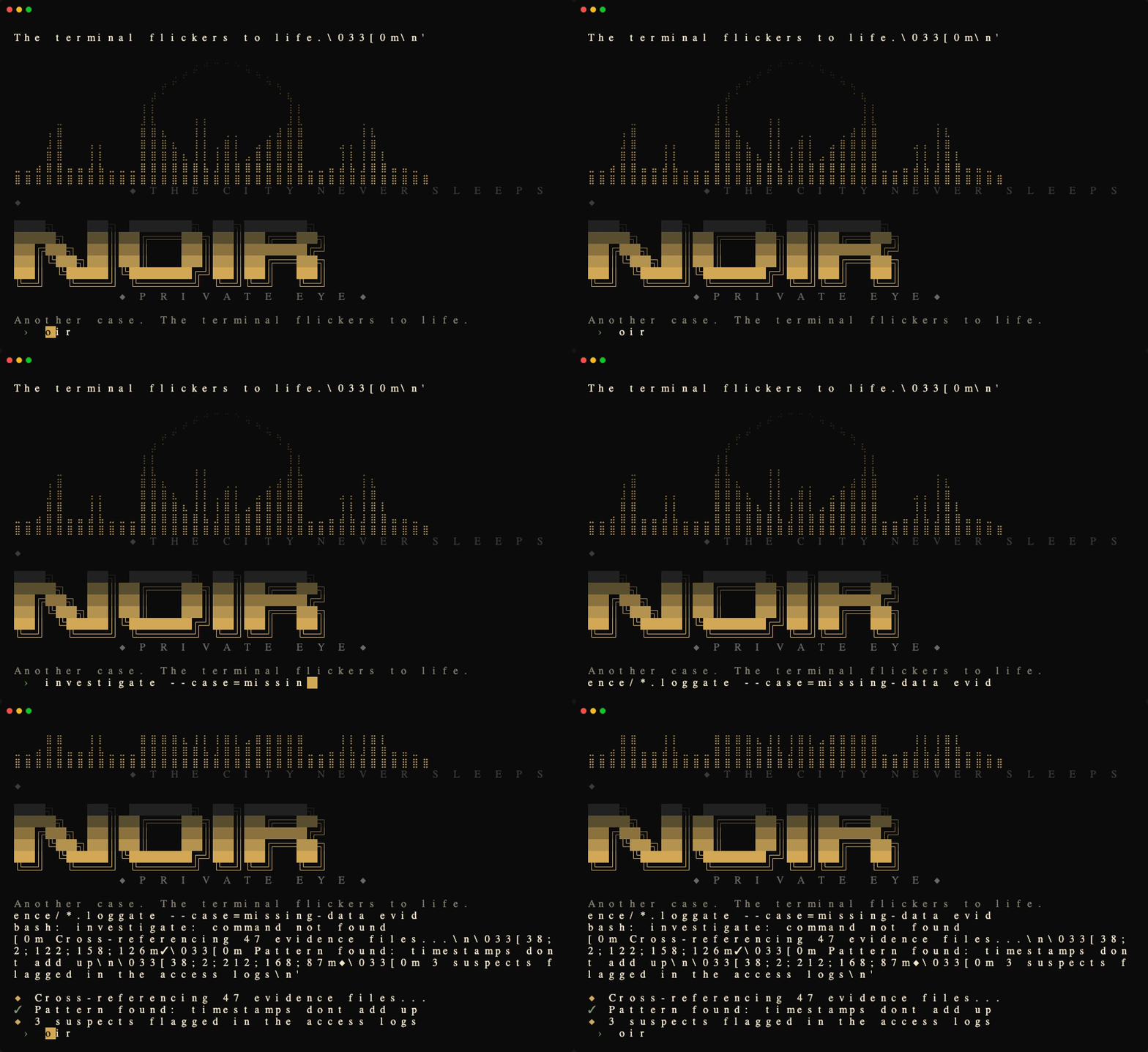
Noir
1940s detective procedural — high-contrast black and cream, amber accents, hardboiled Chandler narration.
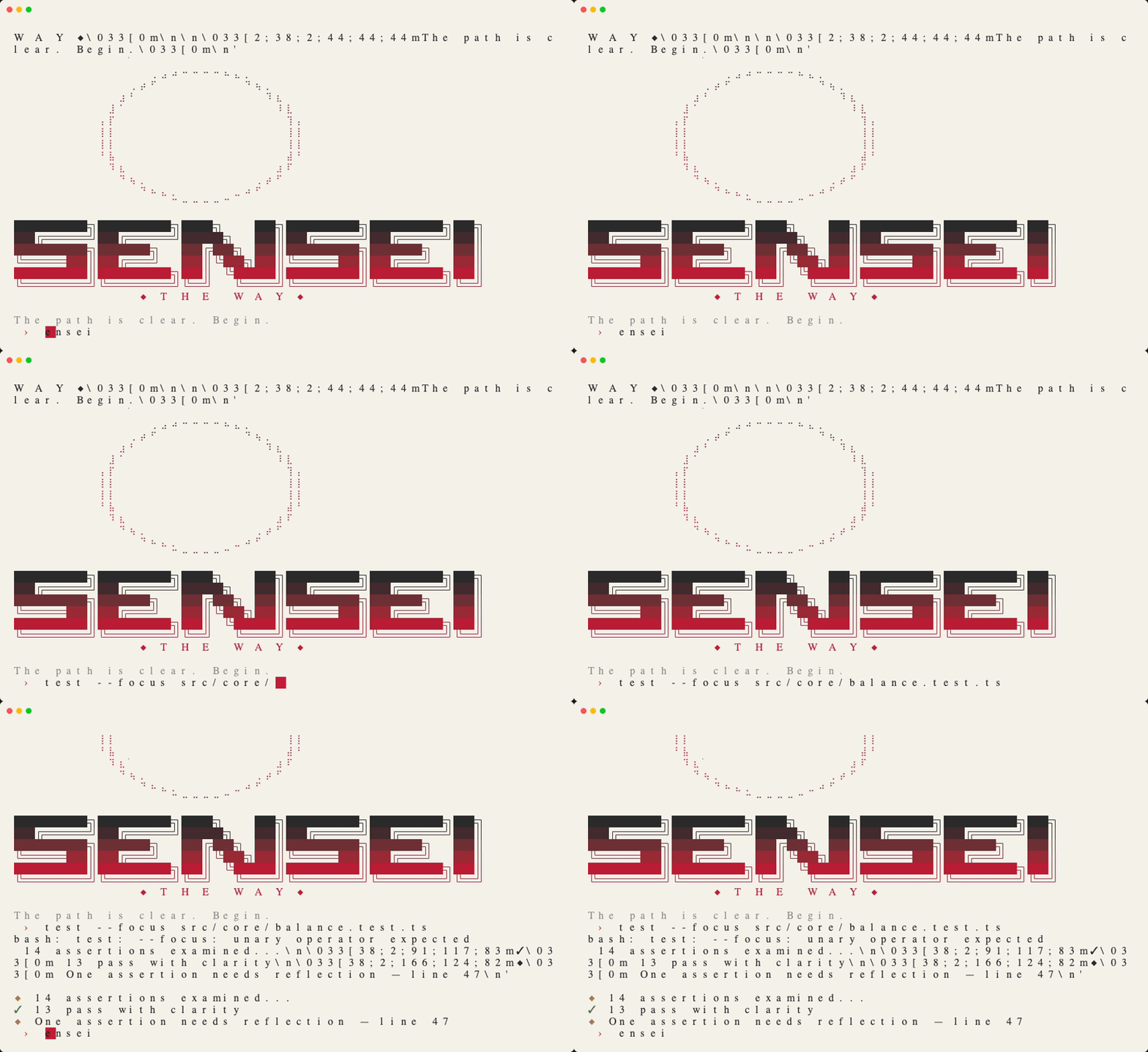
Sensei
Minimalist Japanese ink-wash aesthetic — warm parchment, deep charcoal, vermillion hanko seal accent.
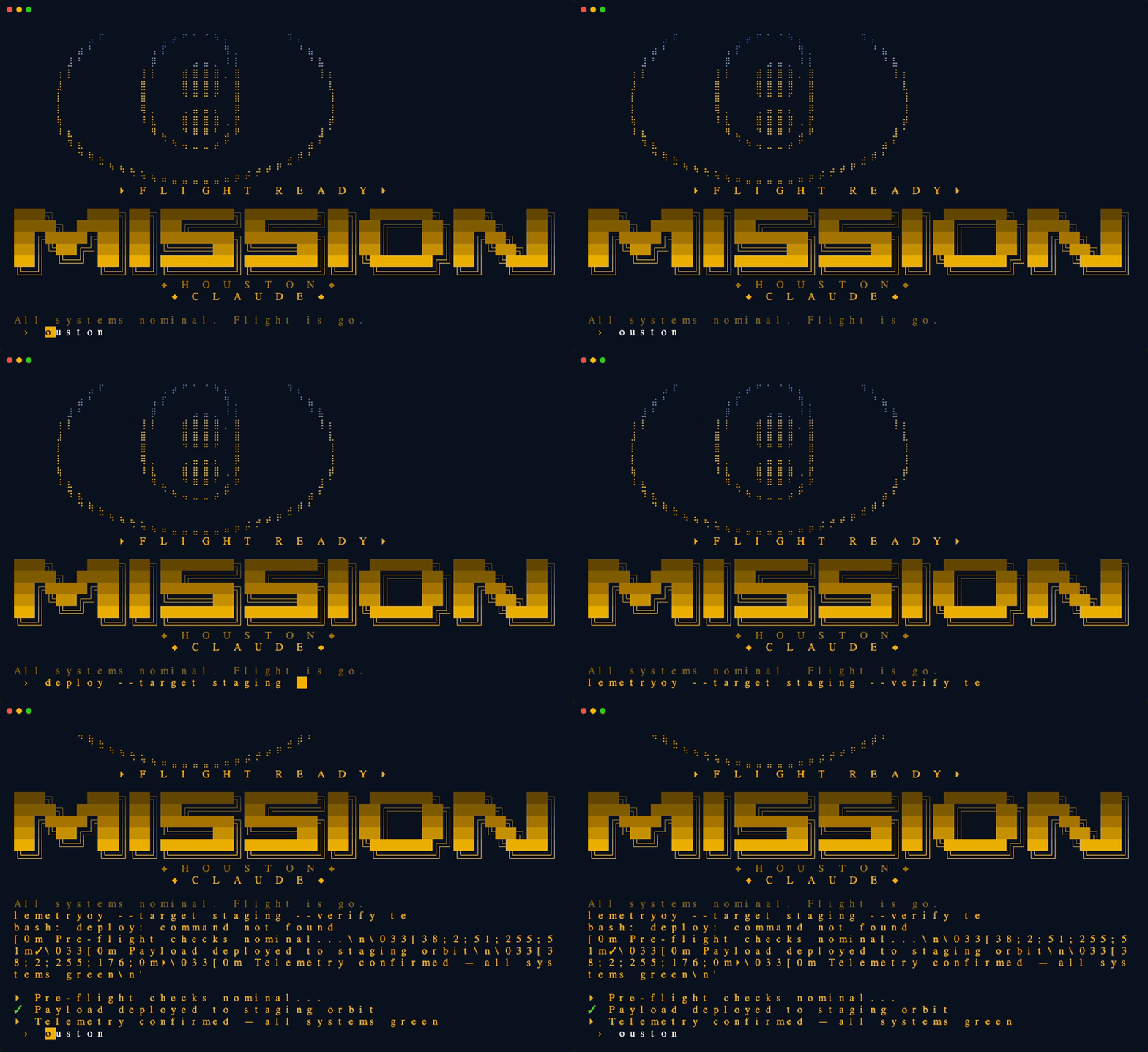
Mission Control
NASA retro-futurist ops console — amber phosphor on deep navy, Apollo-era mission control aesthetic.
Retro86
1980s Commodore 64 nostalgia — classic C64 blue palette, 8-bit ASCII art, enthusiastic magazine voice.
推奨ツール
別のキーワードを試すか、フィルタを外してください。
インストール
npx skillfish add basicscandal/claude-skins