
jiawei686/jev-ultrafast-mcp
Browser automationこのページは AI により自動翻訳されています。技術的な詳細は原文をご確認ください。 原文を見る
Hand a whole browser task off in one call: a decision model drives the page server-side, so a flow costs one call, not a turn per click.
概要
Your agent should not be opening the browser at all. A browser task goes over whole — the URL, the goal, and the check that proves it — and the loop runs on the server. One tool call instead of twenty. Three seconds instead of a minute. A cent instead of a frontier model's context. And it never invents a target: it picks from what the page actually has, and the server refuses rather than guesses. A cent for the whole day, and a cent is all of it: Three commands, then restart your client. install.py looks for WorkBuddy, Claude Code, Claude Desktop, Codex CLI, Cursor, VS Code, Cline, Windsurf and Gemini CLI, and writes the format each one expects — into your existing config and saving a .bak first. Needs Python ≥ 3.10 and any Chromium-family browser. Restart the client, and then just say what you want: Set this form to 3 adults, tick Nonstop only, then submit it. browser_goal(goal=…, url=…, verify=[…
README
以下は原文 README の抜粋です。原文を見る。
jev-ultrafast-mcp


English · 简体中文
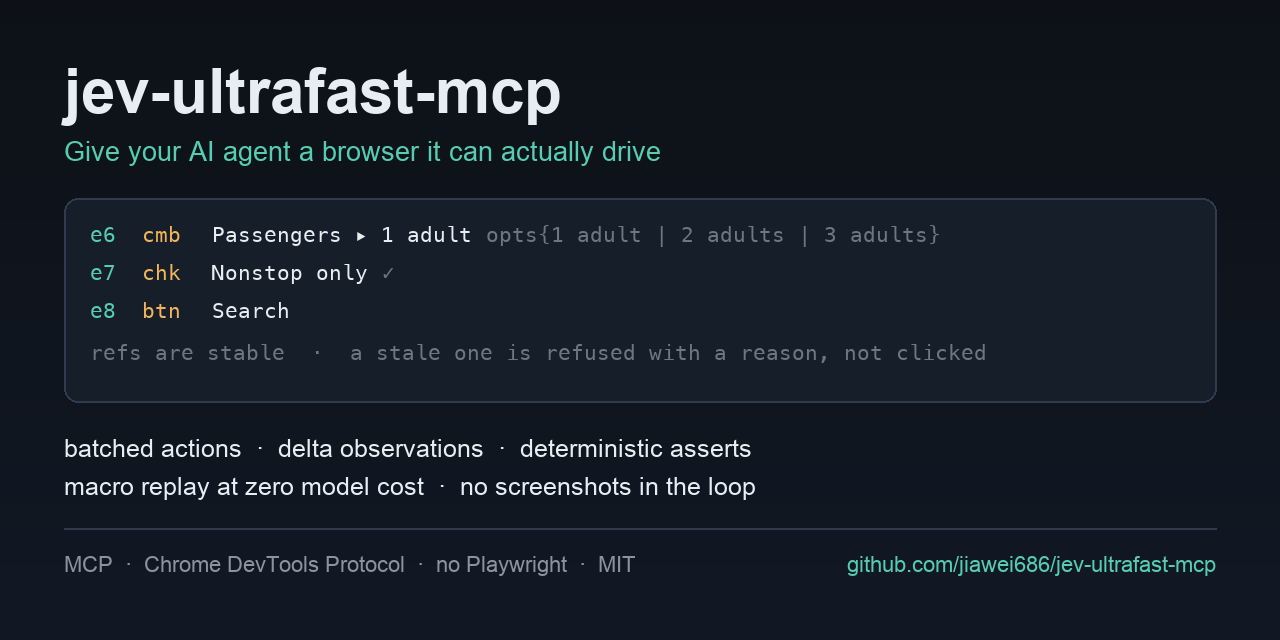
Hand the browser work off — an MCP server that drives the page for your agent.
Your agent should not be opening the browser at all. A browser task goes over whole — the URL, the goal, and the check that proves it — and the loop runs on the server. One tool call instead of twenty. Three seconds instead of a minute. A cent instead of a frontier model’s context. And it never invents a target: it picks from what the page actually has, and the server refuses rather than guesses.
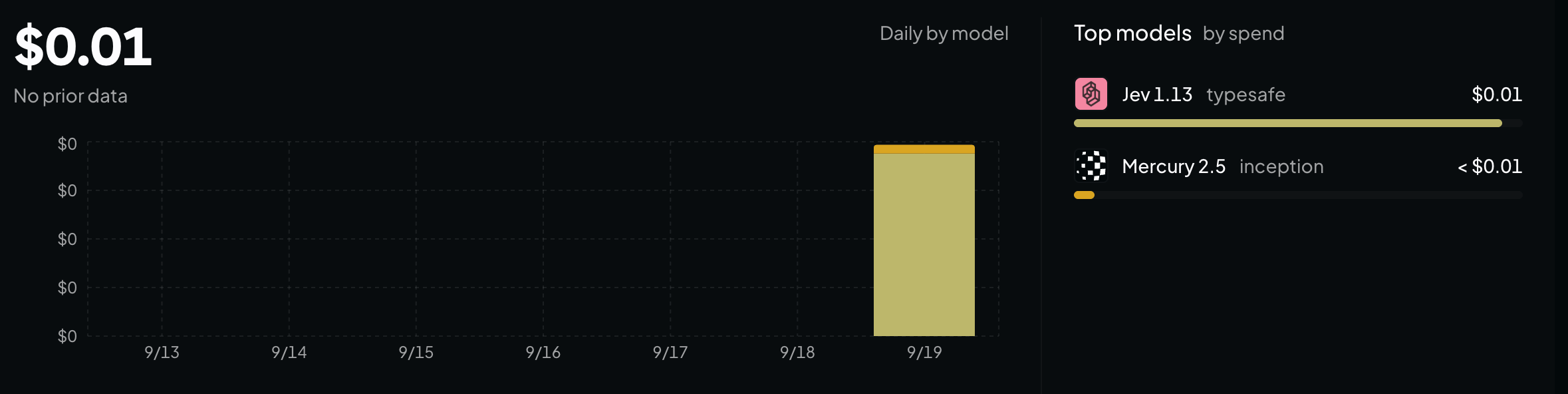
What it cost. A cent for the whole day, and a cent is all of it:
Quick start
Three commands, then restart your client.
git clone https://github.com/jiawei686/jev-ultrafast-mcp.git
cd jev-ultrafast-mcp
python3 -m venv .venv
.venv/bin/pip install -e .          # Windows: .venv\Scripts\pip install -e .

python scripts/install.py           # finds your MCP clients and writes their config
install.py looks for WorkBuddy, Claude Code, Claude Desktop, Codex CLI, Cursor, VS Code, Cline,
Windsurf and Gemini CLI, and writes the format each one expects — merging into your existing
config and saving a .bak first. Needs Python ≥ 3.10 and any Chromium-family browser.
Restart the client, and then just say what you want:
You: Set this form to 3 adults, tick Nonstop only, then submit it. Your agent:
browser_goal(goal=…, url=…, verify=[…])— one call; the page is opened and the loop runs server-side, and the result is checked by code afterwards. (what that costs)
You: Open example.com and tell me what the page says. Your agent:
browser_open→ reads the element table → answers — a look is not a task, so it does not need the model. (verbatim run)
Restarted and the tools are not there? Some clients make you approve the server once. In WorkBuddy that is Connectors → Custom connectors → Trust. The approval is remembered against the config itself, so if you later edit the config it asks once more.
Installation
インストール
uvx jev-ultrafast-mcp # run it straight from PyPI, nothing installed設定
{
  "mcpServers": {
    "jev-ultrafast-mcp": {
      "command": "/ABS/PATH/jev-ultrafast-mcp/.venv/bin/python",
      "args": ["-m", "jev_ultrafast_mcp"],
      "env": { "JEVMCP_HEADLESS": "1" }
    }
  }
}