
helv-io/skgate
Developer toolsこのページは AI により自動翻訳されています。技術的な詳細は原文をご確認ください。 原文を見る
Self-hosted MCP gateway and LLM proxy. Serve any MCP server or REST API behind OAuth 2.1, run stdio/git MCP servers on demand, and proxy AI providers (OpenAI, Anthropic, Gemini, Grok, Ollama) through...
概要
Self-hosted MCP gateway and LLM proxy. Serve any MCP server or REST API behind OAuth 2.1 from one address, and proxy your LLM providers (OpenAI, Anthropic, Gemini, Grok, Ollama and more) through one OpenAI-compatible API with model aliases and virtual keys. Your Grok subscription works too, no API key needed. Any MCP server. skgate can run them for you, so you do not need one container per server. "sk" is how a lot of SI API keys start, and "gate" is for gateway. Not a great name, but it's ours. The plane in the logo is an inside joke. The public wouldn't understand it, and I'm not about to explain it. Sorry. You need an OIDC provider with a confidential client for skgate. Admin login is OIDC only. Trying it on one machine? docs/quickstart.md runs skgate with a bundled provider and no accounts. 1. docker compose up -d 2. Open https://skgate.example.com/admin and sign in through your OIDC provider. 3.
README
以下は原文 README の抜粋です。原文を見る。
skgate
Self-hosted MCP gateway and LLM proxy. Serve any MCP server or REST API behind OAuth 2.1 from one address, and proxy your LLM providers (OpenAI, Anthropic, Gemini, Grok, Ollama and more) through one OpenAI-compatible API with model aliases and virtual keys. Your Grok subscription works too, no API key needed.
Any MCP server. skgate can run them for you, so you do not need one container per server.
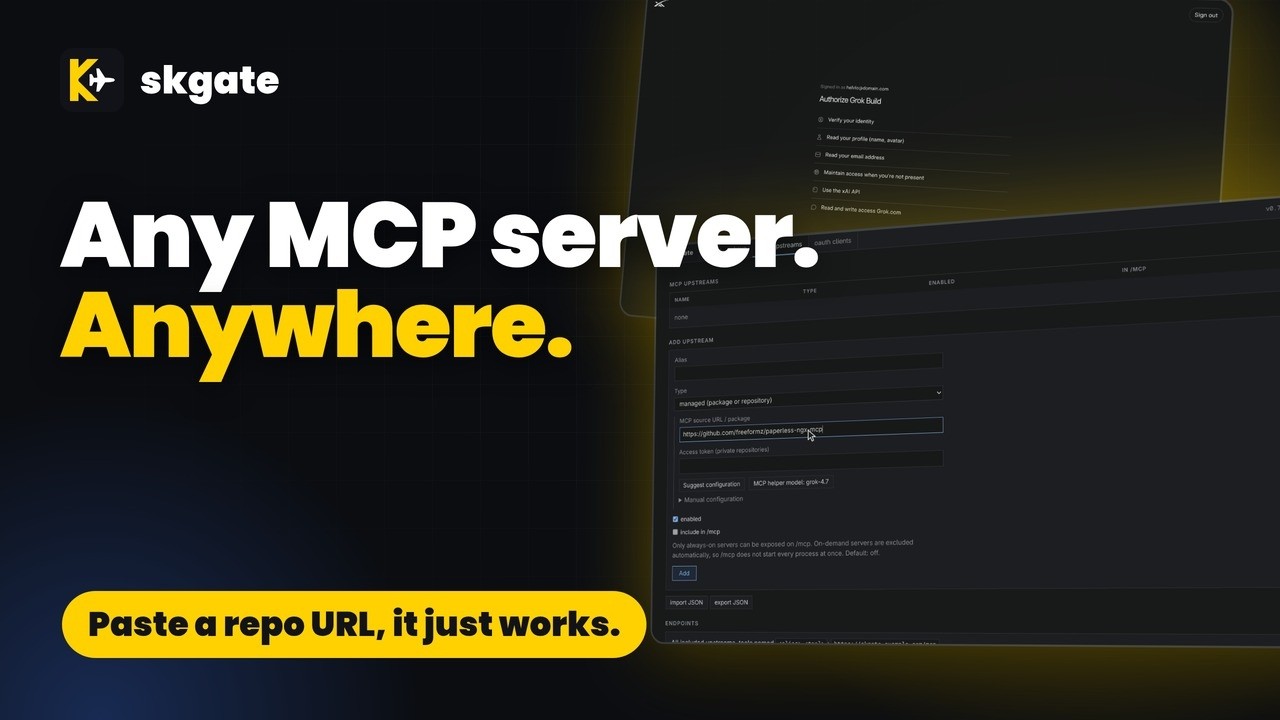
Name Origin
skgate /ɛsˈkɑːɡeɪt/ (ess-KAH-gate)
“sk” is how a lot of SI API keys start, and “gate” is for gateway. Not a great name, but it’s ours.
The plane in the logo is an inside joke. The public wouldn’t understand it, and I’m not about to explain it. Sorry.
Quality
Quick start
You need an OIDC provider with a confidential client for skgate. Admin login is OIDC only. Trying it on one machine? docs/quickstart.md runs skgate with a bundled provider and no accounts.
# docker-compose.yml
services:
  skgate:
    container_name: skgate
    image: ghcr.io/helv-io/skgate:latest
    restart: always
    ports:
      - 8080:8080
    environment:
      - PUBLIC_URL=https://skgate.example.com
      - OIDC_ISSUER=https://auth.example.com
      - OIDC_CLIENT_ID=skgate
      - OIDC_CLIENT_SECRET=change-me
    volumes:
      - ./data:/data
    healthcheck:
      test: ["CMD", "/skgate", "healthcheck"]
      interval: 30s
      timeout: 5s
      retries: 3
docker compose up -d- Open
https://skgate.example.com/adminand sign in through your OIDC provider. - mcp upstreams > Add upstream: a remote MCP server, or a GitHub repository, npm package, or PyPI package that skgate runs for you (see Add an MCP server with Suggest configuration).
- Point your MCP client at
https://skgate.example.com/mcpor the site root for every included upstream, or athttps://skgate.example.com/mcp/for one upstream. Sign in when it asks.
Image tags:
latest: proxy + managed MCP servers. Bundles Node.js (npx), pnpm, Bun (bunx), Deno, Python (uv,uvx), Go, .NET and git.slim: proxy only
To upgrade, back up ./data, then docker compose pull && docker compose up -d.
Proxy your SI providers
skgate is also an OpenAI-compatible API in front of your SI providers. Point your apps at one address; switch the provider behind them without changing the apps. User-defined model aliases give your apps a stable model name of your choosing.
インストール
uvx mcp-server-time設定
{"mcpServers": {"skgate": {"type": "http", "url": "https://skgate.example.com/mcp/<alias>",
  "headers": {"Authorization": "Bearer sk-..."}}}}