
chenxizhang/m365copilot-mcp
Developer toolsこのページは AI により自動翻訳されています。技術的な詳細は原文をご確認ください。 原文を見る
M365 Copilot MCP Server - Microsoft 365 Copilot 統合用のモデルコンテキストプロトコルサーバー
概要
これは非公式のMCPサーバーですが、マイクロソフトのエンジニアによって開発され、最新のMicrosoft 365 Copilot APIを統合します。 ご意見・ご感想をお待ちしております。 モデルコンテキストプロトコル(MCP)を介して、AIアシスタントをMicrosoft 365に接続します。 このサーバーは、AIツールがSharePoint文書、OneDriveファイル、メール、チーム会話などにアクセスし、組織のアクセス制御を尊重することを可能にします。 m365-copilot-mcp サーバーは、AI アシスタントの 3 つの強力な機能を提供します。 これらの機能は、公式Microsoft 365 Copilot API 上に構築されています。 - - 実行環境 - - Microsoft 365 Copilot ライセンス - - Claude コード、GitHub Copilot、またはその他の MCP クライアントなど これらのステップバイステップのビデオガイドでM365 Copilot MCP Serverをインストールして使用する方法を学びます。 M365 Copilot MCP Server を Claude コードにインストールして使用する方法について。 VSコードのGitHub CopilotでM365 Copilot MCP Serverをインストールして使用する方法について.
概要(AI 翻訳)
注記: これは非公式のMCPサーバーですが、マイクロソフトのエンジニアによって開発され、最新のMicrosoft 365 Copilot APIを統合します。 ご意見・ご感想をお待ちしております。
モデルコンテキストプロトコル(MCP)を介して、AIアシスタントをMicrosoft 365に接続します。 このサーバーは、AIツールがSharePoint文書、OneDriveファイル、メール、チーム会話などにアクセスし、組織のアクセス制御を尊重することを可能にします。
概要
[m365-copilot-mcp]サーバーはAIアシスタントの3つの強力な機能を提供します。
| 機能 | 目的 | ユースケース | お問い合わせ |注記 反復 | M365データから関連テキストコンテンツを抽出 | 資料、メール、会話などの情報による回答 | |************************************************************************************************************************************************************************************************************************************************************************************************************************************************************************************************************************************************************************************************************************************************************************************************************************************************************************************************************************************************************************************************************************************************************************************************************************************************************************************************************************************************************ |** チャット** | M365コピローを搭載した会話AI | スケジュールを尋ねる、要約を得る、時間別問い合わせとやり取り |
もっと知る: これらの機能は、公式Microsoft 365 Copilot API 上に構築されています。
前提条件
- Node.js 20+ - ランタイム環境
このページは AI により自動翻訳されています。技術的な詳細は原文をご確認ください。
README
以下は原文 README の抜粋です。原文を見る。
Microsoft 365 Copilot MCP Server


Note: This is an unofficial MCP server, but developed by Microsoft engineers, integrating the latest Microsoft 365 Copilot APIs. We welcome your feedback and contributions!
Connect your AI assistant to Microsoft 365 through the Model Context Protocol (MCP). This server enables AI tools to access your SharePoint documents, OneDrive files, emails, Teams conversations, and more - all while respecting your organization’s access controls.
Overview
The m365-copilot-mcp server provides three powerful capabilities for AI assistants:
| Capability | Purpose | Use Cases |
|---|---|---|
| 📄 Retrieval | Extract relevant text content from your M365 data | Answer questions using information from your documents, emails, and conversations |
| 🔍 Search | Find specific documents and files | Locate files, discover relevant content across your M365 environment |
| 💬 Chat | Conversational AI powered by M365 Copilot | Ask about your schedule, get summaries, interact with time-aware queries |
Learn more: These capabilities are built on the official Microsoft 365 Copilot APIs.
Prerequisites
- Node.js 20+ - Runtime environment
- Microsoft 365 account - With Microsoft 365 Copilot license
- MCP-compatible AI tool - Such as Claude Code, GitHub Copilot, or any other MCP client
Video Tutorials
Learn how to install and use the M365 Copilot MCP Server with these step-by-step video guides:
📺 Claude Code with M365 Copilot MCP Server
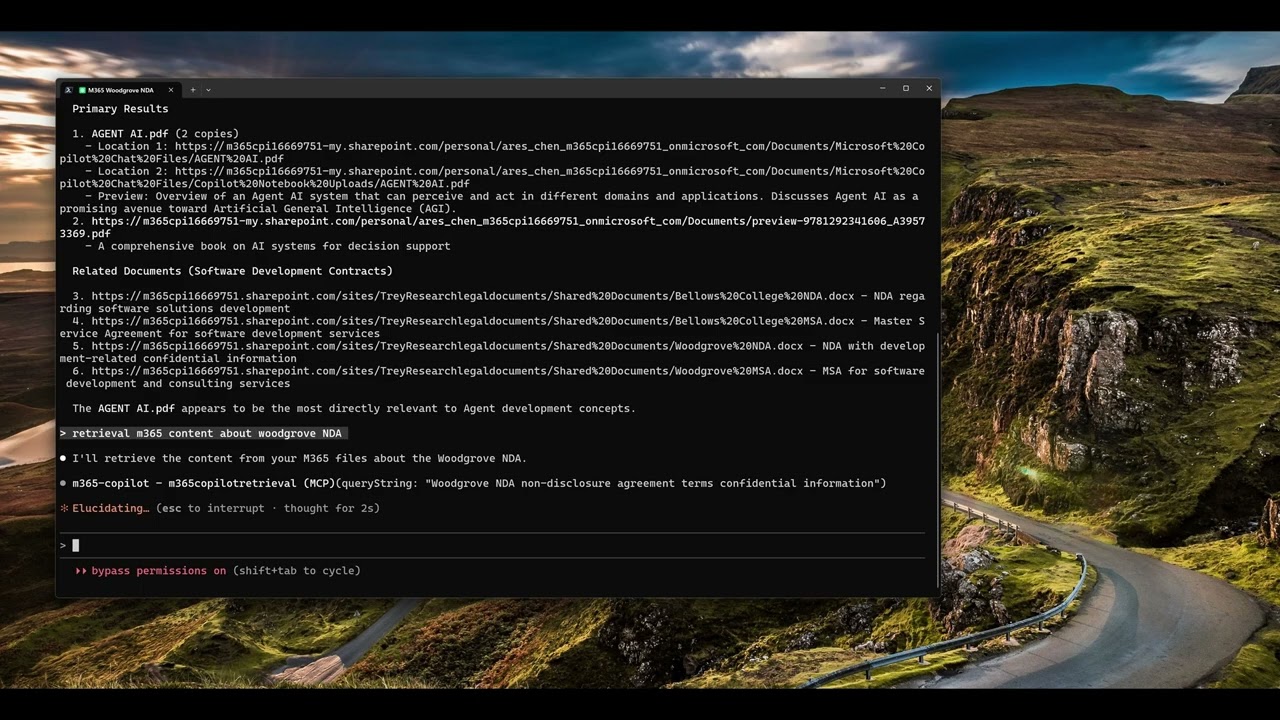
Click the image above to watch the tutorial on how to install and use the M365 Copilot MCP Server with Claude Code.
📺 GitHub Copilot with M365 Copilot MCP Server
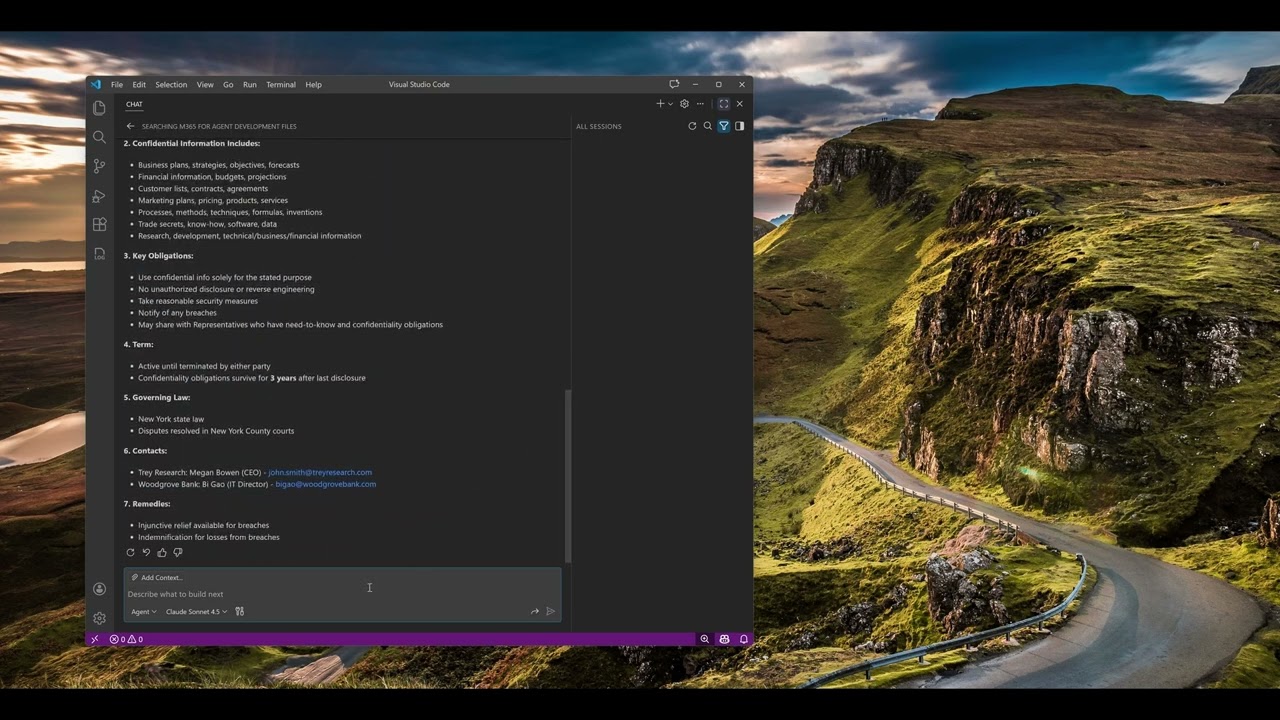
Click the image above to watch the tutorial on how to install and use the M365 Copilot MCP Server with GitHub Copilot in VS Code.
Configuration
Configure the MCP server in your AI tool’s settings. The server uses npx to run directly from npm without requiring global installation.
Claude Code
Add the server using the Claude Code CLI:
macOS/Linux:
インストール
npx -y m365-copilot-mcp