
aigengame/godot-agent
Developer toolsこのページは AI により自動翻訳されています。技術的な詳細は原文をご確認ください。 原文を見る
AIエージェントのGodot自動化により、CLI、Agent Skill、またはMCPサーバーを通じてプロジェクトをビルドおよび検証し、構造化された結果、ヘッドレス操作、ライブランタイム制御を行います.
概要
gdaは、ヘッドレスバリデーションとライブランタイムの検査とCLI、バンドルされたエージェントスキル、またはMCPサーバーを操作し、構造化された結果のエージェントを返すことができます。 gda は、このビルドと検証ワークフローの 2 つの補完モードを提供します。 - — プロジェクトコンテンツの作成と編集、スクリプトのコンパイル、検証、ブートシーンの検証、プロジェクト構造の解析、エディタプラグインやデーモンなしでビルドのエクスポート。 - — プロジェクト毎回デーモン:ランタイムツリーと状態、入力シミュレーション、フレームキャプチャ、ログ、エラー、およびパフォーマンスを通じて実行中のゲームを検査および駆動します。 gda は : コマンドは、今日は終了しますが、コマンドは 1.0 の前に変更されることがあります。 - ヘッドレス検証は、プロジェクトの信頼性を確認します。ライブ操作は、実際の動作に関するランタイムの証拠を返します。 - --json を使うと、各コマンドは stdout の 1 つの result オブジェクトを正確に出力します。 入力および出力モデルは--schemaおよび発生させたMCP用具の表面に動力を与えます.
概要(AI 翻訳)
こちらをお読みください: ホテル · Español · 日本語
-478CBFの
AIコーディングエージェント、シェルスクリプト、CIでGodotプロジェクトをビルドして検証します。
[gdaは、Godotの自動化をヘッドレスバリデーションとライブランタイムで提供します
CLI、バンドルエージェントスキル、またはMCPサーバーによる検査と制御
再構成された結果の代理店は行為できます。
2つの補完モードは、このビルドと検証ワークフローをカバーしています。
-Headless — プロジェクトコンテンツの作成と編集、スクリプトのコンパイル、検証と起動 シーン、プロジェクト構造を分析し、エディタプラグインやデーモンなしでビルドをエクスポートします。 -Live — 実行中のゲームを1プロジェクトデーモンを通して検査し、運転する:ランタイム ツリーと状態、入力シミュレーション、フレームキャプチャ、ログ、エラー、およびパフォーマンス。
製品概要・ CLI、エージェントスキル、またはMCP? · 再生可能なデモ・ ピピピピ
TL;DR
AIエージェントを教えてください。
[
uv tool install gda](または[pipx install gda]])でgda CLIをインストールし、インストールします [npx skills add aigengame/godot-agent --skill gda -gのエージェントスキル。 その後、スキルを読んで、 それをフォローして、Godotプロジェクトのためにgdaを設定し、[gda info --json]で設定を確認してください。
コンテンツ
- なぜ[
gda? - 一見の能力
このページは AI により自動翻訳されています。技術的な詳細は原文をご確認ください。
README
以下は原文 README の抜粋です。原文を見る。
gda — Godot Automation for AI Agents
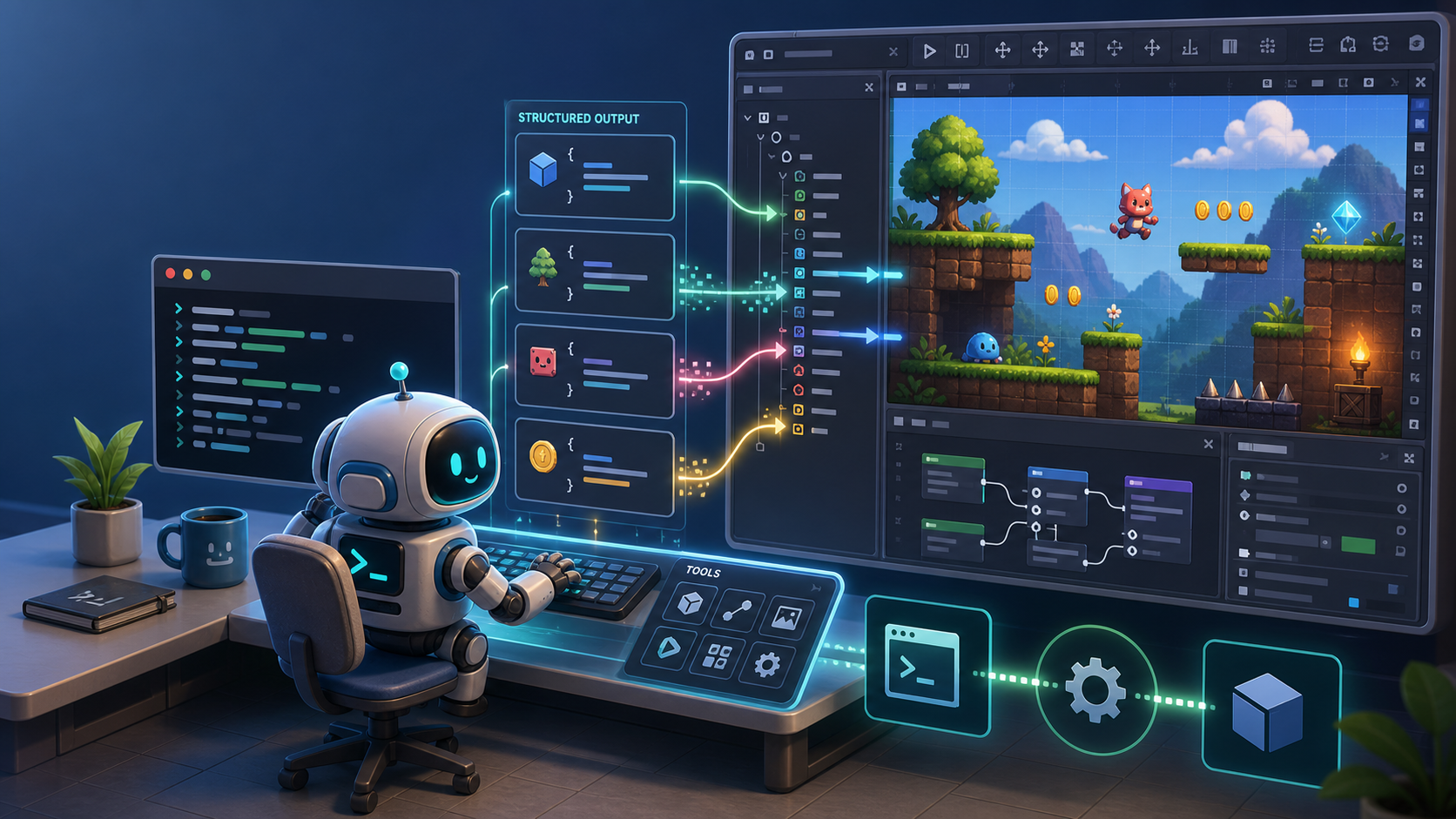
Read this in: 简体中文 · Español · 日本語


-478CBF)



Build and verify Godot projects with AI coding agents, shell scripts, and CI.
gda provides Godot automation with headless validation as well as live runtime
inspection and control through a CLI, a bundled Agent Skill, or an MCP server,
returning structured results agents can act on.
Two complementary modes cover this build-and-verify workflow:
- Headless — create and edit project content, compile scripts, validate and boot scenes, analyze project structure, and export builds without an editor plugin or daemon.
- Live — inspect and drive the running game through a per-project daemon: runtime tree and state, input simulation, frame capture, logs, errors, and performance.
Product overview · CLI, Agent Skill, or MCP? · Playable demos · PyPI
TL;DR
Just tell your AI agent:
Install the gda CLI with
uv tool install gda(orpipx install gda), and install its Agent Skill withnpx skills add aigengame/godot-agent --skill gda -g. Then read the skill, follow it to set up gda for my Godot project, and check the setup withgda info --json.
Contents
- Why
gda? - Capabilities at a glance
- Installation
- Quick start
- Choose your integration
- How it works
- Command reference
- Configuration
- Contributing
- License
Why gda?
- Verification across the game development lifecycle. Headless validation confirms project readiness; Live operations return runtime evidence about actual behavior.
- Structured results and discoverable schemas. With
--json, each command emits exactly one result object on stdout. Typed input and output models also power
インストール
uvx --from gda[mcp設定
{
  "mcpServers": {
    "gda-mcp": {
      "command": "uvx",
      "args": ["--from", "gda[mcp]", "gda-mcp"]
    }
  }
}