
huytranvan2010/ai-auto-generate-video
Developer toolsAI Coding · Template Video
Overview
AI Coding · Template Video
README
The split that makes it reliable: AI handles content (the script + template choices), deterministic code handles production (the pixels). The same
script.jsonalways renders the same video — no surprises, no manual editing.
You supply the text. The templates own all the design, layout, and motion. The pipeline does TTS, sound design, rendering, and the final mux — and hands you three files ready for CapCut / TikTok / Shorts / Reels:
| File | What it’s for |
|---|---|
video.mp4 |
Final 9:16 video with voice + SFX baked in |
voice.mp3 |
Narration track — drop into CapCut |
script.txt |
Plain text — CapCut auto-caption |
🚀 Quick Start
📺 Detailed guide: Watch the video walkthrough on YouTube
git clone https://github.com/huytranvan2010/AI-auto-generate-video.git
cd AI-auto-generate-video
npm install
# start your local OmniVoice server, then generate video
A few minutes later → output//video.mp4 (1080×1920).
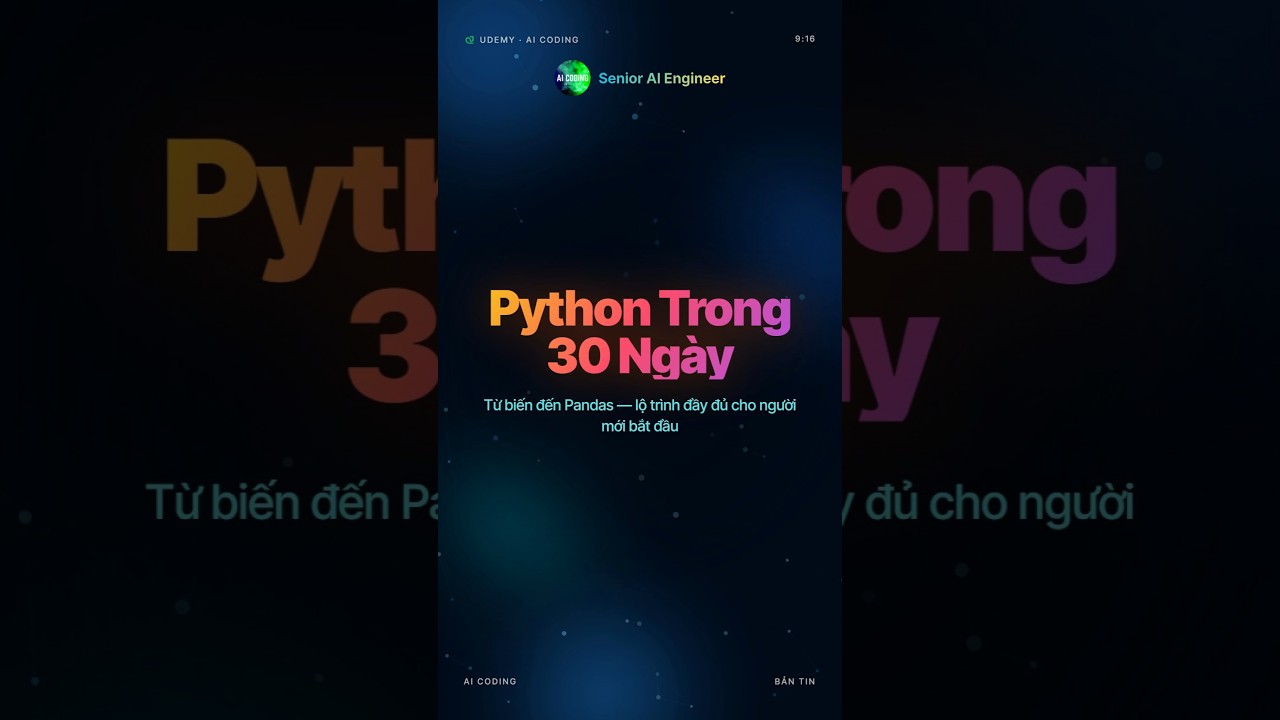
🎥 Live demo
👉 ▶️ Watch on YouTube Shorts 👈
🧠 How It Works
flowchart LR
    A["📰 URL / .txt"] -->|/create-template-video| B[Claude Code]
    B -->|fetch + write text| C["script.jsonrenderer: hyperframes"]
    C -->|Zod validate| D[Template Pipeline]
    D -->|TTS per scene| E[OmniVoice]
    E -->|concat + SFX mix| F[voice.mp3]
    D -->|render each template| G["HyperFramesChromium"]
    G -->|fit clip to narration| H["clips/scene-*.mp4"]
    F --> I[mux audio]
    H --> I
    I -->|🎬| J["video.mp41080×1920"]

    style A fill:#0f172a,color:#fff,stroke:#334155
    style B fill:#6366f1,color:#fff,stroke:#6366f1
    style E fill:#f59e0b,color:#fff,stroke:#f59e0b
    style G fill:#ec4899,color:#fff,stroke:#ec4899
    style J fill:#10b981,color:#fff,stroke:#10b981
Eight deterministic steps in src/render/template-pipeline.ts:
| # | Step | Output |
|---|---|---|
| 1 | Validate | script.json checked against the Zod schema |
| 2 | Caption text | script.txt — all voiceText joined (CapCut auto-caption) |
| 3 | TTS / scene | voice/scene-.mp3 via OmniVoice (idempotent) |
| 4 | Concat voice | voice-raw.mp3 with 0.3s gaps + per-scene start times |
| 5 | SFX mix | voice.mp3 — sound effects layered onto the narration |
| 6 | Render clips | clips/scene--fit.mp4 — template → MP4, fit to narration |
| 7 | Concat + mux | video-silent.mp4 → video.mp4 (voice muxed in) |
| 8 | Done | prints result paths + total duration |
⚡ Setup
🎬 Usage
Inside Claude Code (recommended) — pass a URL or a local .txt:
/create-template-video https://aicodingvn.vercel.app/iphone-17-200mp
/create-template-video news/my-article.txt
The skill reads the content, writes script.json, and runs the pipeline. Authoring rules
(template mapping + Vietnamese TTS number handling) live in the
skill spec.
Or run the pipeline directly on an existing script.json:
npm run pipeline -- output//script.json
🎨 Templates
Every visual is a self-contained HyperFrames project under templates/ — index.html (16:9)
and compositions/portrait.html (9:16). You fill the text inputs; the template owns the design.
Full slot reference: templates/CATALOG.md.
| Template | Role | Best for |
|---|---|---|
frame-liquid-bg-hero |
hook | Opening hook — aurora hero with headline + CTA pill |
frame-vignelli |
body | A single striking stat — dark charcoal + red accent |
frame-pentagram-stat |
body | A hero number / benchmark — dark neon + bar chart |
frame-bold-poster |
body | A punchy multi-line statement + giant figure |
frame-build-minimal |
body | One bold word revealed letter-by-letter — dark/amber |
frame-creative-voltage |
body | A creative slogan — electric-blue split + handwriting |
frame-glitch-title |
body | Breaking / tech news — cyberpunk RGB-split glitch |
frame-aicoding-list |
body | A list of 2–5 items (icon + level tag) |
frame-aicoding-comparison |
body | A head-to-head comparison of two things |
frame-logo-outro |
outro | Default brand end-card — logo glow + name + tagline + URL |
frame-statement-outro |
outro | Alternative outro — red statement card on paper |
Add your own: drop
templates//withindex.html,compositions/portrait.html,hyperframes.json,meta.json(+NOTICE.mdif vendored), then add a row toCATALOG.md. Use a Vietnamese-capable font stack.
🔊 Sound Effects
SFX live in assets/sfx//.mp3. Per scene, the picker
(src/assets/sfx-selector.ts) resolves in three tiers:
1. scene.sfx override   → exact file, or { "name": "none" } to mute
2. semantic match        → voiceText keywords (cảnh báo→alert, kỷ lục→success, ra mắt→reveal …)
3. scene-type default    → hook→hook · body→callout · outro→outro
Within a category the file is chosen deterministically by hashing the scene id — same script gives the same SFX, different scenes get different files. The library is large and not committed:
npm run sfx:download   # fetch the SFX library
npm run sfx:filter     # prune / filter it
No assets/sfx/? The pipeline just renders without SFX.
🛠️ Built With
| Layer | Technology |
|---|---|
| Runtime | Node ≥22 · TypeScript 6 · ESM · tsx |
| Render | HyperFrames 0.6.94 (HTML→MP4 via Chromium) |
| TTS | OmniVoice (local) |
| Schema | Zod ^4 |
| HTTP | axios + nock |
| Concurrency | p-limit |
| A/V | FFmpeg + ffprobe |
| Tests | Vitest ^4 |
| Orchestration | Claude Code skill |
🙏 Acknowledgements
- HyperFrames — the HTML-to-video engine behind the templates
- OmniVoice — local Vietnamese text-to-speech
- html-video — HTML-to-video approach this project builds on
- Auto-Create-Video — the original project this is based on
💖 Support this project
If this project saved you time, please consider:
- ⭐ Star this repo — it really helps with discoverability
- 🎓 Check out AI Coding’s courses on Udemy
- 📱 Follow AI Coding on Facebook · TikTok · YouTube
- 💬 Tell a friend who creates content
- 🐛 Report bugs or request features
⭐ Star History
Recommended Tools
Try a different keyword or remove a filter.
Install
npx skillfish add huytranvan2010/ai-auto-generate-video