
darrenhinde/opencode-skills-example
Developer toolsOpencode-skil
Overview
A complete demonstration of with four progressive tiers, from simple instructions to interactive movie character personalities! Watch the full demonstration of all four skill tiers in action! - Location: .opencode/skill/hello-skill/ - Files: SKILL.md - Demonstrates: Basic skill structure - Concept: Skills are instructions, not code - Location: .opencode/skill/steps-skill/ - Files: SKILL.md, steps.sh - Demonstrates: Helper scripts with ordered execution - Concept: Helper scripts are portable - Location: .opencode/skill/workflow-skill/ - Files: SKILL.md, script1.sh, script2.sh, script3.sh, script4.sh - Demonstrates: Complete workflow orchestration - Concept: Multiple scripts working together - Location: .opencode/skill/smart-router-skill/ - Files: SKILL.md, router.sh, config/personality-config.json, 3 character scripts - Router Script: router.
README
🎯 OpenCode Skills Showcase
A complete demonstration of OpenCode Skills with four progressive tiers, from simple instructions to interactive movie character personalities!
🎬 Video Demo
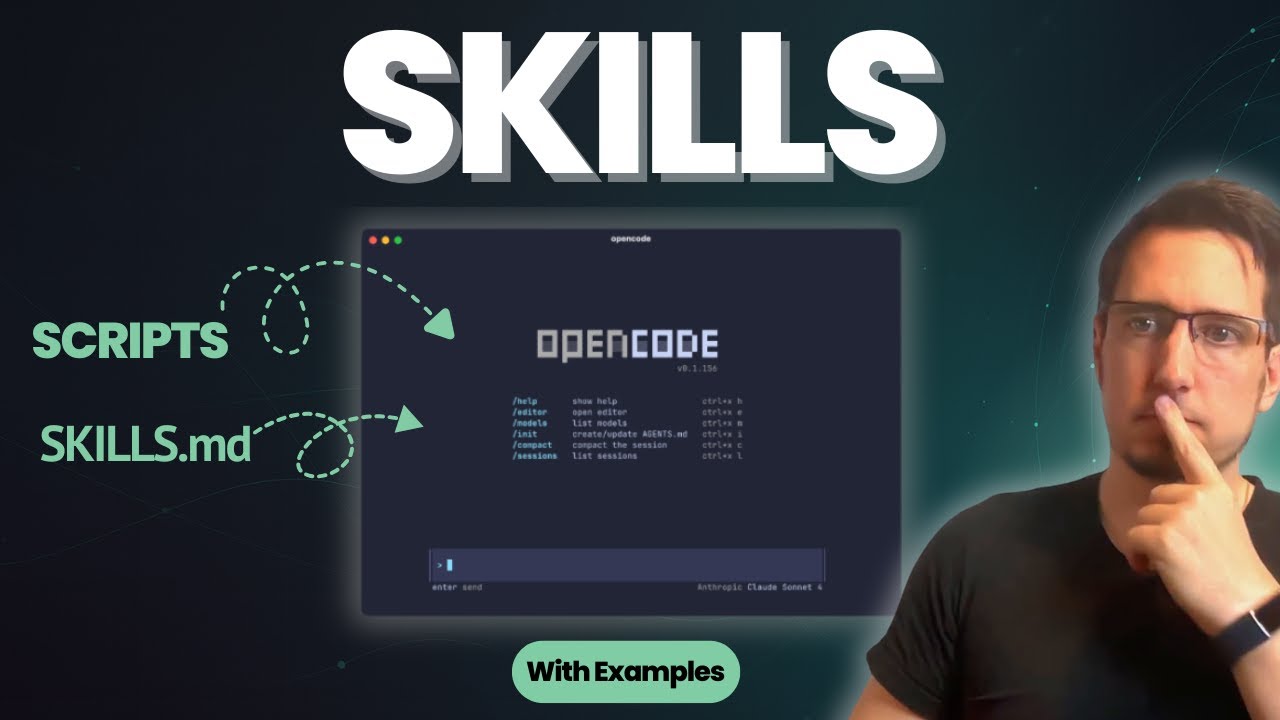
Watch the full demonstration of all four skill tiers in action!
📚 What’s Included
1. Four Demonstration Skills
Tier 1: Simple (POC)
- Location:
.opencode/skill/hello-skill/ - Files:
SKILL.md - Demonstrates: Basic skill structure
- Concept: Skills are instructions, not code
Tier 2: Intermediate
- Location:
.opencode/skill/steps-skill/ - Files:
SKILL.md,steps.sh - Demonstrates: Helper scripts with ordered execution
- Concept: Helper scripts are portable
Tier 3: Advanced
- Location:
.opencode/skill/workflow-skill/ - Files:
SKILL.md,script1.sh,script2.sh,script3.sh,script4.sh - Demonstrates: Complete workflow orchestration
- Concept: Multiple scripts working together
Tier 4: Movie Personality Skill (Interactive!)
- Location:
.opencode/skill/smart-router-skill/ - Files:
SKILL.md,router.sh,config/personality-config.json, 3 character scripts - Router Script:
router.sh(bash script that routes to character workflows) - Demonstrates: Interactive character selection, configurable missions, dynamic routing
- Concept: Config-driven behavior with rich visual output
2. Documentation
- MOVIE_PERSONALITY_SUMMARY.md - Overview of the movie personality skill
- SHOWCASE_SUMMARY.txt - Quick reference guide
- .opencode/README.md - Skills structure overview
- README.md - This file
🚀 Quick Start
Try Tier 4: Movie Personality Skill
The most fun way to see skills in action!
"Use the movie personality skill"
The agent will:
- Ask which character you want (Yoda, Tony Stark, or Sherlock Holmes)
- Run the themed workflow for that character
- Show rich visual output with movie quotes
- Respond in character!
Want different behavior? Edit .opencode/skill/smart-router-skill/config/personality-config.json and change the mission number from 1 to 2!
Run Individual Tiers
"Run Tier 1" - Simple hello skill
"Run Tier 2" - Steps with helper script
"Run Tier 3" - Multi-script workflow
"Run Tier 4" - Movie personality (interactive!)
🎬 Movie Personality Characters
Yoda (Star Wars)
- Mission 1: Defend the Republic - Train Jedi, fortify defenses
- Mission 2: Infiltrate the Sith - Undercover dark side operation
Tony Stark (Iron Man)
- Mission 1: Save the World - Build suit, assemble Avengers
- Mission 2: Ultron Protocol - Autonomous defense system
Sherlock Holmes
- Mission 1: Solve the Murder - Deductive reasoning
- Mission 2: Prevent the Crime - Predictive analysis
🔑 Key Concepts
1. Skills Are Instructions
SKILL.md contains instructions for the agent
↓
Agent reads the instructions
↓
Agent decides which tools to use
↓
Agent executes the commands
2. Scripts Are Portable
Helper scripts can be:
- Bash (.sh)
- Python (.py)
- Any language

They live alongside SKILL.md
Agent executes them via bash tool
3. Custom Tools Extend Functionality
TypeScript tools in .opencode/tool/
↓
Available to all skills
↓
Provide specialized functionality
↓
Agent calls them directly
4. Config-Driven Behavior (Tier 4)
Simple JSON config controls workflow
↓
Change one number (mission: 1 → 2)
↓
Completely different behavior
↓
Same character, different story!
5. Full Visibility
Console output shows exactly what's happening
Rich visual feedback with emojis and quotes
Not hallucination or guessing
Agent can see results and make decisions
📊 Tier Comparison
| Feature | Tier 1 | Tier 2 | Tier 3 | Tier 4 |
|---|---|---|---|---|
| Complexity | Minimal | Medium | Advanced | Interactive |
| Files | 1 | 2 | 5 | 5 |
| Helper Scripts | 0 | 1 | 4 | 3 |
| Custom Tools | No | No | No | Yes (1) |
| Config-Driven | No | No | No | Yes |
| Interactive | No | No | No | Yes |
| Use Case | POC | Workflows | Complex Systems | Fun Demo |
| Learning Curve | Instant | Easy | Moderate | Fun! |
📁 Directory Structure
.
├── .opencode/
│   ├── agent/
│   │   ├── codebase-agent.md          # Development agent
│   │   └── skills-demo-agent.md       # Demo agent
│   ├── skill/
│   │   ├── hello-skill/               # Tier 1
│   │   │   └── SKILL.md
│   │   ├── steps-skill/               # Tier 2
│   │   │   ├── SKILL.md
│   │   │   └── steps.sh
│   │   ├── workflow-skill/            # Tier 3
│   │   │   ├── SKILL.md
│   │   │   ├── script1.sh
│   │   │   ├── script2.sh
│   │   │   ├── script3.sh
│   │   │   └── script4.sh
│   │   └── smart-router-skill/        # Tier 4 (Movie Personality!)
│   │       ├── SKILL.md
│   │       ├── router.sh              # Routes to character scripts
│   │       ├── config/
│   │       │   └── personality-config.json  ← Edit this!
│   │       └── scripts/
│   │           ├── yoda-workflow.sh
│   │           ├── stark-workflow.sh
│   │           └── sherlock-workflow.sh
│   └── README.md
├── SHOWCASE_SUMMARY.txt               # Quick reference
├── MOVIE_PERSONALITY_SUMMARY.md       # Tier 4 overview
└── README.md                          # This file
💡 Learning Path
Step 1: Try the Movie Personality Skill
Ask: "Use the movie personality skill" - Most fun way to see skills in action!
Step 2: Understand the Basics
Read SHOWCASE_SUMMARY.txt to understand what skills are
Step 3: Explore Each Tier
Run Tier 1, 2, 3, and 4 to see the progression
Step 4: Customize
Edit personality-config.json to change missions (1 → 2) and see different behavior!
Step 5: Explore the Code
Look at individual SKILL.md files and helper scripts
Step 6: Create Your Own
Use this as a template for your own skills
🎯 What You’ll Learn
After exploring this showcase, you’ll understand:
✅ How OpenCode Skills are structured ✅ How agents load and execute skills ✅ How helper scripts work with agents ✅ How custom tools extend functionality ✅ The progression from simple to complex ✅ Why skills are better than hallucination ✅ How to create your own skills ✅ NEW: How config changes drive different behaviors ✅ NEW: How to make skills interactive and fun ✅ NEW: How to use dynamic routing based on parameters
🎬 Customizing Movie Personalities
Want to see different behavior? It’s easy!
- Open
.opencode/skill/smart-router-skill/config/personality-config.json - Find the character you want to change
- Change
"mission": 1to"mission": 2 - Run the skill again - completely different workflow!
Example:
{
  "yoda": {
    "mission": 2,  ← Changed from 1 to 2!
    "missions": {
      "1": { "name": "Defend the Republic", ... },
      "2": { "name": "Infiltrate the Sith", ... }
    }
  }
}
Now Yoda will run an undercover Sith infiltration mission instead of defending the Republic!
🔗 Related Resources
🚀 Next Steps
- Try the movie personality skill - Ask the agent to use it!
- Choose your character - Yoda, Stark, or Sherlock
- Watch the magic - See themed workflows in action
- Customize missions - Edit the config file
- Create your own - Use this as a template
✨ Key Takeaways
- Skills are modular - Each skill is self-contained and reusable
- Scripts are powerful - Simple bash scripts can do complex work
- Tools extend capabilities - Custom TypeScript tools add specialized functionality
- Full visibility - Console output shows exactly what’s happening
- Config-driven behavior - Simple JSON changes create different outcomes
- Interactive is fun - Agent asks questions, user chooses, magic happens!
- Easy to customize - Change one number, get different behavior
Ready to see OpenCode Skills in action?
Ask the agent: "Use the movie personality skill"
🎬 Choose your character and watch the show! 🚀
Recommended Tools
Try a different keyword or remove a filter.
Install
npx skillfish add darrenhinde/opencode-skills-example