
orthogonalpub/modelica_simulation_mcp_server
Developer toolsPublic MCP server to run modelica simulation
Overview
Enabling LLMs to process Modelica-related tasks seamlessly The Modelica MCP server transforms into an engineering , seamlessly bridging Large Language Models with advanced simulation capabilities. It enables AI to autonomously generate, visualize, and simulate complex engineering models through natural language interactions. - : Automatically create complete Modelica models from natural language descriptions - : Generate interactive visual diagrams with proper component placement and connections in Modelica IDE - : End-to-end simulation workflow from concept to results : Execute complete Modelica simulation workflows with MCP clients : Generate interactive model diagrams in ODE 1. → Visit www.orthogonal.dev 2. to your account 3. 4. This demonstration showcases creating a bouncing ball model with realistic physics including gravitational acceleration, ground collision detection, and coefficient of restitution using just a text prompt in Cursor.
README
Modelica MCP Server
A lightweight Model Context Protocol server for simulating Modelica models
Enabling LLMs to process Modelica-related tasks seamlessly



What is this?
The Modelica MCP server transforms ODE—a new Modelica IDE into an engineering AI agent, seamlessly bridging Large Language Models with advanced simulation capabilities. It enables AI to autonomously generate, visualize, and simulate complex engineering models through natural language interactions.
Key Capabilities:
- 🤖 AI-Driven Model Generation: Automatically create complete Modelica models from natural language descriptions
- 🎨 Intelligent Diagram Creation: Generate interactive visual diagrams with proper component placement and connections in Modelica IDE
- 🔄 Autonomous Simulation: End-to-end simulation workflow from concept to results
Key Features
| Feature | Description |
|---|---|
| 🤖 AI Model Generation | Automatically create complete Modelica models from natural language descriptions |
| 🎨 Intelligent Diagramming | Generate visual diagrams with smart component placement, automatic routing, and professional annotations through ODE integration |
| 🏗️ Full IDE Access | Complete Modelica development environment via ODE with syntax highlighting, error checking, and debugging |
| 📊 Advanced Visualization | Real-time plotting, 3D visualization, interactive charts, and customizable result analysis dashboards |
| ⚡ Seamless Integration | One-click setup with popular AI clients like Cursor, and custom LLM applications |
| 🛡️ Enterprise Security | Token-based authentication with secure cloud execution and data protection |
| 🔄 Autonomous Workflows | End-to-end automation from natural language input to simulation results and engineering insights |
Available Tools
modelica_simulate()
Purpose: Execute complete Modelica simulation workflows with MCP clients
modelica_get_diagram_url()
Purpose: Generate interactive model diagrams in ODE
Installation
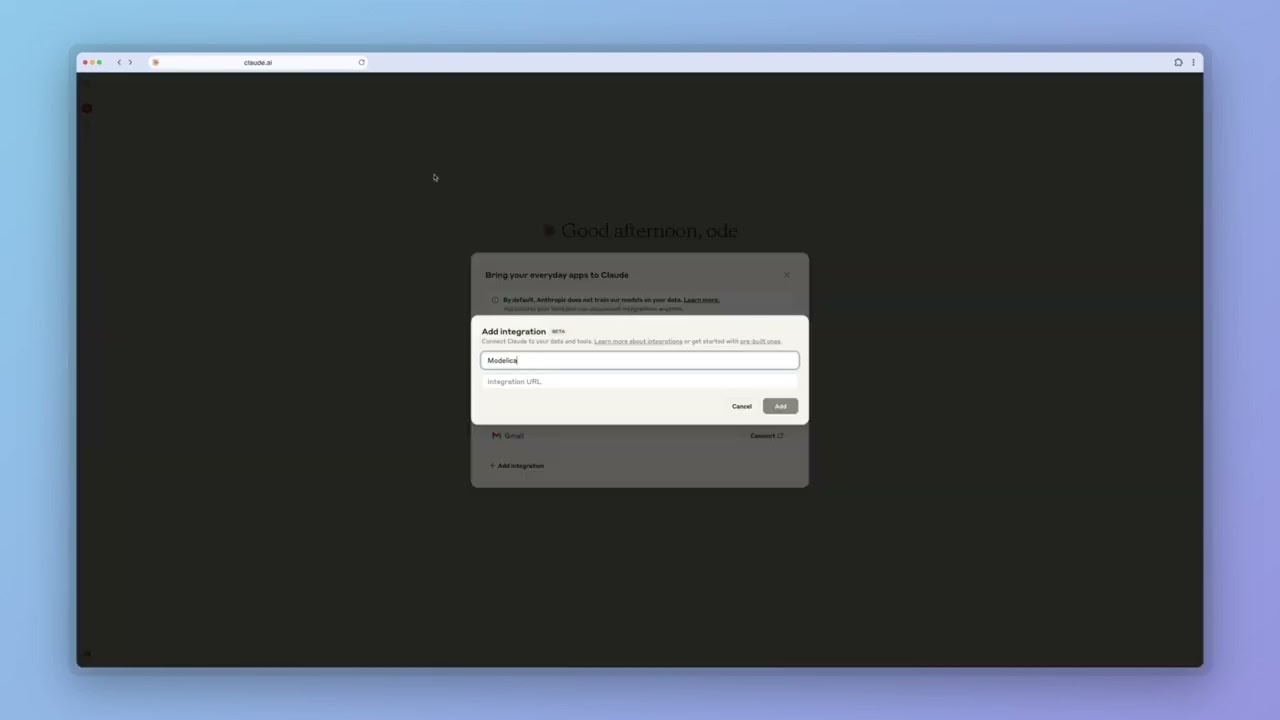 🎥 Watch Installation tutorial on YouTube
- Create User Account → Visit www.orthogonal.dev
- Login to your account
- Get token
- MCP Client Configuration
Show case
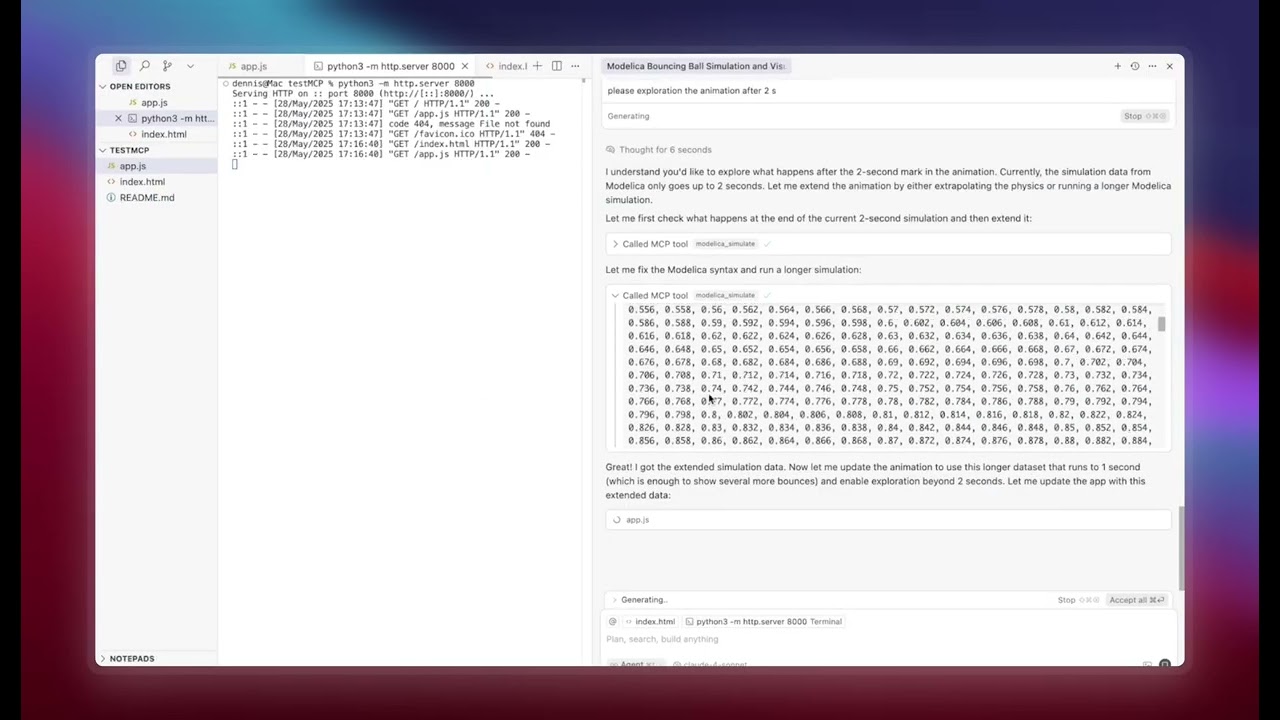
This demonstration showcases creating a bouncing ball model with realistic physics including gravitational acceleration, ground collision detection, and coefficient of restitution using just a text prompt in Cursor. The Modelica MCP Server automatically generates the differential equations, runs the simulation, and extracts position and velocity data over time. The simulation results are then fed into a custom Three.js visualization that renders an animated 3D scene with the bouncing ball, ground plane, and real-time trajectory tracking.
Resources & Links
| Resource | Description |
|---|---|
| Model Context Protocol | Official MCP documentation and specifications |
| Orthogonal Platform | Advanced Modelica simulation platform |
| Modelica Language | Official Modelica language resources |
Author Information
orthogonal supersystems GmbH
www.orthogonal.dev
Install
This server does not publish a one-line install command.
Open the repository installation guide