
ansible-tmm/mcp-demo
Developer toolsmcp demo for AAP
Overview
This repository provides setup guides for connecting various AI assistants to Ansible Automation Platform (AAP) using the Model Context Protocol (MCP). AAP provides with that enable AI assistants to interact with different aspects of your automation platform: 1. - Execute and monitor automation jobs 2. - Manage hosts, groups, and inventories 3. - Monitor platform health and metrics 4. - Manage users, teams, and organizations 5. - Access security policies and audit logs 6. - Configure platform settings This repository includes setup guides for three different AI assistant platforms: 1. (if not already done): - Deploy on RHEL - Deploy on OpenShift - GitHub Repository 2. : - Follow the Red Hat documentation - Save your token in mcp_key.txt (gitignored for security) 3.
README
Ansible Automation Platform MCP Integration
This repository provides setup guides for connecting various AI assistants to Ansible Automation Platform (AAP) using the Model Context Protocol (MCP).
Overview
AAP provides one MCP server with 6 separate toolset endpoints that enable AI assistants to interact with different aspects of your automation platform:
- Job Management - Execute and monitor automation jobs
- Inventory Management - Manage hosts, groups, and inventories
- System Monitoring - Monitor platform health and metrics
- User Management - Manage users, teams, and organizations
- Security & Compliance - Access security policies and audit logs
- Platform Configuration - Configure platform settings
Supported AI Assistants
This repository includes setup guides for three different AI assistant platforms:
| Platform | Setup Guide | Best For |
|---|---|---|
| Cursor IDE | cursor-mcp-setup/ | Developers using Cursor for coding with AI assistance |
| Claude Desktop | claude-mcp-setup/ | Users of Anthropic’s Claude Desktop app |
| Microsoft Copilot Studio | copilotstudio-mcp-setup/ | Enterprise users building custom copilots |
Quick Start
-
Deploy the AAP MCP Server (if not already done):
-
Get Your AAP API Token:
- Follow the Red Hat documentation
- Save your token in
mcp_key.txt(gitignored for security)
-
Choose Your Platform and follow the appropriate setup guide:
- Cursor IDE Setup - JSON-based configuration with environment variables
- Claude Desktop Setup - JSON configuration for Claude Desktop app
- Microsoft Copilot Studio Setup - OpenAPI-based Custom Connector via Power Apps
Repository Structure
mcp-demo/
├── cursor-mcp-setup/          # Cursor IDE configuration
│   ├── README.md              # Detailed Cursor setup guide
│   ├── mcp-config-template.json
│   ├── KNOWN_ISSUES.md
│   └── TOOL_NAME_LIMITS.md
├── claude-mcp-setup/          # Claude Desktop configuration
│   ├── README.md              # Detailed Claude setup guide
│   └── [configuration files]
├── copilotstudio-mcp-setup/   # Microsoft Copilot Studio setup
│   ├── README.md              # Detailed Copilot Studio setup guide
│   └── aap-mcp-openapi.yaml   # OpenAPI specification
├── images/                    # Shared images and diagrams
├── .cursorrules               # AI context rules for AAP
├── mcp_key.txt                # Your API token (gitignored)
├── LICENSE                    # GPL-3.0 license
└── README.md                  # This file
Key Differences Between Platforms
Cursor IDE
- Configuration: JSON file with environment variable support
- SSL Certificates: Can bypass validation (development only)
- Authentication: Direct Bearer token via environment variables
- Best For: Developers who want AI assistance while coding
Claude Desktop
- Configuration: JSON configuration in Claude Desktop settings
- SSL Certificates: Similar to Cursor, development-friendly
- Authentication: Bearer token in configuration
- Best For: General-purpose AI assistant for various tasks
Microsoft Copilot Studio
- Configuration: OpenAPI YAML + Power Apps Custom Connector
- SSL Certificates: Must have valid certificates (Let’s Encrypt recommended)
- Authentication: API Key via Custom Connector
- Best For: Enterprise custom copilots with business process integration
What You Can Do
Once connected, you can interact with AAP using natural language:
List my recent Ansible jobsShow me all hosts in my inventoryWhat's the status of my AAP platform?Launch job template "Configure Web Servers"How many Windows hosts do I have?Show me failed jobs from the last 24 hours
Prerequisites
- Ansible Automation Platform 2.6+ with MCP server deployed
- API token from your AAP instance
- One of:
- Cursor IDE
- Claude Desktop app
- Microsoft Copilot Studio account
Cursor Rules for AAP Context
This repository includes a .cursorrules file that provides AI context about Ansible Automation Platform best practices. This helps the AI assistant understand:
- Inventory organization and query patterns
- Host variables and OS detection
- API pagination and resource relationships
- Common AAP workflows and best practices
Learn more about Cursor Rules.
Security Notes
- Never commit
mcp_key.txtto version control (already in.gitignore) - Store API tokens securely using environment variables or key vaults
- Rotate tokens regularly
- Use proper SSL certificates in production
- Review AAP token permissions and apply least-privilege principle
Video Tutorial
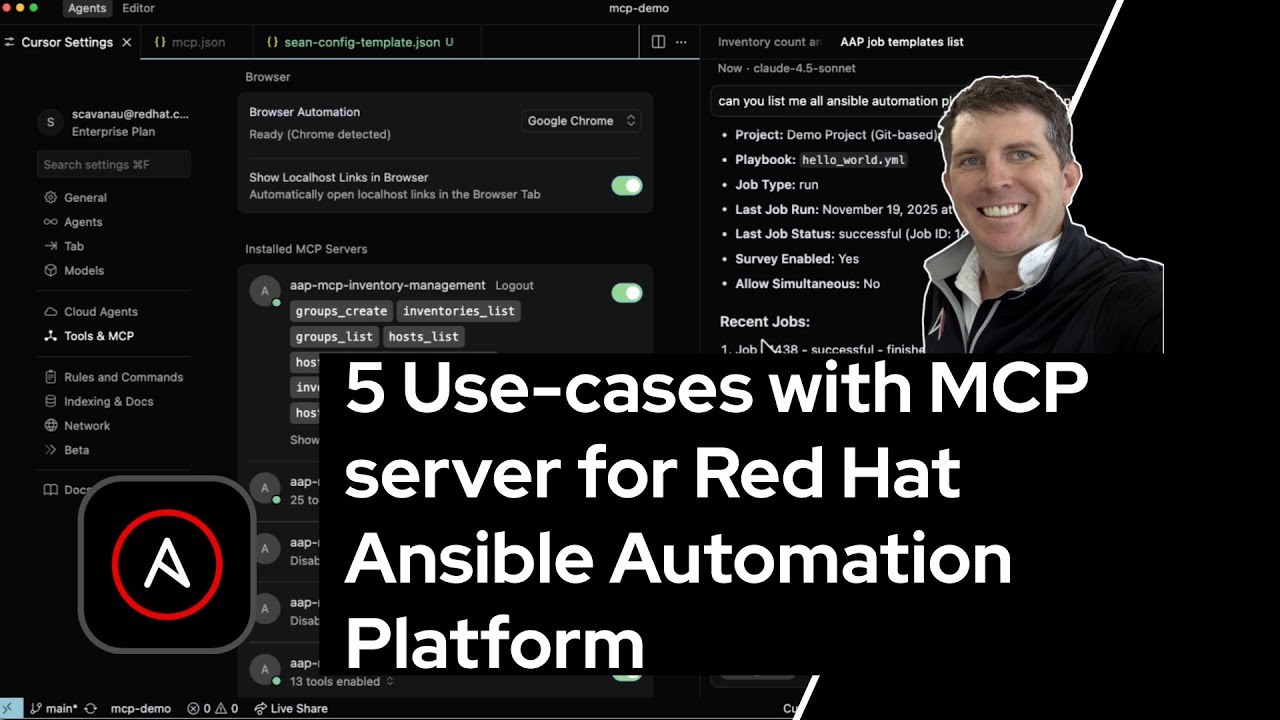
🎥 5 Use-cases with Ansible Automation Platform MCP Server
Watch this video walkthrough demonstrating real-world examples:
MCP Server Endpoints
All platforms connect to the same AAP MCP server endpoints:
| Endpoint | Purpose | Port |
|---|---|---|
/job_management/mcp |
Jobs, templates, workflows | 8448 or 8449 |
/inventory_management/mcp |
Hosts, groups, inventories | 8448 or 8449 |
/system_monitoring/mcp |
Health, metrics, instances | 8448 or 8449 |
/user_management/mcp |
Users, teams, organizations, RBAC | 8448 or 8449 |
/security_compliance/mcp |
Credentials, audit logs | 8448 or 8449 |
/platform_configuration/mcp |
Settings, configuration | 8448 or 8449 |
Note: Port configuration depends on your deployment. Check your specific setup guide for details.
Troubleshooting
General Issues
- Verify AAP MCP server is running and accessible
- Check API token validity and permissions
- Ensure correct server hostname and port
Platform-Specific Issues
- Cursor/Claude: See cursor-mcp-setup/KNOWN_ISSUES.md
- Microsoft Copilot Studio: See copilotstudio-mcp-setup/README.md
SSL Certificate Errors
- Cursor/Claude: Can use
NODE_TLS_REJECT_UNAUTHORIZED=0(development only) - Microsoft Copilot Studio: Requires valid SSL certificates (Let’s Encrypt or commercial CA)
Additional Resources
AAP MCP Server Deployment
Documentation
- Red Hat AAP MCP Server Documentation
- Model Context Protocol Specification
- Cursor MCP Configuration
- Microsoft Copilot Studio MCP Guide
Contributing
Contributions are welcome! If you have improvements to the setup guides or encounter issues:
- Fork this repository
- Make your changes
- Submit a pull request
For AAP MCP server issues, please report them at the official AAP MCP repository.
Support
For issues with:
- AAP MCP Server: File issues at red.ht/aap-mcp
- Cursor IDE: Check cursor-mcp-setup/
- Claude Desktop: Check claude-mcp-setup/
- Microsoft Copilot Studio: Check copilotstudio-mcp-setup/
- This Repository: Open an issue on GitHub
Join the Ansible Community Forum at forum.ansible.com. The forum is the central hub for the Ansible community—it’s where users, contributors, and developers come together to ask questions, share knowledge, and help each other. Whether you’re troubleshooting a playbook, looking for best practices, or want to connect with other automation engineers, the forum is the best place to start.
- Get Help - Post questions and get answers from the community
- Social Spaces - Connect with fellow automation enthusiasts
- News & Announcements - Stay up to date with the Ansible ecosystem
License
GNU General Public License v3.0 or later.
See LICENSE to see the full text.
Install
This server does not publish a one-line install command.
Open the repository installation guide New to MCP? Start with the mcpskill.org guide →