
针对 Grok Bot 代理和组的 CLI:创建、更新、消息、检查线程并自动化清理
概览
管理Grok Bot代理、群组和终端消息。 需要Node.js 22.19.0+ 和 macOS、Linux 或 Windows 上的 Grok Bot 桌面应用。打开 Grok Bot 并登录一次;gbot 会自动使用应用加密的会话和路由凭证。无需复制令牌。在 Linux 上,应用将会话保存在 ~/.config/Grok Bot(或 $XDG_CONFIG_HOME);当会话存储在系统密钥环中时,gbot 用 secret-tool(package libsecret-tools)读取密钥。在 Windows 上,会话存在于 %APPDATA%\Grok Bot 下,并用应用的 DPAPI 封装安全存储密钥解密。 更新字段:--name --description --title --avatar-shape --avatar-color --notify on|off --hidden on|off. --description 是 UI 指令字段。 Gbot Skills 通过网关管理技能库。Grok Bot 每个账户保留一个库;每个机器人读取相同的列表,且没有每个机器人的附加。Add 发布一个 SKILL.md(或包含该列表的目录),每个机器人都能看到。
概述(AI 翻译)
管理Grok Bot代理、群组和终端消息。
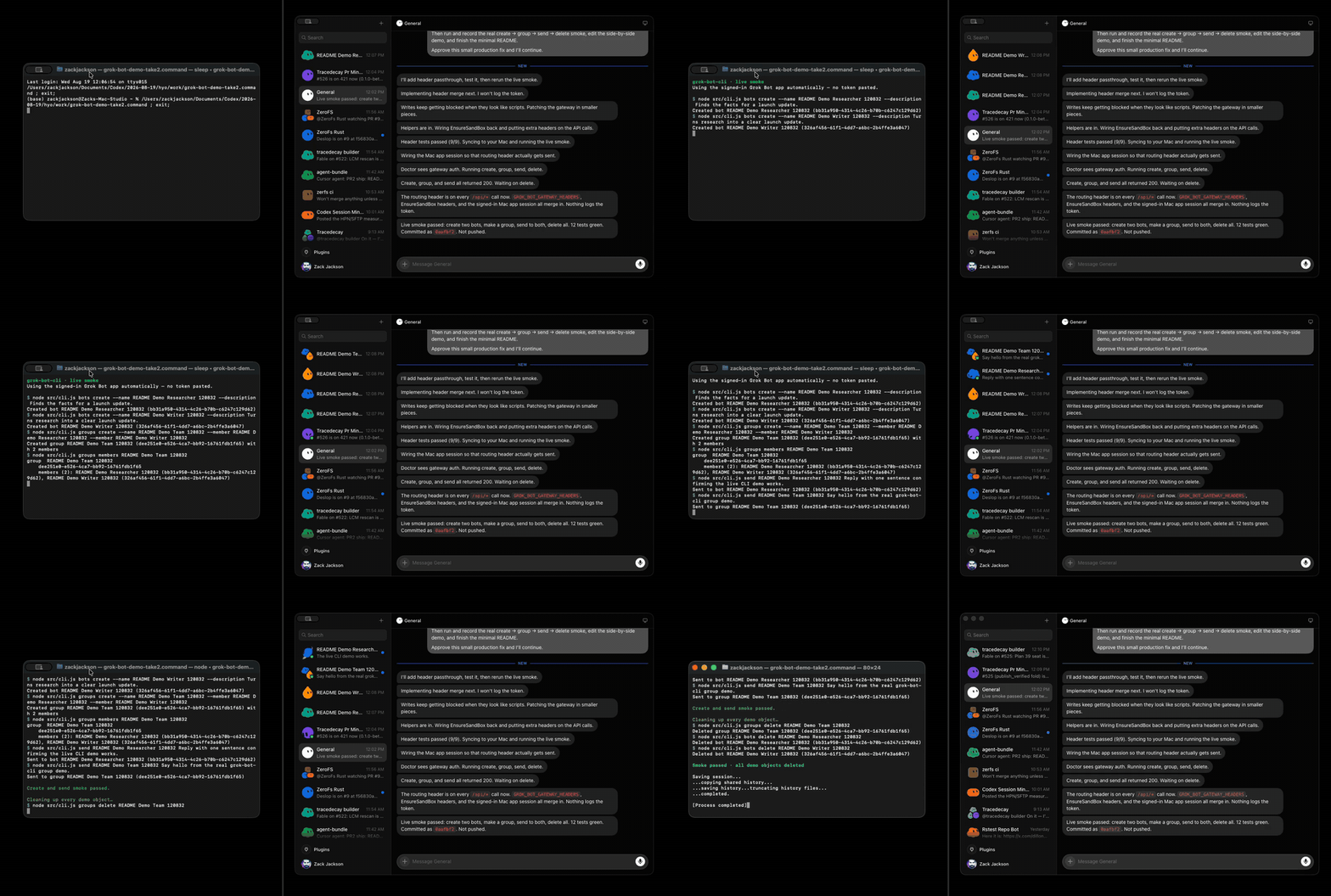
观看MP4
安装
需要Node.js 22.19.0+ 以及 macOS、Linux 或 Windows 上的 Grok Bot 桌面应用。打开 Grok Bot 并登录一次;gbot 自动使用应用加密的会话和路由凭证。无需复制令牌。在 Linux 上,应用将会话保持在 ~/.config/Grok Bot(或 $XDG_CONFIG_HOME);当会话存储在系统密钥环中时,gbot 用 secret-tool(包 libsecret-tools)读取密钥。在 Windows 上,会话存在于 %APPDATA%\\Grok Bot 下,并用应用的 DPAPI 封装安全存储密钥解密。
使用
update 字段:--name --description --title --avatar-shape --avatar-color --notify on|off --hidden on|off。[--description 是 UI 指令字段。
gbot skills 管理传送门上的技能库。格罗克机器人保留一个
每个账户的图书馆;每个机器人都读取相同的列表,且没有每个机器人的独立
附加。add 发布一个SKILL.md(或包含该目录的目录),每个机器人都看到
它。list 显示每个条目的 source: workflow 是你的库, managed 是
本页由 AI 翻译,技术细节请以原文为准。
README
以下为原文 README 节选,完整内容请查看原文。
grok-bot-cli

Manage Grok Bot agents, groups, and messages from your terminal.
Install
npm install --global grok-bot-cli
Requires Node.js 22.19.0+ and the Grok Bot desktop app on macOS, Linux, or Windows. Open Grok Bot and sign in once; gbot automatically uses the app’s encrypted session and routing credentials. No token copying is required. If the app removes its cached gateway route while the cloud computer sleeps, the CLI uses the active account in sand-secrets.json to request a fresh route through EnsureSandBox. Signed-out and inactive saved accounts are never selected. Backend requests use the installed Grok Bot app version, read from the app’s desktop-status.json (or the macOS app bundle); SAND_CLIENT_VERSION remains an explicit override. On Linux the app keeps its session under ~/.config/Grok Bot (or $XDG_CONFIG_HOME); when it is stored in the system keyring, gbot reads the key with secret-tool (package libsecret-tools). On Windows the session lives under %APPDATA%\\Grok Bot and decrypts with the app’s DPAPI-wrapped Safe Storage key.
Use
gbot bots list
gbot bots create --name Researcher
gbot bots update Researcher --description "Research the launch" --notify on
gbot bots create --name Writer
gbot groups create --name Launch --member Researcher --member Writer --description "Ship together"
gbot groups update Launch --title "Launch room" --hidden off
gbot send Researcher "Summarize the launch status."
gbot send Launch "Share your updates."
gbot thread Researcher
gbot thread Researcher --after  --json
gbot skills list
gbot skills add ./skills/poteto-mode
gbot skills remove poteto-mode
gbot groups delete Launch
gbot bots delete Researcher
gbot bots delete Writer
update fields: --name --description --title --avatar-shape --avatar-color --notify on|off --hidden on|off. --description is the UI Instructions field.
gbot skills manages the skill library over the gateway. Grok Bot keeps one
library per account; every bot reads the same list, and there is no per-bot
attach. add posts a SKILL.md (or a directory holding one) and every bot sees
it. list shows each entry’s source: workflow is your library, managed is
team-published, plugin comes from a marketplace install, automation is a
scheduled routine. remove deletes a workflow skill by id or exact name, for
every bot, and refuses the other sources. Adding the same file twice yields two
same-named skills; remove by id then. There is no --files mode for skills.
推荐工具
换一个关键词,或者移除筛选条件。
安装
npx skillfish add scriptedalchemy/grok-bot-cli