
AI代理缺失的集成层。让他们在安全环境中调用任何OpenAPI/MCP/GraphQL/自定义js函数。
概览
Executor 是一个开源的 AI 代理集成层。每次集成(MCP 服务器、OpenAPI 规范、GraphQL API)都配置一次,并用认证和每个工具的策略,然后使用任何兼容 MCP 代理的该目录。 https://github.com/user-attachments/assets/11225f83-e848-42ba-99b2-a993bcc88dad 你使用的每个代理(Claude Code、Cursor、ChatGPT 以及其他)都需要每个集成的独立副本:同样的 API 密钥粘贴在三个地方,同样的 MCP 服务器重新布线,没有共享的每个工具允许做什么。 Executor 是介于两者之间的层。只需添加一次工具,一次赋予凭证,一次设置策略,每个代理通过 MCP 共享。你的集成、授权和策略集中在一个地方,而不是分散在各个客户端之间。 - 第一方支持MCP服务器、OpenAPI、GraphQL和Google Discovery。如果你能用JSON模式描述,它可以作为集成。插件系统对任何源类型开放。
概述(AI 翻译)
将任何代理连接到所有东西。
Executor 是一个开源的人工智能代理集成层。配置每一个 一次整合(MCP服务器、OpenAPI规范、GraphQL API)与认证 以及每个工具的策略,然后使用任何兼容MCP代理的该目录。
网站 ·文档 ·Discord
为什么是执行人
你使用的每个代理(Claude Code、Cursor、ChatGPT 以及其他)都需要自己的代理 每个集成的副本:同样的API密钥粘贴在三个地方,完全一样 MCP服务器重新布线,没有共享每个工具允许做什么的概念。
执行者是介于两者之间的层。添加一次工具,一次赋予其凭证, 只需设置一次策略,每个代理通过MCP共享策略。您的集成, 授权和政策集中在一个地方,而不是分散在各个地方 客户。
- 任何集成。 第一方支持 MCP 服务器、OpenAPI、GraphQL 和 Google Discovery。如果你能用 JSON 模式描述它,它可以是 集成。插件系统对任何集成类型开放。
- 一个目录,每个代理。 任何兼容MCP的设备都连接到同一目录 一套工具。
- 受政策管辖。 每个工具都被允许,需经批准,或
本页由 AI 翻译,技术细节请以原文为准。
README
以下为原文 README 节选,完整内容请查看原文。
Executor
Connect any agent to everything.
Executor is an open-source integration layer for AI agents. Configure every integration once (MCP servers, OpenAPI specs, GraphQL APIs) with authentication and per-tool policies, then use that one catalog from any MCP-compatible agent.
Website · Documentation · Discord
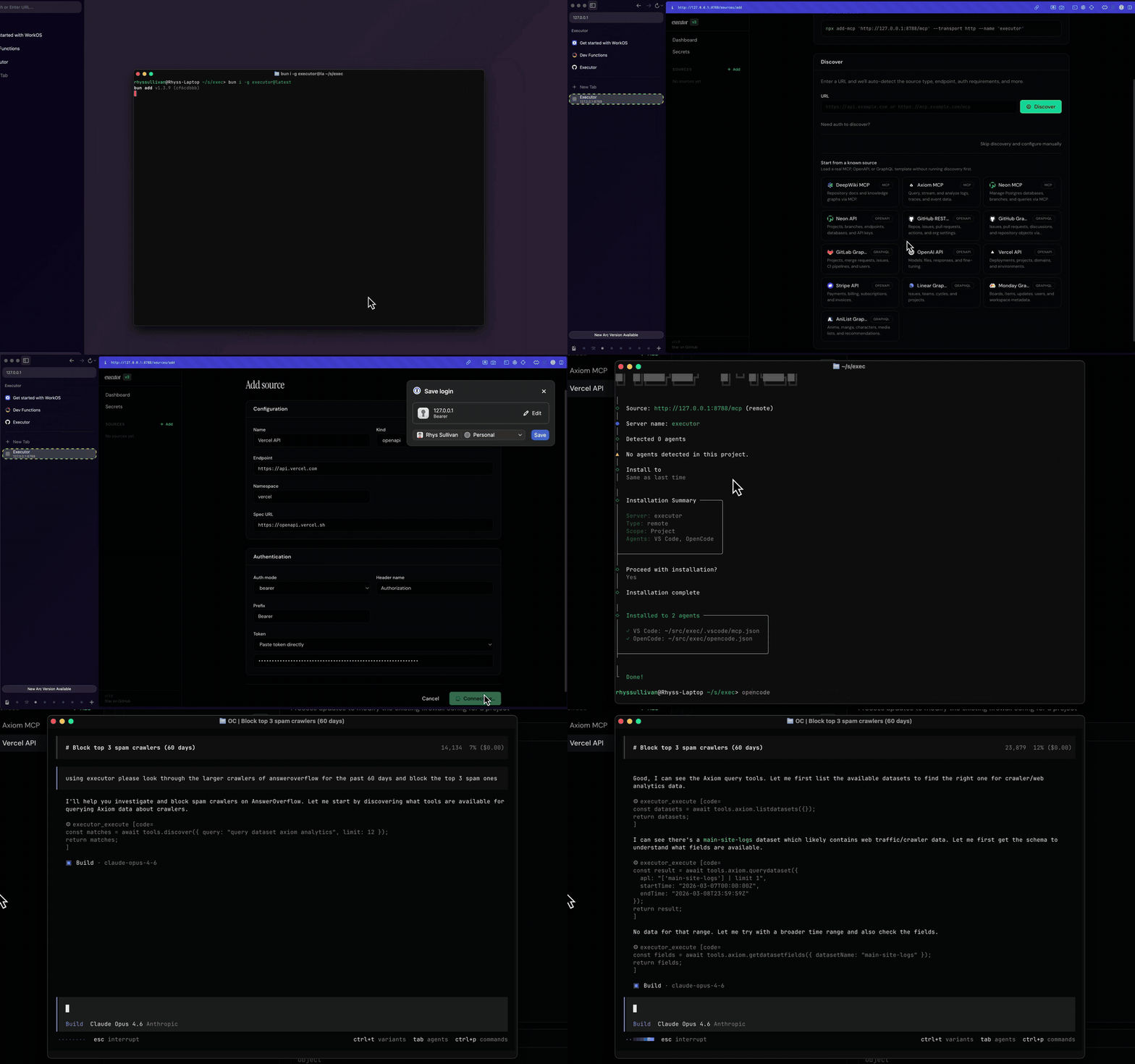
Why Executor
Every agent you use (Claude Code, Cursor, ChatGPT, and the rest) needs its own copy of every integration: the same API keys pasted in three places, the same MCP servers wired up again, no shared idea of what each tool is allowed to do.
Executor is the layer in between. Add a tool once, give it credentials once, set its policy once, and every agent shares it over MCP. Your integrations, auth, and policies live in one place instead of being scattered across each client.
- Any integration. First-party support for MCP servers, OpenAPI, GraphQL, and Google Discovery. If you can describe it with a JSON schema, it can be an integration. The plugin system is open to any integration type.
- One catalog, every agent. Anything MCP-compatible connects to the same set of tools.
- Governed by policy. Each tool is allowed, gated behind approval, or blocked, with sensible defaults derived from the spec.
- Run it your way. Local CLI, a desktop app, hosted Executor Cloud, or self-hosted on Docker or Cloudflare. Same functionality, different packaging.
How it works
- Add an integration: an MCP server, an OpenAPI spec, or a GraphQL API.
- Create a connection: one configured (optionally authenticated) instance of that integration. An integration can have many connections.
- Set policies: decide whether each tool is always allowed, needs approval, or is blocked.
- Point your agents at Executor over MCP. They all share the same catalog.
See Concepts for the full model.
Quick start
The fastest path is Executor Cloud: sign in, add an integration, and point your agents at the hosted MCP endpoint. Nothing to install.
To run it locally instead (Node.js 20+):
npm install -g executor   # or: pnpm add -g / bun add -g / yarn global add
executor install          # install the durable background service
executor web              # open the web UI in your browser
executor install keeps the service running across restarts. For a throwaway
foreground runtime, use executor web --foreground. From the web UI, add your
first integration and connect an agent.
Set up with your agent
Prefer to let your coding agent do the setup? Copy the setup prompt from the docs and paste it into Claude, Cursor, or any MCP-capable agent. It will help you pick how to run Executor,
安装
npx add-mcp http://127.0.0.1:4788/mcp --transport http --name executor