
一个模型上下文协议MCP服务器,用于捕捉具有全页、元素和设备大小功能的网站截图。
概览
一个模型上下文协议MCP服务器,用于捕捉具有全页、元素和设备大小功能的网站截图。 - 自动滚动 - 使用 CSS 选择器 - (移动端、平板、桌面) - - (CSS 选择器、网络空闲、自定义延迟)- 用于安全操作 - 防止资源耗尽 1. 克隆或下载本项目 2.移动到目录:cd /path/to/screenshotMCP 3.将 .env.example 重命名为 .env 2.安装依赖:npm 安装 4.启动服务器:npm 启动 你可以直接在 Claude Code CLI 或 Claude Desktop 中使用 Screenshot MCP,作为开发流程的一部分来截图。 在你的 ~/.config/claude/mcp_servers.json 中添加: Claude mcp add screenshot-full-page-mcp node ./index.js 你可以直接在光标IDE中使用Screenshot MCP,作为开发流程的一部分来截图。 1. 打开光标。2. 前往>。3. 添加一个新的MCP服务器条目用于截图MCP:
概述(AI 翻译)
一个模型上下文协议MCP服务器,用于捕捉具有全页、元素和设备大小功能的网站截图。
特色
- 全页截图捕捉并自动滚动
- 元素特定截图使用 CSS 选择器
- 多设备预设(移动端、平板、台式机)
- 自定义视口配置
- 高级等待条件(CSS选择器、网络空闲、自定义延迟)
- 错误处理与验证以实现安全操作
- 速率限制以防止资源枯竭
安装
- 克隆或下载本项目
- 移动到目录:
cd /path/to/ScreenshotMCP - 将
.env.example重命名为.env - 安装依赖:
npm install - 启动服务器:
npm start
使用 Claude 代码
你可以直接在 Claude Code CLI 或 Claude Desktop 中使用 Screenshot MCP,作为开发流程的一部分来截图。
for Claude Code CLI:
补充你的~/.config/claude/mcp_servers.json:
或
claude mcp add screenshot-full-page-mcp node ./index.js
针对Claude桌面版:
补充到你的claude_desktop_config.json:
使用光标
本页由 AI 翻译,技术细节请以原文为准。
README
以下为原文 README 节选,完整内容请查看原文。
Screenshot MCP
A Model Context Protocol MCP server for capturing website screenshots with full page, element, and device size features.
Features
- Full-page screenshot capture with automatic scrolling
- Element-specific screenshots using CSS selectors
- Multiple device presets (mobile, tablet, desktop)
- Custom viewport configurations
- Advanced wait conditions (CSS selectors, network idle, custom delays)
- Error handling and validation for secure operation
- Rate limiting to prevent resource exhaustion
Installation
- Clone or download this project
- Move to the directory:
cd /path/to/ScreenshotMCP - rename
.env.exampleto.env - Install dependencies:
npm install - Start Server:
npm start
Using with Claude Code
You can use Screenshot MCP directly within the Claude Code CLI or Claude Desktop to capture screenshots as part of your development workflow.
For Claude Code CLI:
Add to your ~/.config/claude/mcp_servers.json:
{
  "screenshot-full-page-mcp": {
    "command": "node",
    "args": ["/path/to/screenshot-full-page-mcp/index.js"]
  }
}
or
claude mcp add screenshot-full-page-mcp node ./index.js
For Claude Desktop:
Add to your claude_desktop_config.json:
{
  "mcpServers": {
    "screenshot-full-page-mcp": {
      "command": "node",
      "args": ["/path/to/screenshot-full-page-mcp/index.js"]
    }
  }
}
Using with Cursor
You can use Screenshot MCP directly within the Cursor IDE to capture screenshots as part of your development workflow.
-
Open Cursor.
-
Go to Settings > MCP Servers.
-
Add a new MCP server entry for Screenshot MCP:
{ "mcpServers": { "screenshot-full-page-mcp": { "command": "node", "args": ["/path/to/screenshot-full-page-mcp/index.js"] } } } -
Save your settings.
Usage
Once configured, you can use natural language commands with Claude Code:
Basic Screenshot
"Take a screenshot of https://example.com"
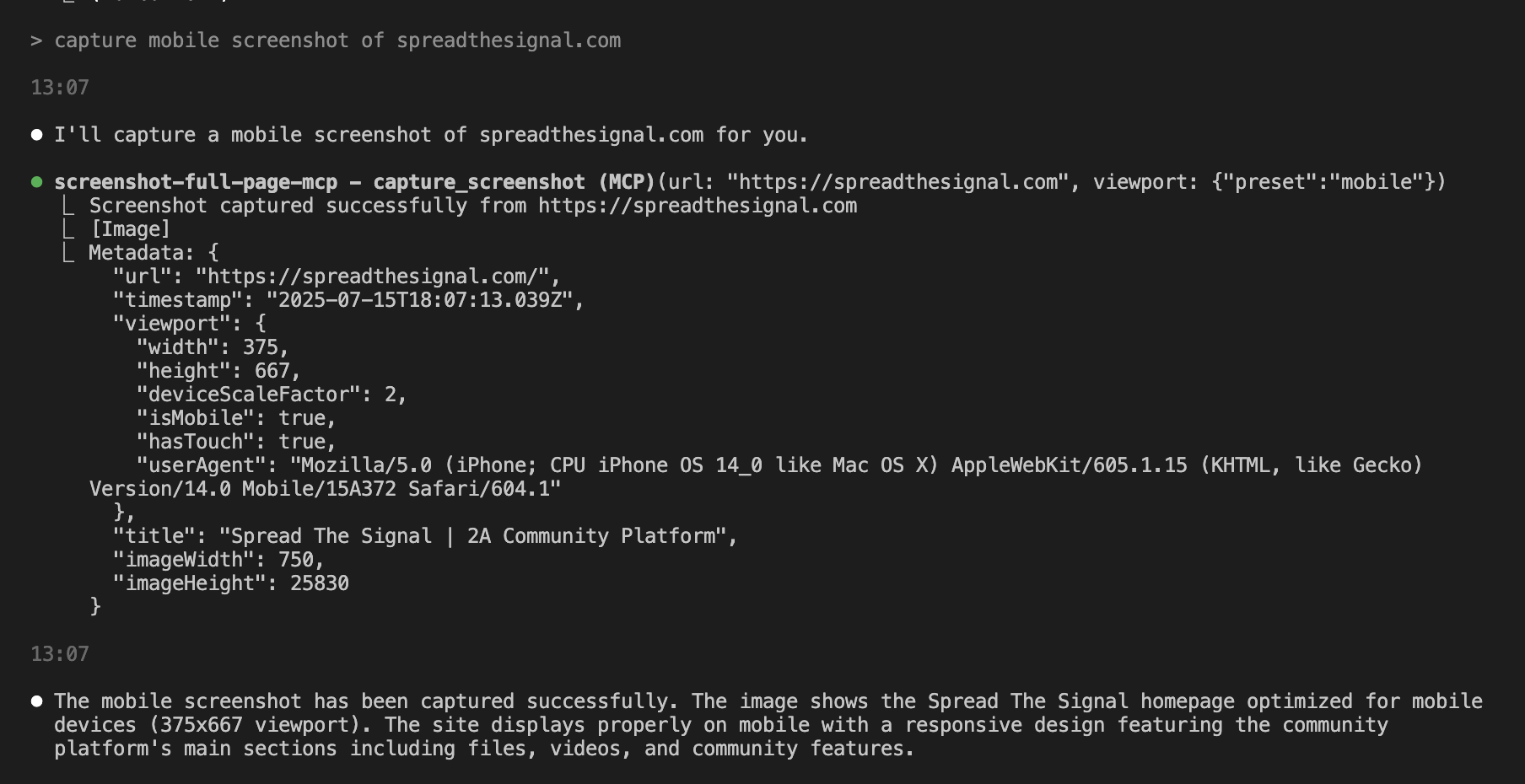
Mobile Screenshot
"Capture a mobile screenshot of https://myapp.com"
Custom Viewport
"Screenshot https://myapp.com at 1024x768 resolution"
Wait for Element
"Take a screenshot of https://example.com after the loading spinner disappears"
Element Screenshot
"Capture just the navigation bar from https://example.com"
Available Tools
capture_screenshot
Captures a full-page screenshot with advanced configuration options.
Parameters:
url(required): The webpage URL to screenshotviewport: Viewport configurationpreset: Device preset (mobile,tablet,desktop)width: Custom width in pixels (100-5000)height: Custom height in pixels (100-5000)
安装
This server does not publish a one-line install command.
Open the repository installation guide 新手?先看 mcpskill.org 教程 →配置
{
     "mcpServers": {
       "screenshot-full-page-mcp": {
         "command": "node",
         "args": ["/path/to/screenshot-full-page-mcp/index.js"]
       }
     }
   }