
rootlyhq/rootly-mcp-server 是从 https://github.com/rootlyhq/rootly-mcp-server. 导入的 MCP 候选服务器
概览
rootlyhq/rootly-mcp-server 是从 https://github.com/rootlyhq/rootly-mcp-server. 导入的 MCP 候选服务器
概述(AI 翻译)
一个用于Cursor、Windsurf、Claude及其他MCP客户端的MCP服务器。
快速启动
使用托管的MCP服务器。无需本地安装。
托管交通选项
- 可流式HTTP(推荐):
https://mcp.rootly.com/mcp - 代码模式:
https://mcp.rootly.com/mcp-codemode - SSE(已弃用,2026-11-20后移除):
https://mcp.rootly.com/sse
[!警告] SSE 已被弃用。 托管的
https://mcp.rootly.com/sse端点和自主机的--transport sse选项将在 2026-11-20 之后被移除。将客户端切换为可流式 HTTP ([https://mcp.rootly.com/mcp) 或代码模式(https://mcp.rootly.com/mcp-codemode);对大多数客户端来说,这意味着更改 URL,并且如果你的客户端配置有 URL,则将传输设置为http/streamable-http。SSE 响应现在带有Deprecation、Sunset和Link: rel="successor-version"头部。
托管工具配置文件:
- 完整(默认): 按原样使用上述网址
- Slim(~70个工具): 在托管URL中添加
?tool_profile=slim,例如https://mcp.rootly.com/mcp?tool_profile=slim - 头部替代方案: 发送
X-Rootly-Tool-Profile: slim
本页由 AI 翻译,技术细节请以原文为准。
README
以下为原文 README 节选,完整内容请查看原文。
Rootly MCP Server



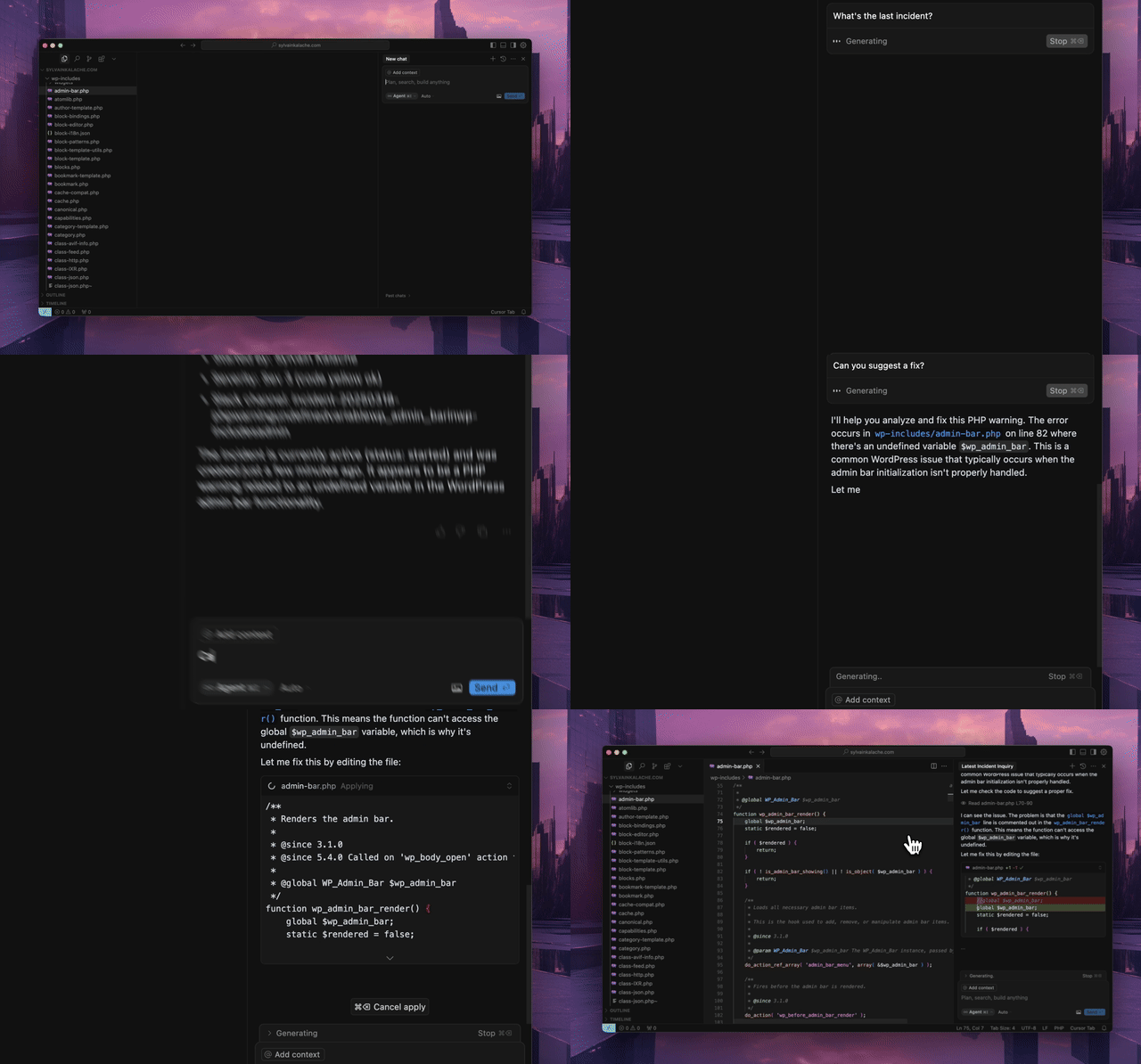
An MCP server for the Rootly API for Cursor, Windsurf, Claude, and other MCP clients.
Quick Start
Use the hosted MCP server. No local installation required.
Hosted Transport Options
- Streamable HTTP (recommended):
https://mcp.rootly.com/mcp - Code Mode:
https://mcp.rootly.com/mcp-codemode - SSE (deprecated, removed after 2026-11-20):
https://mcp.rootly.com/sse
[!WARNING] SSE is deprecated. The hosted
https://mcp.rootly.com/sseendpoint and the self-hosted--transport sseoption will be removed after 2026-11-20. Switch your client to Streamable HTTP (https://mcp.rootly.com/mcp) or Code Mode (https://mcp.rootly.com/mcp-codemode); for most clients that means changing the URL and, if your client config has one, setting the transport tohttp/streamable-http. SSE responses now carryDeprecation,SunsetandLink: rel="successor-version"headers.
Hosted tool profiles:
- Full (default): use the URLs above as-is
- Slim (~70 tools): add
?tool_profile=slimto the hosted URL, for examplehttps://mcp.rootly.com/mcp?tool_profile=slim - Header alternative: send
X-Rootly-Tool-Profile: slim - Server-wide default: set
ROOTLY_MCP_HOSTED_TOOL_PROFILE=full|slim - Exact custom override: set
ROOTLY_MCP_ENABLED_TOOLS=...
General Remote Setup
With OAuth2 (recommended):
{
  "mcpServers": {
    "rootly": {
      "url": "https://mcp.rootly.com/mcp"
    }
  }
}
Your MCP client handles OAuth2 login automatically — a browser window opens for you to authenticate with Rootly. No API token needed.
With API Token:
{
  "mcpServers": {
    "rootly": {
      "url": "https://mcp.rootly.com/mcp",
      "headers": {
        "Authorization": "Bearer YOUR_ROOTLY_API_TOKEN"
      }
    }
  }
}
Code Mode:
{
  "mcpServers": {
    "rootly": {
      "url": "https://mcp.rootly.com/mcp-codemode"
    }
  }
}
If your config still points at https://mcp.rootly.com/sse, replace it with https://mcp.rootly.com/mcp before 2026-11-20 (SSE is deprecated, see above).
Agent Setup
With OAuth2 (recommended):
claude mcp add --transport http rootly https://mcp.rootly.com/mcp

# Code Mode:
claude mcp add --transport http rootly-codemode https://mcp.rootly.com/mcp-codemode
With API Token:
安装
uvx --from rootly-mcp-server rootly-mcp-server配置
{
  "mcpServers": {
    "rootly": {
      "url": "https://mcp.rootly.com/mcp"
    }
  }
}