
一次性交接整个浏览器任务:决策模型驱动服务器端的页面,所以一个流程只需一次调用,而不是每次点击一次。
概览
你的代理根本不应该打开浏览器。浏览器任务会覆盖整个内容——URL、目标和证明它的检查——然后循环在服务器上运行。一个工具调用而不是二十个。三秒而不是一分钟。一美分代替一个前沿模型的上下文。而且它从不发明目标:它从页面实际包含的内容中选择,服务器拒绝而不是猜测。 一分钱,整天一分钱,全部一分钱: 三条命令,然后重启客户端。 install.py 会查找WorkBuddy、Claude Code、Claude Desktop、Codex CLI、Cursor、VS Code、Cline、Windsurf和Gemini CLI,然后将每个用户期望的格式写入现有配置,并先保存.bak。需要Python ≥ 3.10和任何Chromium系列浏览器。 重启客户端,然后说你想说的话: 将此表单设置为3名成年人,勾选“仅连续”,然后提交。browser_goal(目标=..., 网址=..., 验证=[...
概述(AI 翻译)
英语 ·简体中文
把浏览器工作交给你——一个为你的代理驱动页面的MCP服务器。
你的代理根本不应该打开浏览器。浏览器任务会覆盖整个——URL, 目标,以及证明它的检查——循环在服务器上运行。一个工具调用代替 二十。三秒而不是一分钟。一分钱代替边境模型的上下文。而且 从不虚构目标:它从页面实际拥有的内容中挑选,服务器拒绝,而不是 猜测。
花了多少钱。 一整天一分钱,一分钱就是全部:
快速开始
三条命令,然后重启客户端。
install.py 查找 WorkBuddy、Claude Code、Claude Desktop、Codex CLI、Cursor、VS Code、Cline,
风帆冲浪和双子座CLI,并编写每个人期望的格式——合并到你现有的
先配置并保存一个.bak。需要Python ≥3.10和任何Chromium系列浏览器。
重启客户端,然后说你想说的话:
你: 将此表格设置为3位成年人,勾选不间断,然后提交。 您的代理:
browser_goal(goal=…, url=…, verify=[…])— ** 一通**通话;页面被打开,随后
本页由 AI 翻译,技术细节请以原文为准。
README
以下为原文 README 节选,完整内容请查看原文。
jev-ultrafast-mcp


English · 简体中文
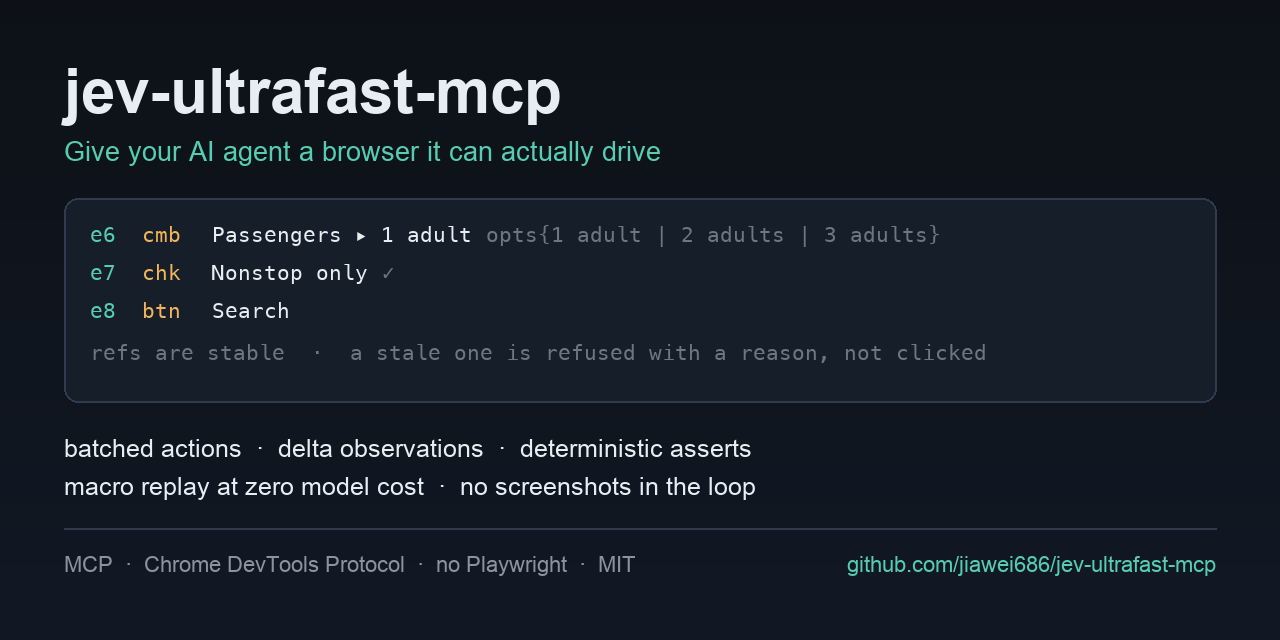
Hand the browser work off — an MCP server that drives the page for your agent.
Your agent should not be opening the browser at all. A browser task goes over whole — the URL, the goal, and the check that proves it — and the loop runs on the server. One tool call instead of twenty. Three seconds instead of a minute. A cent instead of a frontier model’s context. And it never invents a target: it picks from what the page actually has, and the server refuses rather than guesses.
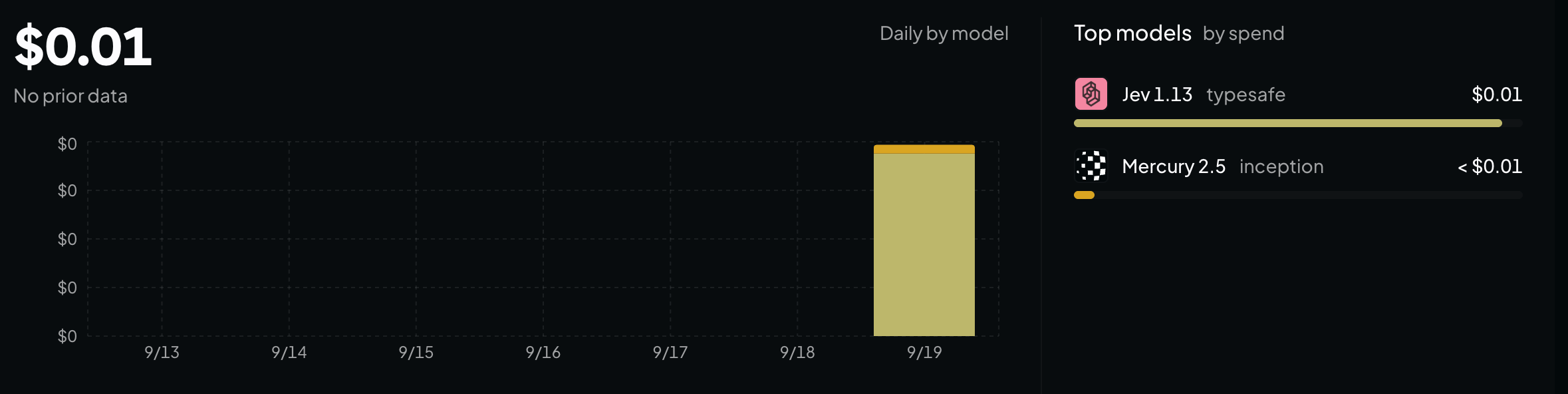
What it cost. A cent for the whole day, and a cent is all of it:
Quick start
Three commands, then restart your client.
git clone https://github.com/jiawei686/jev-ultrafast-mcp.git
cd jev-ultrafast-mcp
python3 -m venv .venv
.venv/bin/pip install -e .          # Windows: .venv\Scripts\pip install -e .

python scripts/install.py           # finds your MCP clients and writes their config
install.py looks for WorkBuddy, Claude Code, Claude Desktop, Codex CLI, Cursor, VS Code, Cline,
Windsurf and Gemini CLI, and writes the format each one expects — merging into your existing
config and saving a .bak first. Needs Python ≥ 3.10 and any Chromium-family browser.
Restart the client, and then just say what you want:
You: Set this form to 3 adults, tick Nonstop only, then submit it. Your agent:
browser_goal(goal=…, url=…, verify=[…])— one call; the page is opened and the loop runs server-side, and the result is checked by code afterwards. (what that costs)
You: Open example.com and tell me what the page says. Your agent:
browser_open→ reads the element table → answers — a look is not a task, so it does not need the model. (verbatim run)
Restarted and the tools are not there? Some clients make you approve the server once. In WorkBuddy that is Connectors → Custom connectors → Trust. The approval is remembered against the config itself, so if you later edit the config it asks once more.
Installation
安装
uvx jev-ultrafast-mcp # run it straight from PyPI, nothing installed配置
{
  "mcpServers": {
    "jev-ultrafast-mcp": {
      "command": "/ABS/PATH/jev-ultrafast-mcp/.venv/bin/python",
      "args": ["-m", "jev_ultrafast_mcp"],
      "env": { "JEVMCP_HEADLESS": "1" }
    }
  }
}