
gujord/openapi-mcp 是从 https://github.com/gujord/openapi-mcp. 导入的 MCP 服务器候选服务器。
概览
gujord/openapi-mcp 是从 https://github.com/gujord/openapi-mcp. 导入的 MCP 服务器候选服务器。
概述(AI 翻译)
OpenAPI-MCP 代理将 OpenAPI 规范转换为 MCP 工具,使 AI 代理能够访问外部 API,无需自定义包装器!
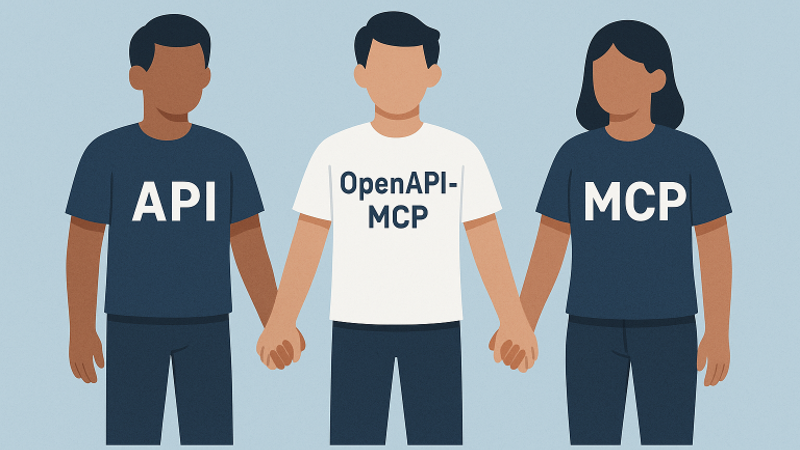
弥合人工智能代理与外部API之间的鸿沟
OpenAPI 到建模上下文协议(MCP)代理服务器通过动态转换 OpenAPI 规范为标准化的 MCP 工具、资源和提示符,弥合了 AI 代理与外部 API 之间的差距。这简化了集成,消除了自定义 API 包装器的需求。
服务器采用FastMCP,遵循官方MCP模式和最佳实践,提供:
-
✅ 官方FastMCP集成 - 使用最新的FastMCP框架以实现最佳性能
-
✅ 正确的MCP传输 - 支持stdio、SSE和可流式HTTP传输
-
✅ 模块化架构 - 依赖注入的关注点清晰分离
-
✅ 生产准备 - 强健的错误处理、全面的日志记录和类型安全
如果你觉得有用,请在GitHub上分享⭐!
主要特色
核心功能
本页由 AI 翻译,技术细节请以原文为准。
README
以下为原文 README 节选,完整内容请查看原文。
OpenAPI to Model Context Protocol (MCP)



OpenAPI-MCP exposes operations from an OpenAPI document as MCP tools. It also provides schema resources, a usage prompt, and request previews. The server uses FastMCP for MCP transport and tool registration.
Release candidate: 2.0.0rc1. This candidate targets FastMCP 4.1.6 and MCP
Python SDK 2.3.0, with compatible minor updates allowed. Version 1.0.4 does not
contain these fixes. Read the upgrade guide
before upgrading an existing installation. See the
review and validation record
for tested versions, findings, and remaining work.
Install and run
Python 3.10 or later is required. Install the candidate explicitly:
pip install 'openapi-mcp-proxy==2.0.0rc1'
To use this checkout:
python -m venv .venv
source .venv/bin/activate
pip install -e .
OPENAPI_URL="./test/fixtures/petstore.json" \
MCP_ALLOWED_OPERATIONS='["GET /pets"]' \
SERVER_NAME="petstore" openapi-mcp
The default transport is stdio. A client launches the process and communicates
through its standard input and output. OPENAPI_URL accepts a local JSON/YAML
file or an HTTP(S) URL. Use specifications and API endpoints you trust.
A stdio client configuration can use the installed executable:
{
  "mcpServers": {
    "petstore": {
      "command": "/absolute/path/to/.venv/bin/openapi-mcp",
      "env": {
        "OPENAPI_URL": "/absolute/path/to/OpenAPI-MCP/test/fixtures/petstore.json",
        "SERVER_NAME": "petstore",
        "MCP_ALLOWED_OPERATIONS": "[\"GET /pets\"]"
      }
    }
  }
}
For Streamable HTTP:
OPENAPI_URL="./test/fixtures/petstore.json" \
SERVER_NAME="petstore" \
MCP_ALLOWED_OPERATIONS='["GET /pets"]' \
MCP_HTTP_ENABLED=true \
MCP_HTTP_PORT=8001 \
openapi-mcp
The MCP endpoint is http://127.0.0.1:8001/mcp. The supplied
client configuration uses mcp-remote to connect
stdio clients to HTTP. Client applications and mcp-remote are separate
components and were not tested in the offline review.
Legacy SSE is available explicitly with MCP_TRANSPORT_TYPE=sse, at /sse.
The default HTTP endpoint changed from /sse to /mcp; update existing clients.
Choose which API operations to expose
By default, no API operations are exposed. Set MCP_ALLOWED_OPERATIONS to a
安装
This server does not publish a one-line install command.
Open the repository installation guide 新手?先看 mcpskill.org 教程 →配置
{
  "mcpServers": {
    "petstore": {
      "command": "/absolute/path/to/.venv/bin/openapi-mcp",
      "env": {
        "OPENAPI_URL": "/absolute/path/to/OpenAPI-MCP/test/fixtures/petstore.json",
        "SERVER_NAME": "petstore",
        "MCP_ALLOWED_OPERATIONS": "[\"GET /pets\"]"
      }
    }
  }
}