
MCP 服务器向 Cursor 等 AI 编码代理提供 Figma 布局信息
概览
Framelink MCP for Figma 给你的编码代理访问 Figma 数据。在任何框架中一次性实现设计。 通过这个模型上下文协议服务器,让Cursor和其他AI驱动的编码工具访问你的Figma文件。 当Cursor能够访问Figma的设计数据时,它比粘贴截图等替代方法更能准确地一次性完成设计。 观看用 Figma 设计数据在光标中构建界面的演示 1. 打开你的IDE聊天(例如光标中的代理模式)。2. 粘贴到Figma文件、框架或组的链接。3. 让光标对Figma文件做一些操作——比如实现设计。4. 光标会从Figma获取相关元数据,并用它来编写你的代码。 该MCP服务器专为Cursor使用而设计。在回复Figma API上下文之前,它简化并翻译了响应,使模型只获得最相关的布局和样式信息。
概述(AI 翻译)
Figma 的 Framelink MCP 给你的编码代理访问你的Figma数据。在任何框架中一次性实现设计。
通过这个模型上下文协议服务器,让Cursor和其他AI驱动的编码工具访问你的Figma文件。
当Cursor能访问Figma设计数据时,它比粘贴截图等替代方法更能准确地一次性完成设计。
请参见快速入门说明→
演示
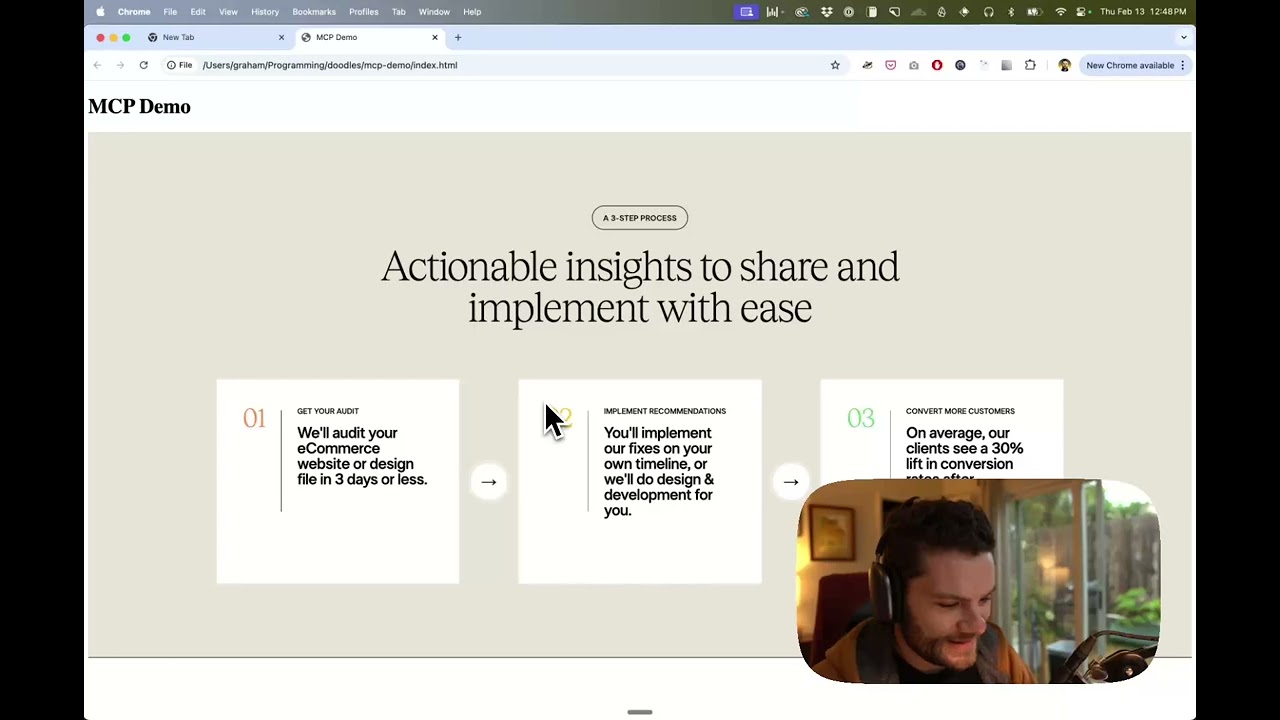
观看用 Figma 设计数据在光标中构建界面的演示
它是如何运作的
- 打开你的IDE聊天(例如光标中的代理模式)。
- 粘贴到 Figma 文件、框架或组的链接。
- 请求光标对Figma文件做某些操作——例如实现设计。
- 光标会从 Figma 获取相关元数据,并用它来编写代码。
该MCP服务器专为Cursor使用而设计。在回复Figma API上下文之前,它简化并翻译了响应,使模型只获得最相关的布局和样式信息。
减少模型提供的上下文有助于使AI更准确,回答更具相关性。
开始
本页由 AI 翻译,技术细节请以原文为准。
README
以下为原文 README 节选,完整内容请查看原文。
Give Cursor and other AI-powered coding tools access to your Figma files with this Model Context Protocol server.
When Cursor has access to Figma design data, it’s way better at one-shotting designs accurately than alternative approaches like pasting screenshots.
See quickstart instructions →
Demo
Watch a demo of building a UI in Cursor with Figma design data
How it works
- Open your IDE’s chat (e.g. agent mode in Cursor).
- Paste a link to a Figma file, frame, or group.
- Ask Cursor to do something with the Figma file—e.g. implement the design.
- Cursor will fetch the relevant metadata from Figma and use it to write your code.
This MCP server is specifically designed for use with Cursor. Before responding with context from the Figma API, it simplifies and translates the response so only the most relevant layout and styling information is provided to the model.
Reducing the amount of context provided to the model helps make the AI more accurate and the responses more relevant.
Getting Started
Many code editors and other AI clients use a configuration file to manage MCP servers.
The figma-developer-mcp server can be configured by adding the following to your configuration file.
安装
npx -y figma-developer-mcp --figma-api-key=YOUR-KEY --stdio配置
{
  "mcpServers": {
    "Framelink MCP for Figma": {
      "command": "npx",
      "args": ["-y", "figma-developer-mcp", "--figma-api-key=YOUR-KEY", "--stdio"]
    }
  }
}