FY 
YouTube 转录器 MCP 服务器
概览
点击上方图片观看演示视频 * 提取你的 cookies。请看 cookies.md 将cookies.txt放入 ./mcp/ 文件夹。* 生成 MCP_KEY: * 检查端口是否已打开,接收接入连接。 3. 将 Bybit 服务器添加到 Claude 桌面配置中:示例: '4.重启Claude桌面5。检查tws工具是否在工具列表中。让Claude检查ibkr账户
概述(AI 翻译)
YouTube 转录 MCP 服务器
演示视频
点击上方图片观看演示视频
要求:
- OpenAI API 密钥
- 饼干
服务器安装
-
克隆仓库:
-
把你的饼干拿出来。看吧 cookies.md 把cookies.txt放到./mcp/文件夹里。
-
生成 MCP_KEY:
-
定义 .env:
-
提供跑球权
-
跑
-
检查端口是否已打开,接收接入连接。
客户端配置
- 将 Bybit 服务器添加到 Claude 桌面配置中: 示例:
客户端
4. 重启 Claude 桌面
5. 检查TWS工具是否列在工具列表中。让Claude检查IBKR账户
本页由 AI 翻译,技术细节请以原文为准。
README
youtube_mcp
Youtube transcribation MCP server
Demo Video
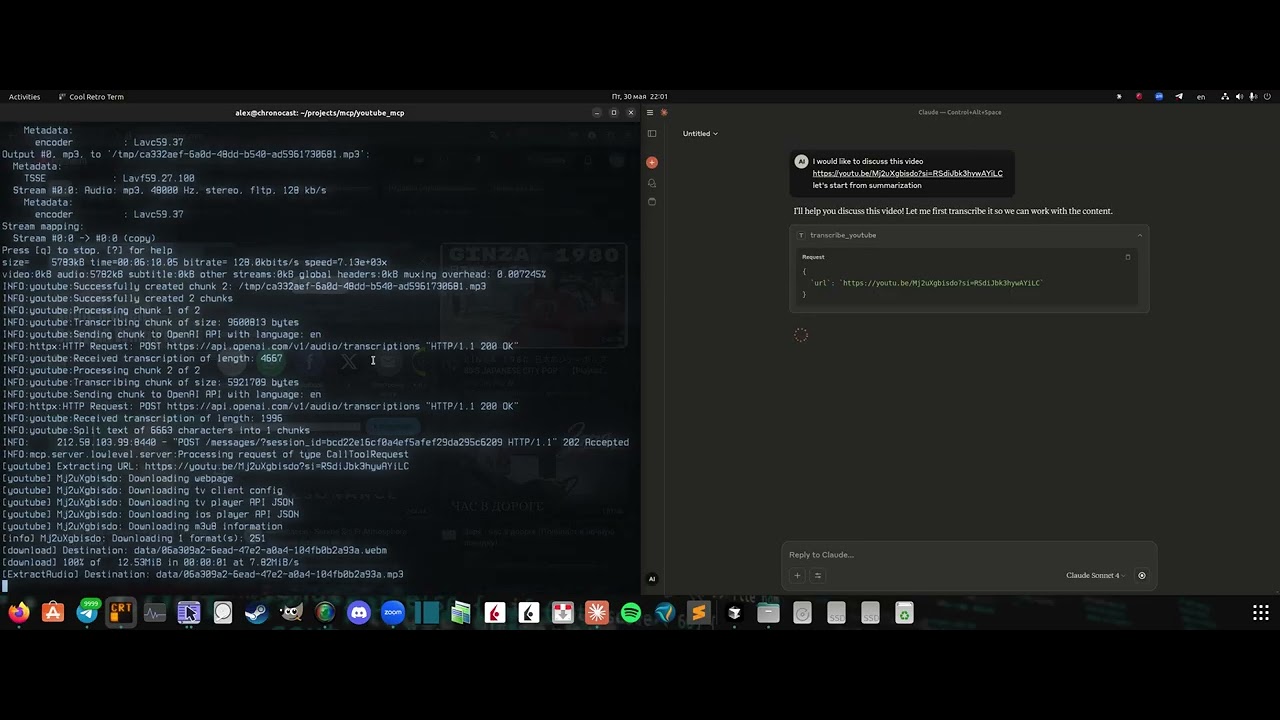
Click the image above to watch the demo video
Requirements:
- OpenAI API key
- Cookies
Server installation
- Clone the repo:
git clone https://github.com/format37/youtube_mcp.git
cd youtube_mcp
nano .env
- Extract your cookies. See cookies.md
Place cookies.txt in the ./mcp/ folder. - Generate MCP_KEY:
python token_generator.py
- Define .env:
CONTAINER_NAME=youtube_mcp_main
PORT=7001
MCP_KEY=YOUR-MCP-KEY
OPENAI_API_KEY=YOUR-OPENAI-KRY
- Provide run access
sudo chmod +x compose.sh
sudo chmod +x logs.sh
sudo chmod +x update.sh
- Run
./compose.sh
- Check that port is opened for incoming connections.
Client configuration
- Add Bybit server to the Claude desktop config: Example:
{
    "mcpServers": {
      "youtube": {
        "command": "npx",
        "args": [
          "mcp-remote",
          "http://localhost:7001/sse",
          "--header",
          "Authorization:YOUR-TOKEN",
          "--allow-http"
        ],
        "disabled": false
      }
    }
}
Client side
4. Restart Claude desktop
5. Check that tws tools are listed in the tools list. Ask Claude to check ibkr account安装
npx mcp-remote http://localhost:7001/sse --header Authorization:YOUR-TOKEN --allow-http