
用于有界多代理委员会会议的MCP服务器——Codex + Claude代码轮次审议
概览
Вече — 作为MCP服务器的有界多代理审议。 veche 是一个模型上下文协议(MCP)服务器,允许编排代理(Claude Code,自定义代理,你的集成开发环境)在 LLM 代理之间召开,并读取结构化的文字记录。该协议是自我消灭的:每位成员分轮回复,任何人都可以用字面令牌退出,会议在所有人在同一轮通过(或点击 max_rounds)时结束。 该名称源自中世纪斯拉夫语的вече——一个以一致掌声审议的民众集会,事项解决后解散。该集会几乎直接映射到轮回+,直到沉默。 v1 发布了两个对称的 CLI 支持适配器: - 通过Codex exec(OpenAI)- 通过claude -p(Anthropic)——带有递归守卫,防止子Claude代码重新进入同一服务器 编排者本身可能是克劳德法典,使克洛德法↔成为另一个克劳德法+法典委员会。
概述(AI 翻译)
Вече — 作为MCP服务器的有界多智能体审议。
veche 是一个模型上下文协议(MCP)服务器,允许编排代理(Claude
代码、自定义代理、你的IDE)召集委员会会议,由LLM代理和阅读
返回结构化的转录。协议是自我熄灭的:每个成员都回复
在回合中,任何人都可以使用字面令牌 退出,会议结束
即是所有人在同一轮中通过(或击中max_rounds)。
该名称源自中世纪斯拉夫语 вече——即一个由
当事情尘埃落定后,大家都欢呼并散去了。这几乎直接对应到了
rounds + until silence。
v1 发布了两个对称的 CLI 支持适配器:
- Codex 来源:
codex exec(OpenAI) - Claude Code 通过
claude -p(拟人版)——带有递归守卫,阻止了孩子 Claude 代码,因为我重新进入了同一服务器
编排器本身可能是 Claude Code,使得
Claude Code ↔ another Claude Code + Codex 委员会。架构与行为是
在 spec/ 中完全规范,使用受 C4 启发的四级模型;代码遵循
规格和更改先对规格进行。
为什么
本页由 AI 翻译,技术细节请以原文为准。
README
以下为原文 README 节选,完整内容请查看原文。
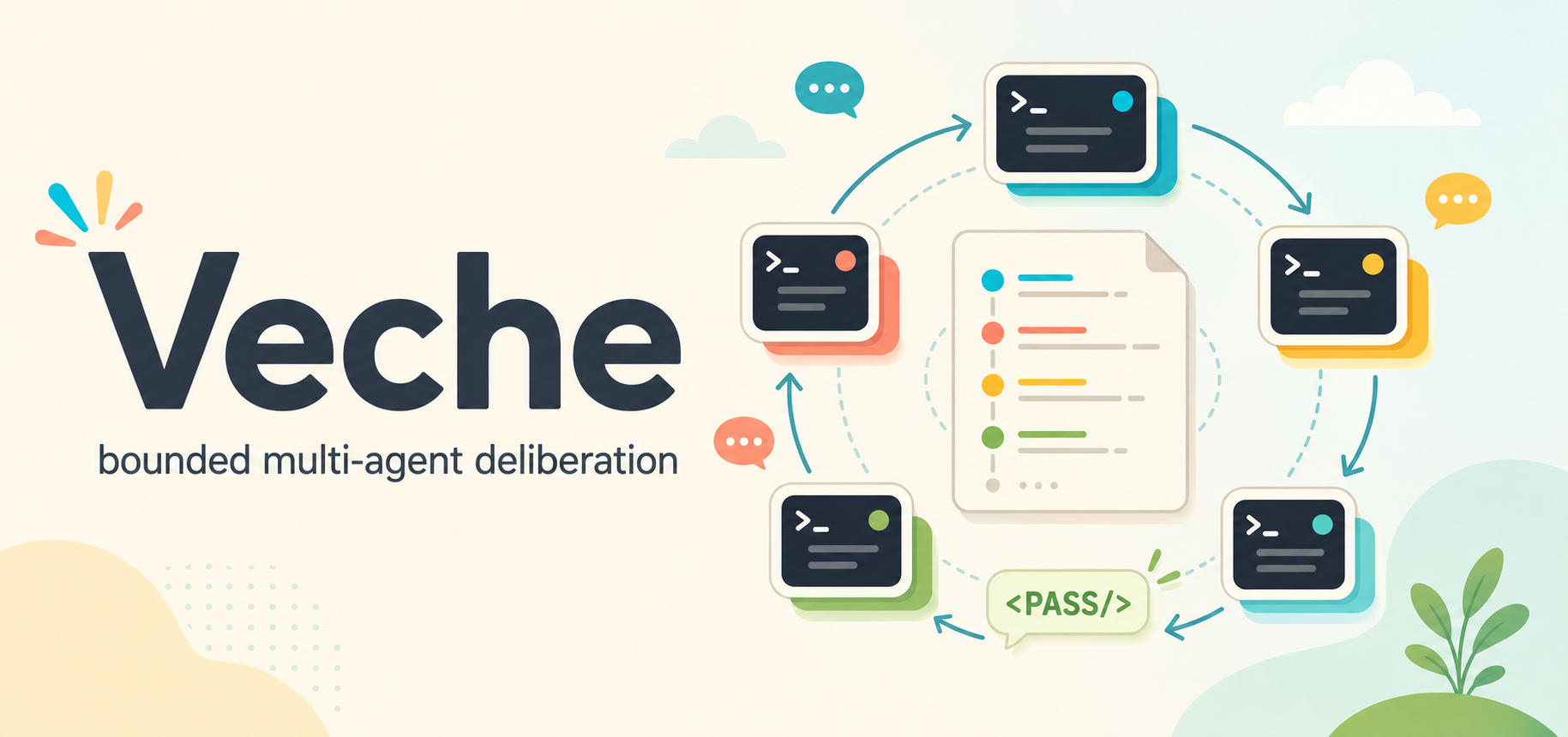
Veche
Вече — bounded multi-agent deliberation as an MCP server.
veche is a Model Context Protocol (MCP) server that lets an orchestrator agent (Claude
Code, a custom agent, your IDE) convene committee meetings between LLM agents and read
back a structured transcript. The protocol is self-extinguishing: every member replies in
rounds, anyone can opt out with the literal token ``, and the meeting terminates the
moment everyone passes in the same round (or hits max_rounds).
The name comes from the medieval Slavic вече — a popular assembly that deliberated by
acclamation and dispersed when the matter was settled. That maps almost directly onto
rounds + until silence.
v1 ships two symmetric CLI-backed adapters:
- Codex via
codex exec(OpenAI) - Claude Code via
claude -p(Anthropic) — with a recursion guard that prevents a child Claude Code from re-entering this same server
The orchestrator may itself be Claude Code, enabling
Claude Code ↔ another Claude Code + Codex committees. Architecture and behaviour are
fully specified in spec/ using a C4-inspired four-level model; code follows the
spec and changes are made to the spec first.
Why
LLMs collapse into a single line of reasoning on hard problems. A standing MCP tool for pulling a second opinion from a different model — or a differently-prompted instance of the same model — broadens the search, surfaces blind spots, and produces more balanced decisions. The committee protocol drives the discussion to a stable point without the orchestrator hand-rolling turn-taking.
Install
npm install -g veche
veche install        # writes SKILL.md to ~/.claude/skills/veche/ and ~/.codex/skills/veche/
                     # plus optional skill UI metadata under agents/openai.yaml
                     # plus claude mcp add / codex mcp add for the stdio MCP server

veche install --for=hermes   # opt-in install into Hermes Agent (~/.hermes/skills/veche/
                             # plus `hermes mcp add veche --command node --args …`)
Restart your Claude Code / Codex / Hermes Agent session after installing. The skill is
invoked as /veche .
If you cloned the repo:
npm install
npm run build
node dist/bin/veche.js install
Prerequisites
| Required for | |
|---|---|
| Node.js ≥ 20.11 | running the server |
codex on PATH |
Codex participants |
claude on PATH |
Claude Code participants and as an MCP host |
CODEX_API_KEY or codex login |
Codex auth (either path works) |
claude login |
Claude Code auth |
Quick start
As a Claude Code skill
After veche install, open Claude Code and type:
/veche should we use argparse or click for a new Python CLI?
The skill first asks for launch options: whether to include a Human Participant, whether
安装
This server does not publish a one-line install command.
Open the repository installation guide 新手?先看 mcpskill.org 教程 →配置
{
  "mcpServers": {
    "veche": {
      "command": "node",
      "args": ["/abs/path/to/dist/bin/veche-server.js"],
      "env": { "VECHE_LOG_LEVEL": "info" }
    }
  }
}