
amxv/mcp-manager 是从 https://github.com/amxv/mcp-manager. 导入的 MCP 服务器候选
概览
amxv/mcp-manager 是从 https://github.com/amxv/mcp-manager. 导入的 MCP 服务器候选
概述(AI 翻译)
Claude Desktop 的 MCP 管理器
一个简单的网页图形界面,方便管理 Claude 桌面应用的模型上下文协议(MCP)服务器。只需按照说明操作,粘贴几个命令,就能让你的 Claude 应用瞬间强大起来。
什么是MCP?
模型上下文协议(MCP)使Claude能够访问私有数据、API及其他服务,以回答问题并代表您执行操作。了解更多关于MCP的信息请访问:
- modelcontextprotocol.io
- Anthropic的MCP公告
特色
- 🚀 管理MCP服务器的易用界面
- 🔒 完全在客户端运行——你的数据永远不会离开你的电脑
- ⚡️ 快速搭建热门MCP服务器:
- Apple Notes - 访问和搜索您的 Apple Notes
- AWS 知识库 - 访问和查询 AWS 知识库以进行信息检索
- Brave Search - 使用Brave Search API进行网页搜索
- Browserbase - 让 Claude 用 Browserbase 探索网页
- Cloudflare - 管理您的Cloudflare员工和账户资源
- Everart - 与 Everart API 的接口,用于数字艺术和设计工具
- Exa - 用 Exa 进行网络搜索
- 文件系统 - 访问和管理本地文件系统
本页由 AI 翻译,技术细节请以原文为准。
README
以下为原文 README 节选,完整内容请查看原文。
MCP Manager for Claude Desktop
A simple web GUI to manage Model Context Protocol (MCP) servers for the Claude Desktop app on MacOS easily. Just follow the instructions and paste a few commands to give your Claude app instant superpowers.
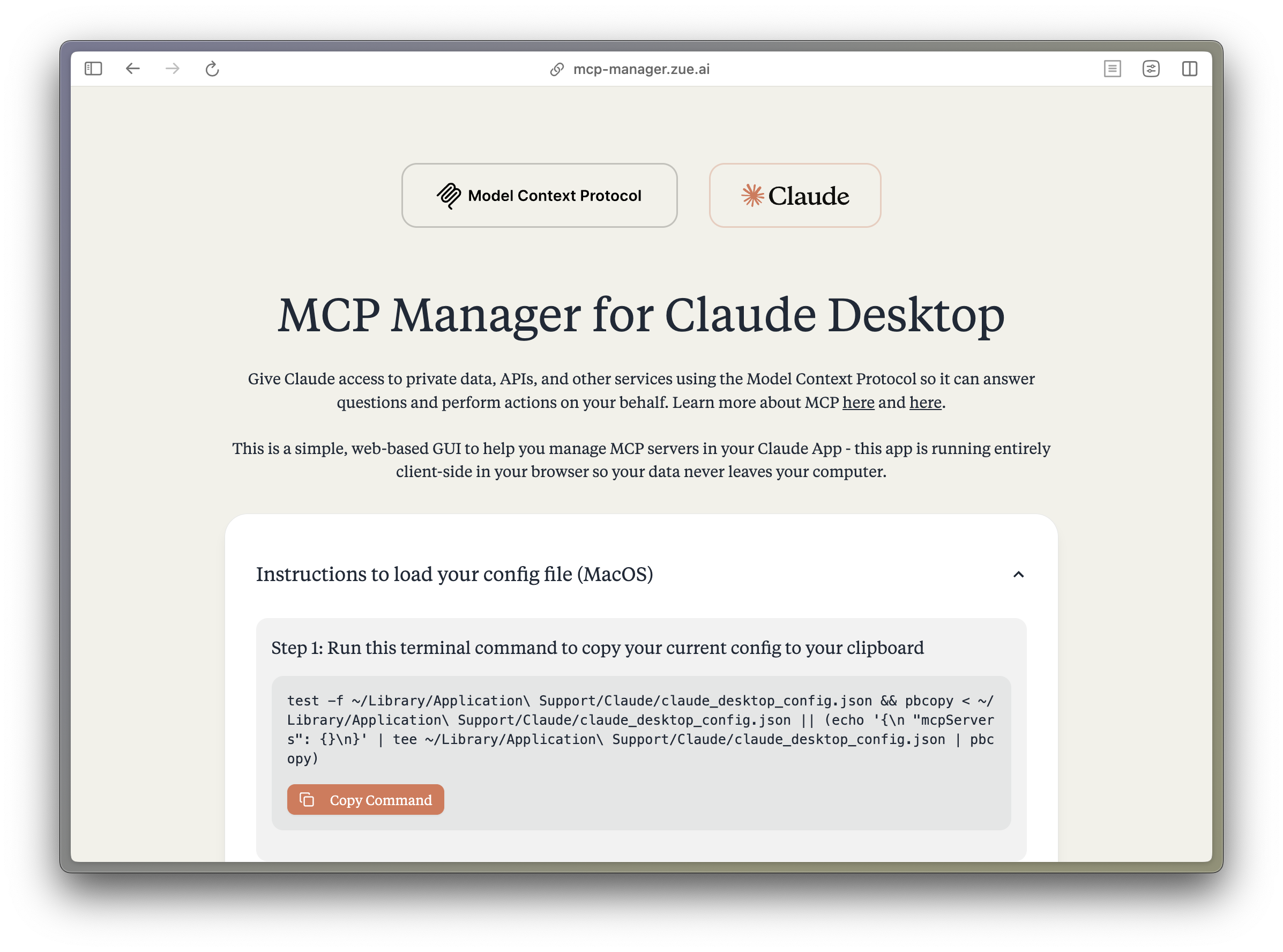
What is MCP?
The Model Context Protocol (MCP) enables Claude to access private data, APIs, and other services to answer questions and perform actions on your behalf. Learn more about MCP at:
Features
- 🚀 Easy-to-use interface for managing MCP servers
- 🔒 Runs entirely client-side - your data never leaves your computer
- ⚡️ Quick setup for popular MCP servers:
- Apple Notes - Access and search your Apple Notes
- AWS Knowledge Base - Access and query AWS Knowledge Base for information retrieval
- Brave Search - Search the web with Brave Search API
- Browserbase - Let Claude explore the web with Browserbase
- Cloudflare - Manage your Cloudflare workers and account resources
- Everart - Interface with Everart API for digital art and design tools
- Exa - Search the web with Exa
- Filesystem - Access and manage local filesystem
- GitHub - Access your GitHub repositories
- GitLab - Manage GitLab repositories and resources
- Google Drive - Access and search files in your Google Drive
- Google Maps - Access Google Maps API for location services
- Memory - Give Claude memory of previous conversations
- Obsidian - Read and search files in your Obsidian vault
- Perplexity - Search the web with Perplexity API
- PostgreSQL - Connect and interact with PostgreSQL databases
- Puppeteer - Automate browser interactions
- Sequential Thinking - Enable step-by-step reasoning
- Slack - Access your Slack workspace
- SQLite - Manage SQLite databases
- Todoist - Access and search your Todoist tasks
- YouTube Transcript - Access and search YouTube transcripts
- 🛠 Simple configuration of environment variables and server settings
- 📋 One-click copying of terminal commands for installation
Tech Stack
- Frontend Framework: React 18 with TypeScript
- Build Tool: Vite
- Styling:
- TailwindCSS for utility-first CSS
- DaisyUI for component styling
- Tiempos Font to match the Anthropic Design Language
- Package Manager: Bun
- Deployment: Cloudflare Pages for <60s build times
Project Structure
src/
├── components/ # React components
│ ├── server-configs/ # Server-specific configuration components
│ └── ...
├── assets/ # Static assets and fonts
├── App.tsx # Main application component
├── server-configs.ts # MCP server configurations
└── utils.ts # Utility functions
Development
-
Install dependencies:
bun install -
Start the dev server:
安装
This server does not publish a one-line install command.
Open the repository installation guide 新手?先看 mcpskill.org 教程 →