
xytom/coding-tools-mcp
Developer toolsЭта страница переведена автоматически. Технические детали смотрите в оригинале. Открыть оригинал
xytom/coding-tools-mcp — это кандидат на MCP-сервер, импортированный из https://github.com/xytom/coding-tools-mcp.
Обзор
xytom/coding-tools-mcp — это кандидат на MCP-сервер, импортированный из https://github.com/xytom/coding-tools-mcp.
Обзор (машинный перевод)
Английский | 简体中文
Дайте любому ИИ-чату или агенту надёжную пару рук на вашей кодовой базе.
Coding Tools MCP — это модельно-нейтральное кодирующее время выполнения, обслуживаемое над Протокол контекста модели: чтение файлов и поиск, структурированные многофайловые патчи, выполнение команд, интерактивные сессии и git — один сервер, который может управлять любой MCP-клиент. Claude Desktop, Claude Code, Codex, Cursor, Cline, VS Code, Windsurf, Gemini CLI или агент Вы собираете его самостоятельно, получаете стандартный каталог из 18 проверенных в боях инструментов, ограниченных в одно рабочее пространство и ограничено режимами разрешений.
Почему люди его используют
- Он превращает чат-приложение в агент для программирования. Claude Desktop — или любой другой MCP Чат-клиент — получает реальный доступ к репозиторию с уже имеющейся у вас подписки. Дополнительный продукт не требуется.
- Безопасность — это продукт, а не второстепенная мысль. Один корень workspace на каждый
сервера. Абсолютные пути,
..пересечения и выходы по симлинкам отклоняются. Режимы разрешений: доступ к сети гейта, расширение оболочек, встроенные скрипты и разрушительные команды. В Linux Landlock добавляет ограничение файловой системы на уровне ядра. - Он не зависит от моделей и поставщиков. Правдиво аннотированный, ориентированный на режим
Эта страница переведена автоматически. Технические детали смотрите в оригинале.
README
Показан фрагмент оригинального README. Открыть оригинал.
Coding Tools MCP
English | 简体中文
Give any AI chat or agent a safe pair of hands on your codebase.






Coding Tools MCP is a model-neutral coding runtime served over the Model Context Protocol: file reading and search, structured multi-file patches, command execution, interactive sessions, and git — one server that any MCP client can drive. Claude Desktop, Claude Code, Codex, Cursor, Cline, VS Code, Windsurf, Gemini CLI, or an agent you build yourself gets the default catalog of 18 battle-tested tools, confined to one workspace and gated by permission modes.
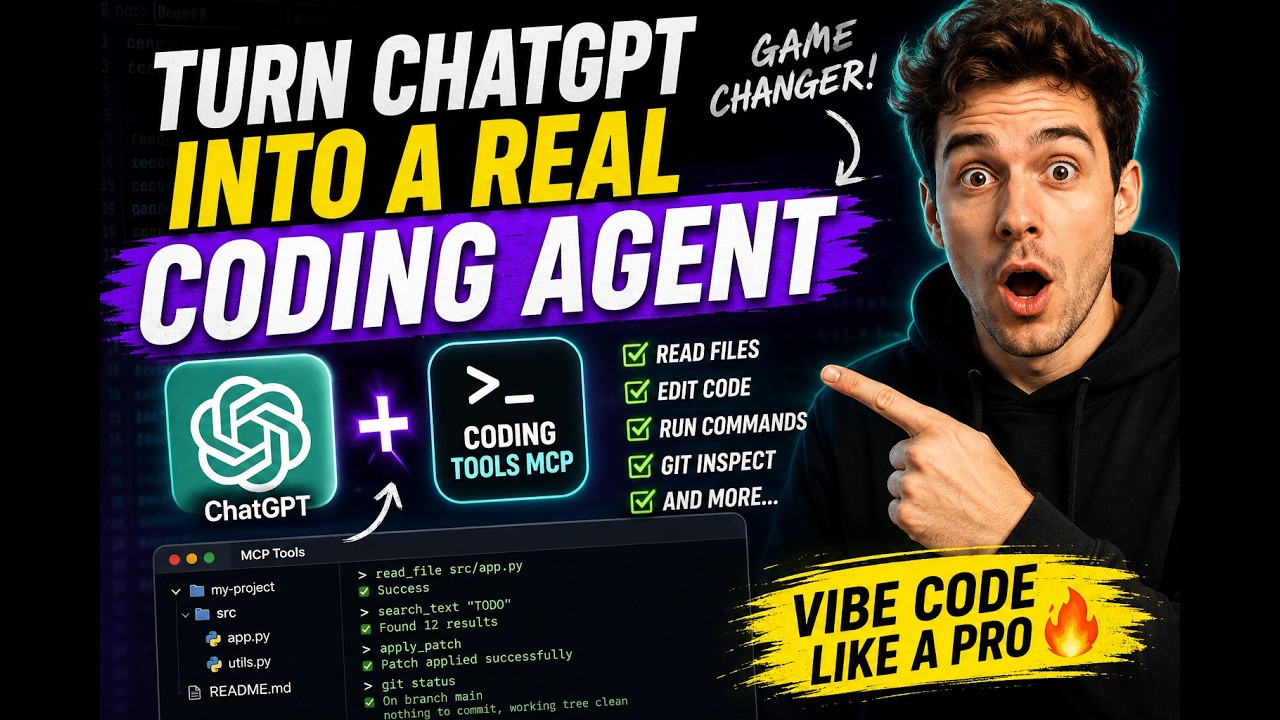
Why people use it
- It turns a chat app into a coding agent. Claude Desktop — or any MCP chat client — gets real repo access with the subscription you already have. No extra product required.
- Safety is the product, not an afterthought. One workspace root per
server. Absolute paths,
..traversal, and symlink escapes are rejected. Permission modes gate network access, shell expansion, inline scripts, and destructive commands. On Linux, Landlock adds kernel-level filesystem confinement. - It is model- and vendor-neutral. A truthfully annotated, mode-aware catalog — no profile switching, no annotation games. Swap models or clients freely; the runtime contract stays put.
- It is engineered for context windows. Results are summarized, paginated, and capped by design; serialized tool-result bytes dropped 37% release-over-release on the deterministic dogfood workload with unchanged task completion.
Quickstart
Run it with whichever toolchain you already have (the server is Python ≥ 3.11
from PyPI; the npm package is a thin launcher that starts it via uv or
pipx):
uvx coding-tools-mcp --stdio --workspace /path/to/repo   # Python toolchain
npx coding-tools-mcp --stdio --workspace /path/to/repo   # Node toolchain
Wire it into Claude Desktop, Claude Code, Codex, Cursor, VS Code, Windsurf,
Gemini CLI, or Cline — the JSON is the same everywhere (swap uvx for npx
if you prefer Node):
Установка
uvx coding-tools-mcp --stdio --workspace /path/to/repoКонфигурация
{
  "mcpServers": {
    "coding-tools": {
      "command": "uvx",
      "args": ["coding-tools-mcp", "--stdio", "--workspace", "/path/to/repo"]
    }
  }
}