
reduck-ai/discord-mcp
Developer toolsЭта страница переведена автоматически. Технические детали смотрите в оригинале. Открыть оригинал
Discord has no API for your own account: a bot sees only the servers it is invited to, and never your DMs.
Обзор
Discord has no API for your own account: a bot sees only the servers it is invited to, and never your DMs. This Discord MCP server (Model Context Protocol) lets Claude, ChatGPT or Cursor list your servers, read channels and DMs, search history and reply as you, with no bot token and no password. Reduck MCP gives your agent reusable browser scripts for the sites that have no API. They run in your own Chrome, through the Reduck extension, where you are already signed in: no credentials exposed, and no bot detection. Reduck is a universal MCP (Model Context Protocol) server: it turns the websites you are signed in to into tools your agent can call, through browser automation in your own Chrome. For Discord, that is a virtual Discord MCP server. Claude, ChatGPT, Cursor or any other MCP client gets 18 Discord tools to list your servers, read channels, threads and DMs, search a server's history, and reply or post, as your own account. Discord has no official MCP server.
README
Показан фрагмент оригинального README. Открыть оригинал.
Discord MCP
A Discord MCP server that posts as your own account, not as a bot. Bot-token MCPs reply as a bot and never see your DMs; selfbot MCPs ask for your user token. Reduck lets Claude, ChatGPT or Cursor read your servers and DMs, search history and reply as you, with no bot token, no user token and no password.
- Updated: 2026-10-22
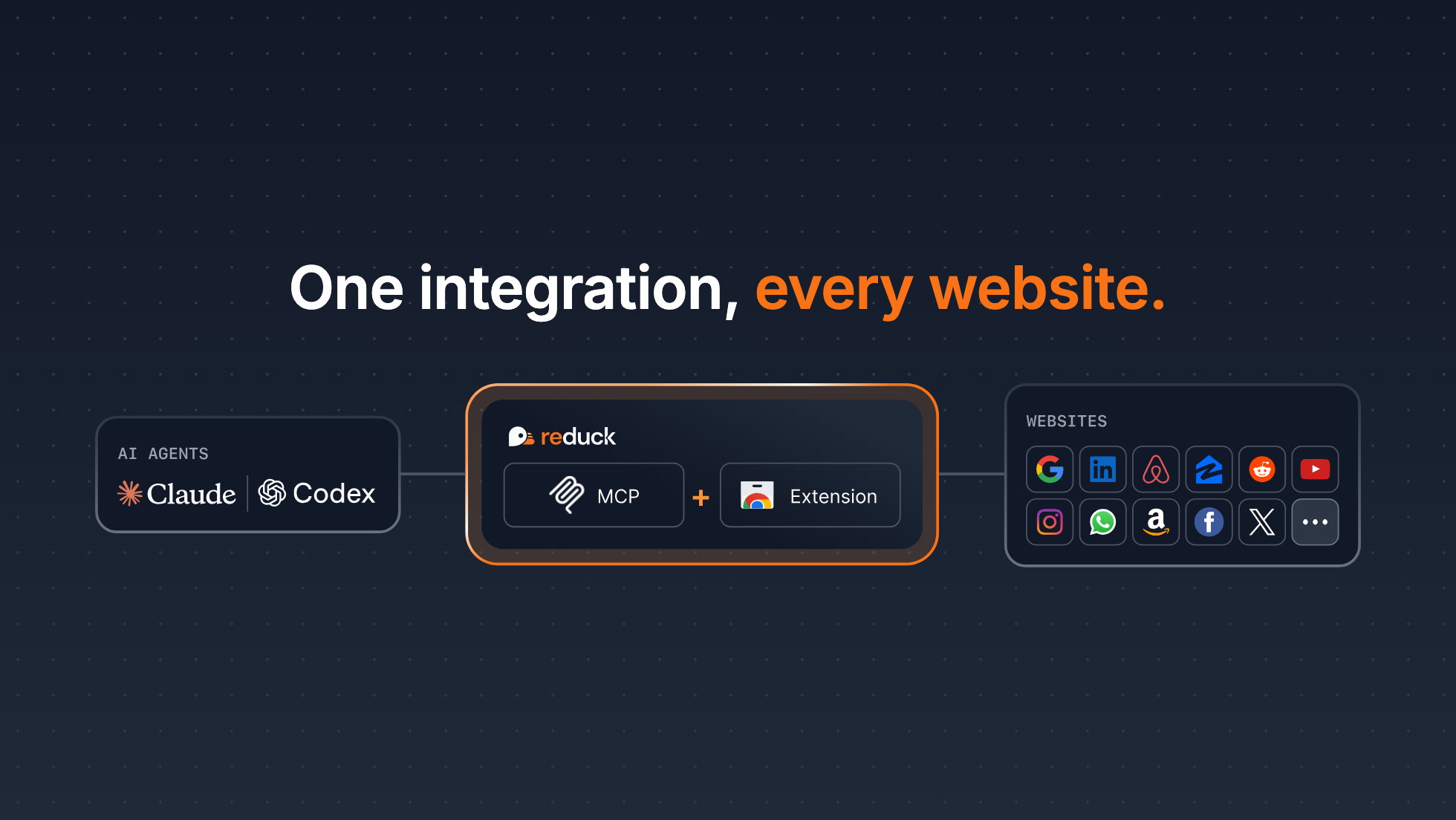
Reduck MCP gives your agent reusable browser scripts for the sites that have no API. They run in your own Chrome, through the Reduck extension, where you are already signed in: no credentials exposed, and no bot detection.
Get started: docs.reduck.ai
Overview
Reduck is a universal MCP (Model Context Protocol) server: it turns the websites you are signed in to into tools your agent can call, through browser automation in your own Chrome. For Discord, that is a virtual Discord MCP server. Claude, ChatGPT, Cursor or any other MCP client gets 18 Discord tools to list your servers, read channels, threads and DMs, search a server’s history, and reply or post, as your own account.
Why it’s hard
Discord has no official MCP server. Most Discord MCP servers are built on a bot token: you create an application in the Developer Portal, turn on the Message Content intent and invite the bot to each server. Even then the bot sees only those servers, it can never read your DMs, and the bot API has no message search, so those tools scan one channel at a time. The few that read as your user ask for your email and password, or for your account token.
How Reduck does it
Reduck’s Discord scripts run in your own Chrome, where you are already signed in, and drive the Discord web app the way you use it. Your agent sees what you see: every server you are in, their channels, and your direct messages. It searches with Discord’s own search box, reads a channel or a DM the way you scroll it, and writes only when you ask. There is no bot, no token, no password and no separate account. The same MCP server also holds the scripts for other sites, so one connection covers Discord and the rest of your work.
Setup
-
Install the Reduck extension in Chrome, sign in, and stay signed in to Discord there.
-
Add the Reduck MCP server,
https://mcp.reduck.ai, to your client. It is a remote server over streamable HTTP with OAuth sign-in: nothing to run locally, no API key to paste.Claude Code:
claude mcp add reduck --transport http --scope user https://mcp.reduck.aiClaude Desktop and ChatGPT: add a custom connector named
reduckwith the URLhttps://mcp.reduck.ai. Other clients: the settings to use. -
Ask: “What did people say about the launch in my Discord servers this week?”
Tools
Установка
This server does not publish a one-line install command.
Open the repository installation guide Новичок в MCP? Начните с руководства на mcpskill.org →