
chenxizhang/m365copilot-mcp
Developer toolsЭта страница переведена автоматически. Технические детали смотрите в оригинале. Открыть оригинал
M365 Copilot MCP Server - Model Context Protocol server for Microsoft 365 Copilot integration
Обзор
This is an unofficial MCP server, but developed by Microsoft engineers, integrating the latest Microsoft 365 Copilot APIs. We welcome your feedback and contributions! Connect your AI assistant to Microsoft 365 through the Model Context Protocol (MCP). This server enables AI tools to access your SharePoint documents, OneDrive files, emails, Teams conversations, and more - all while respecting your organization's access controls. The m365-copilot-mcp server provides three powerful capabilities for AI assistants: These capabilities are built on the official Microsoft 365 Copilot APIs. - - Runtime environment - - With Microsoft 365 Copilot license - - Such as Claude Code, GitHub Copilot, or any other MCP client Learn how to install and use the M365 Copilot MCP Server with these step-by-step video guides: on how to install and use the M365 Copilot MCP Server with Claude Code. on how to install and use the M365 Copilot MCP Server with GitHub Copilot in VS Code.
README
Показан фрагмент оригинального README. Открыть оригинал.
Microsoft 365 Copilot MCP Server


Note: This is an unofficial MCP server, but developed by Microsoft engineers, integrating the latest Microsoft 365 Copilot APIs. We welcome your feedback and contributions!
Connect your AI assistant to Microsoft 365 through the Model Context Protocol (MCP). This server enables AI tools to access your SharePoint documents, OneDrive files, emails, Teams conversations, and more - all while respecting your organization’s access controls.
Overview
The m365-copilot-mcp server provides three powerful capabilities for AI assistants:
| Capability | Purpose | Use Cases |
|---|---|---|
| 📄 Retrieval | Extract relevant text content from your M365 data | Answer questions using information from your documents, emails, and conversations |
| 🔍 Search | Find specific documents and files | Locate files, discover relevant content across your M365 environment |
| 💬 Chat | Conversational AI powered by M365 Copilot | Ask about your schedule, get summaries, interact with time-aware queries |
Learn more: These capabilities are built on the official Microsoft 365 Copilot APIs.
Prerequisites
- Node.js 20+ - Runtime environment
- Microsoft 365 account - With Microsoft 365 Copilot license
- MCP-compatible AI tool - Such as Claude Code, GitHub Copilot, or any other MCP client
Video Tutorials
Learn how to install and use the M365 Copilot MCP Server with these step-by-step video guides:
📺 Claude Code with M365 Copilot MCP Server
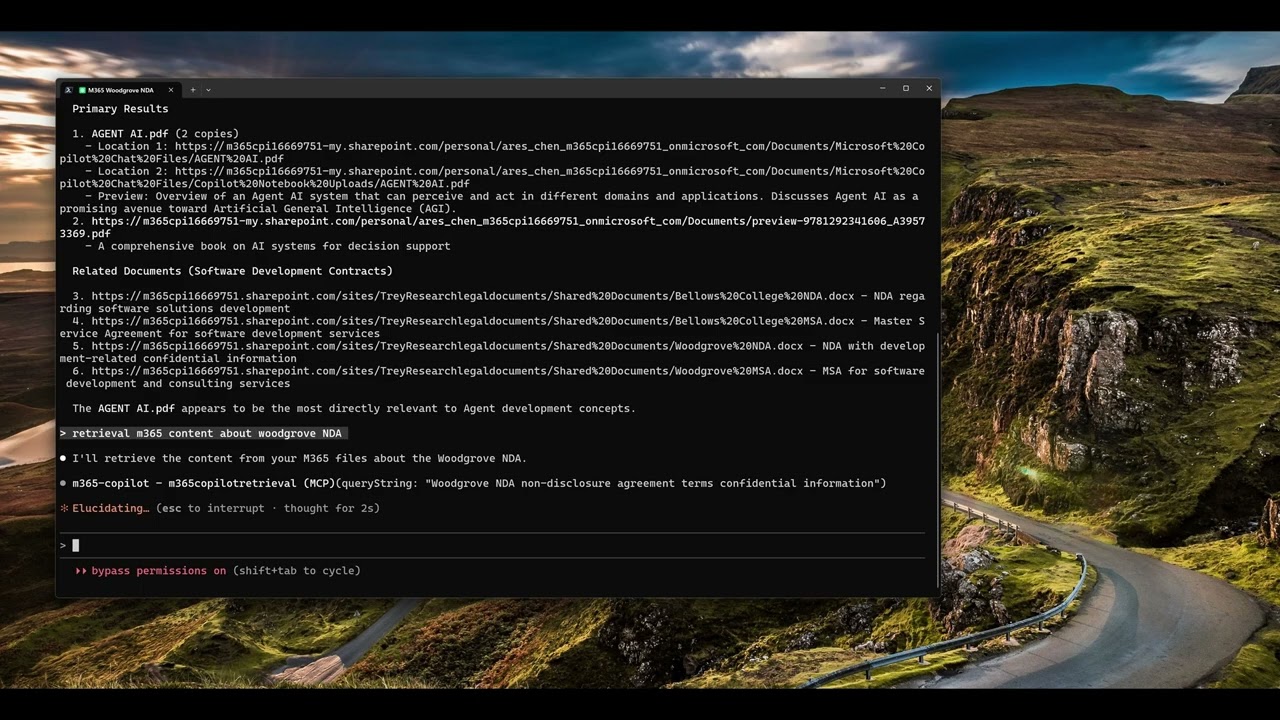
Click the image above to watch the tutorial on how to install and use the M365 Copilot MCP Server with Claude Code.
📺 GitHub Copilot with M365 Copilot MCP Server
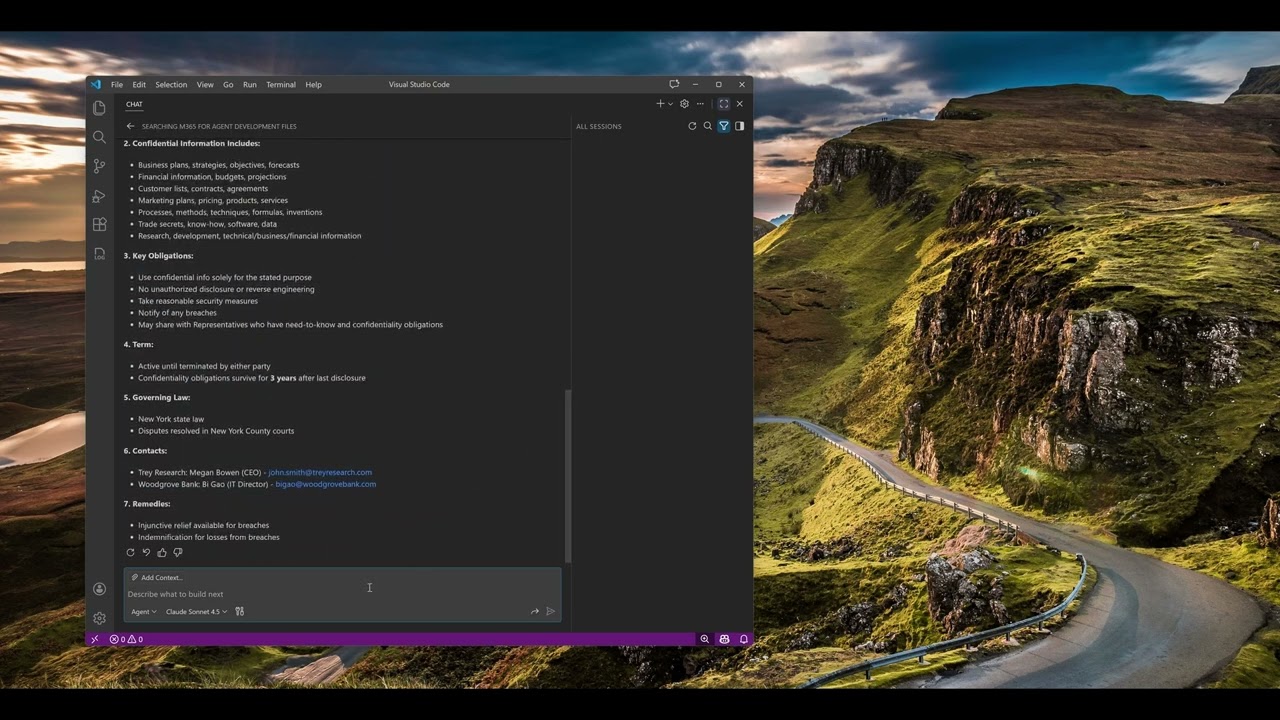
Click the image above to watch the tutorial on how to install and use the M365 Copilot MCP Server with GitHub Copilot in VS Code.
Configuration
Configure the MCP server in your AI tool’s settings. The server uses npx to run directly from npm without requiring global installation.
Claude Code
Add the server using the Claude Code CLI:
macOS/Linux:
Установка
npx -y m365-copilot-mcp