
lobstertrap/lola
Developer tools이 페이지는 AI로 자동 번역되었습니다. 기술적인 세부 사항은 원문을 확인하세요. 원문 보기
lobstertrap/lola는 https://github.com/lobstertrap/lola.]에서 가져온 에이전트 기술 후보입니다
개요
lobstertrap/lola는 https://github.com/lobstertrap/lola.]에서 가져온 에이전트 기술 후보입니다
개요(AI 번역)
Write Agent Skills and Contexts 한 번, 어디서나 사용.
Lola는 범용 AI 패키지 관리자입니다. 에이전트의 기술은 RPM이었다면, Lola는 DNF입니다. 휴대용 패키지로 한 번 기술 및 컨텍스트 모듈을 작성한 다음 단일 명령으로 AI Assistant 또는 Agent에 설치하십시오.
지원 AI 보조
| 스태프 | 스태프 | 스태프 인포메이션 센터 | 예 | 네 | 네 | 네 | 네 | | Copilot CLI | 네 | 네 | 네 | | Copilot (VS Code) | 네 | 네 | 네 | 네 | 네 | 네 | 네 | 커서 | 네 | 네 | 네 | 네 | | 젬니 CLI | 네 | 네 | N/A | | 오픈코드 | 네 | 네 | 네 |
1 프로젝트 범위 만 - VS Code에는 슬래시 명령에 대한 사용자경 위치가 없습니다.
GitHub Copilot은 같은 두 가지 대상이 있습니다 .github/ (프로젝트) 과
~/.copilot/ (user) 파일은 MCP 취급과 다릅니다.
copilot-cli-mcpServers] 키를 사용하여 MCP 서버를 작성 (~/.copilot/mcp-config.json사용자 범위에 대한).copilot-vscode- VS를 사용하여 MCP 서버를.vscode/mcp.json로 작성 코드servers키입니다. 대시보드 Code는 slash 명령에 대한 user-scope 위치가 없습니다. 또는 MCP는 사용자 범위에 설치할 때 (경보로) 건너뛰고 있습니다.
이 페이지는 AI로 자동 번역되었습니다. 기술적인 세부 사항은 원문을 확인하세요.
README
원문 README의 일부입니다. 원문 보기.
Lola - AI Context Package Manager
Write Agent Skills and Contexts once, use everywhere.

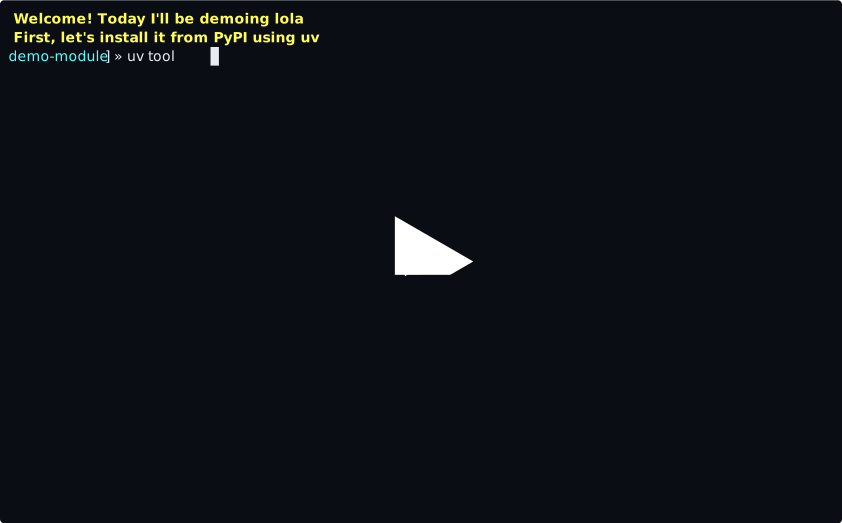
Lola is a universal AI Package Manager. If an agent’s skills were an RPM, Lola is the DNF for it. Write your skills and context modules once as portable packages, then install them to any AI assistant or agent with a single command.
Supported AI Assistants
| Assistant | Skills | Commands | Agents |
|---|---|---|---|
| Claude Code | Yes | Yes | Yes |
| Copilot CLI | Yes | Yes | Yes |
| Copilot (VS Code) | Yes | Yes¹ | Yes |
| Cursor | Yes | Yes | Yes |
| Gemini CLI | Yes | Yes | N/A |
| OpenCode | Yes | Yes | Yes |
¹ Project scope only — VS Code has no user-scope location for slash commands.
GitHub Copilot has two targets that share the same .github/ (project) and
~/.copilot/ (user) files but differ in MCP handling:
copilot-cli- writes MCP servers using themcpServerskey (~/.copilot/mcp-config.jsonfor user scope).copilot-vscode- writes MCP servers to.vscode/mcp.jsonusing VS Code’sserverskey. VS Code has no user-scope location for slash commands or MCP, so those are skipped (with a warning) when installing at user scope.
When no assistant is selected explicitly, copilot-vscode is preferred over
copilot-cli to avoid writing the same project files twice.
Installation
# Recommended: install from PyPI
uv tool install lola-ai

# Or with pip
pip install lola-ai
Want the latest dev version?
uv tool install git+https://github.com/LobsterTrap/lola
Quick Start
# Set up the official marketplace
lola market add general https://raw.githubusercontent.com/RedHatProductSecurity/lola-market/main/general-market.yml

# Add a module
lola mod add https://github.com/user/my-skills.git

# Install to all detected assistants
lola install my-skills

# Or install to a specific assistant
lola install my-skills -a claude-code
Declarative Installation
Create a .lola-req in your project:
python-tools>=1.0.0
https://github.com/user/module.git@main
https://github.com/quay/ai-helpers.git@main#subdirectory=plugins/dev
https://github.com/user/repo.git#assistant=claude-code,cursor
URL fragments support:
subdirectory=path/to/module- Install from a subdirectory in the repositoryassistant=name1,name2- Install to specific assistants
lola sync
Documentation
추천 도구
다른 키워드를 입력하거나 필터를 제거해 보세요.
설치
npx skillfish add lobstertrap/lola