
xytom/coding-tools-mcp
Developer tools이 페이지는 AI로 자동 번역되었습니다. 기술적인 세부 사항은 원문을 확인하세요. 원문 보기
xytom/coding-tools-mcp는 [[T0]에서 가져온 MCP 서버 후보입니다.
개요
xytom/coding-tools-mcp는 [[T0]에서 가져온 MCP 서버 후보입니다.
개요(AI 번역)
영어 | 简体中文
AI 채팅이나 에이전트에게 코드베이스에 대한 안전한 손길을 주세요.
코딩 도구 MCP는 모델 중립적인 코딩 런타임을 통해 제공됩니다. 모델 컨텍스트 프로토콜: 파일 읽기 및 검색, 구조화된 다중 파일 패치, 명령 실행, 인터랙티브 세션, 그리고 git — 어떤 MCP 클라이언트도 구동할 수 있는 하나의 서버입니다. 클로드 데스크톱, 클로드 코드, 코덱스, 커서, 클라인, VS 코드, 윈드서프, 제미니 CLI, 또는 에이전트 직접 조립하면 기본 카탈로그인 18개의 전투 검증 도구 카탈로그를 사용할 수 있습니다. 하나의 작업 공간으로 전환하고 권한 모드로 제한됩니다.
사람들이 왜 그것을 사용하는지.
- 채팅 앱을 코딩 에이전트로 바꿉니다. Claude 데스크톱 — 또는 모든 MCP 채팅 클라이언트 — 이미 구독 중인 상태로 실제 저장소 접근 권한을 얻습니다. 추가 제품도 필요 없어요.
- 안전은 산출물이지 부차적인 생각이 아닙니다. 작업공간 루트는 각각 하나씩
서버. 절대 경로,
..이동, 심볼링크 탈출은 거부됩니다. 권한 모드는 네트워크 접근을 게이트하고, 셸 확장, 인라인 스크립트를 포함하며, 파괴 명령어. Linux에서는 Landlock이 추가로 커널 수준의 파일 시스템 가속. - 모델과 벤더에 중립적입니다. 진실된 주석이 달린 모드 인식
이 페이지는 AI로 자동 번역되었습니다. 기술적인 세부 사항은 원문을 확인하세요.
README
원문 README의 일부입니다. 원문 보기.
Coding Tools MCP
English | 简体中文
Give any AI chat or agent a safe pair of hands on your codebase.





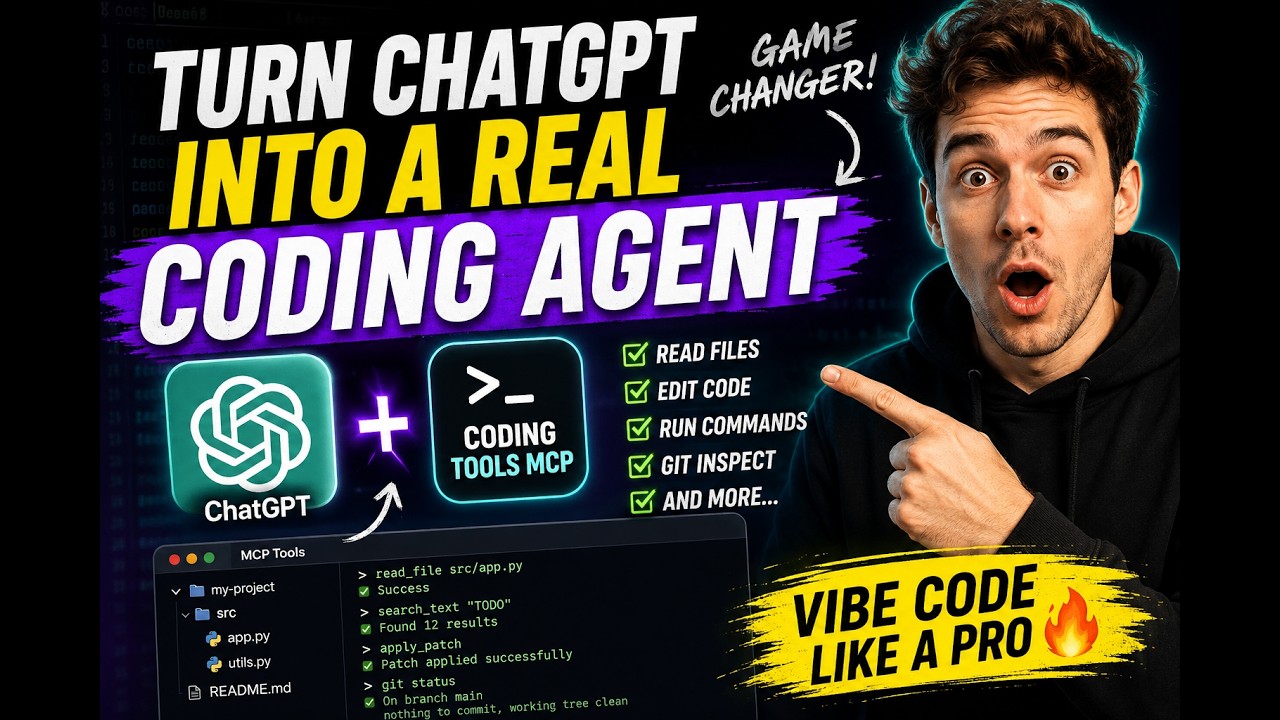
Coding Tools MCP is a model-neutral coding runtime served over the Model Context Protocol: file reading and search, structured multi-file patches, command execution, interactive sessions, and git — one server that any MCP client can drive. Claude Desktop, Claude Code, Codex, Cursor, Cline, VS Code, Windsurf, Gemini CLI, or an agent you build yourself gets the default catalog of 18 battle-tested tools, confined to one workspace and gated by permission modes.
Why people use it
- It turns a chat app into a coding agent. Claude Desktop — or any MCP chat client — gets real repo access with the subscription you already have. No extra product required.
- Safety is the product, not an afterthought. One workspace root per
server. Absolute paths,
..traversal, and symlink escapes are rejected. Permission modes gate network access, shell expansion, inline scripts, and destructive commands. On Linux, Landlock adds kernel-level filesystem confinement. - It is model- and vendor-neutral. A truthfully annotated, mode-aware catalog — no profile switching, no annotation games. Swap models or clients freely; the runtime contract stays put.
- It is engineered for context windows. Results are summarized, paginated, and capped by design; serialized tool-result bytes dropped 37% release-over-release on the deterministic dogfood workload with unchanged task completion.
Quickstart
Run it with whichever toolchain you already have (the server is Python ≥ 3.11
from PyPI; the npm package is a thin launcher that starts it via uv or
pipx):
uvx coding-tools-mcp --stdio --workspace /path/to/repo   # Python toolchain
npx coding-tools-mcp --stdio --workspace /path/to/repo   # Node toolchain
Wire it into Claude Desktop, Claude Code, Codex, Cursor, VS Code, Windsurf,
Gemini CLI, or Cline — the JSON is the same everywhere (swap uvx for npx
if you prefer Node):
설치
uvx coding-tools-mcp --stdio --workspace /path/to/repo설정
{
  "mcpServers": {
    "coding-tools": {
      "command": "uvx",
      "args": ["coding-tools-mcp", "--stdio", "--workspace", "/path/to/repo"]
    }
  }
}