
이 페이지는 AI로 자동 번역되었습니다. 기술적인 세부 사항은 원문을 확인하세요. 원문 보기
LLM이 draw.io 편집기에서 다이어그램을 생성하고 열 수 있도록 하는 공식 draw.io MCP(모델 컨텍스트 프로토콜) 서버입니다.
개요
LLM이 draw.io 편집기에서 다이어그램을 생성하고 열 수 있도록 하는 공식 draw.io MCP(모델 컨텍스트 프로토콜) 서버입니다. 이 저장소는 draw.io 와 AI 어시스턴트를 통합하는 네 가지 접근법을 제공합니다. 귀하의 설정에 맞는 방식을 선택하세요: MCP 앱 서버는 MCP Apps 프로토콜을 사용해 AI 채팅 인터페이스에서 draw.io 다이어그램을 렌더링합니다. 브라우저 탭을 여는 대신, 다이어그램은 대화 내내 인터랙티브 iframe으로 직접 나타납니다. 공식 호스팅 엔드포인트는 다음에서 이용할 수 있습니다: 이 URL을 Claude.ai 또는 MCP Apps 호환 호스트의 원격 MCP 서버로 추가하면 설치 필요 없습니다. 서버를 Node.js를 통해 로컬로 운영하거나 Cloudflare Workers에 자체 인스턴스를 배포할 수도 있습니다. - — 채팅에서 대화형 다이어그램으로 draw.io XML을 렌더링함 - — 키워드로 모든 draw.io 라이브러리(AWS, Azure, GCP, P&ID, 전기, Cisco, Kubernetes, UML, BPMN 등)에서 10,000+개의 도형을 검색합니다. XML에서 직접 사용할 수 있는 정확한 스타일 문자열을 반환합니다.
개요(AI 번역)
LLM이 draw.io 편집기에서 다이어그램을 생성하고 열 수 있도록 하는 공식 draw.io MCP(모델 컨텍스트 프로토콜) 서버입니다.
▶ 영상을 보고 drawio.com/mcp 에서 AI 어시스턴트에서 draw.io 을 설정하세요.
다이어그램 만드는 네 가지 방법
이 저장소는 draw.io 와 AI 어시스턴트를 통합하는 네 가지 접근법을 제공합니다. 귀하의 설정에 맞는 방식을 선택하세요:
| MCP 앱 서버 | MCP 툴 서버 | 보조 플러그인 | 프로젝트 지침 | |
|---|---|---|---|---|
| 작동 원리 | 채팅에서 인라인 도표 렌더링 | 브라우저에서 다이어그램 열기 | .drawio 파일 생성, 선택 사양 PNG/SVG/PDF 내보내기 또는 브라우저 URL |
Claude가 파이썬을 통해 draw.io URL을 생성함 |
| 다이어그램 출력 | 대화에 삽입된 인터랙티브 뷰어 | 새 탭의 draw.io 편집기 | .drawio, .drawio.png / .svg / .pdf, 또는 브라우저 URL |
클릭 가능한 링크 draw.io |
| 설치 필요 | 아니요 (mcp.draw.io에서 호스팅됨) |
예 (npm 패키지) | 한 줄 플러그인 설치 (draw.io 데스크톱에서만 PNG/SVG/PDF 내보내기) | 아니요 — 그냥 붙여넣기 명령어만 |
| XML, CSV, 인어를 지원 | XML과 인어 | ✅ 세 가지 모두 | XML과 인어 (인어는 데스크톱 필요 draw.io) | ✅ 세 가지 모두 |
| **드로잉에서 편집 가능. |
이 페이지는 AI로 자동 번역되었습니다. 기술적인 세부 사항은 원문을 확인하세요.
README
원문 README의 일부입니다. 원문 보기.
Draw.io MCP Server
The official draw.io MCP (Model Context Protocol) server that enables LLMs to create and open diagrams in the draw.io editor.
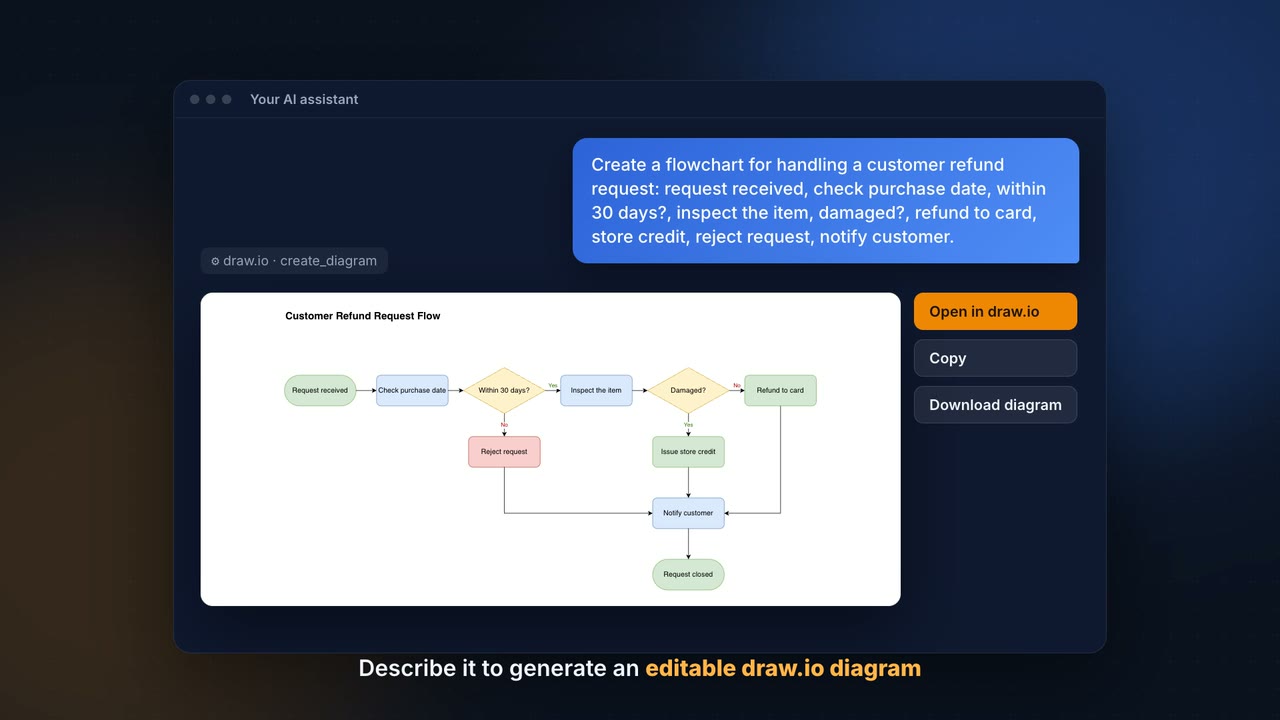
▶ Watch the video and set up draw.io in your AI assistant on drawio.com/mcp.
Four Ways to Create Diagrams
This repository offers four approaches for integrating draw.io with AI assistants. Pick the one that fits your setup:
| MCP App Server | MCP Tool Server | Assistant Plugins | Project Instructions | |
|---|---|---|---|---|
| How it works | Renders diagrams inline in chat | Opens diagrams in your browser | Generates .drawio files, optional PNG/SVG/PDF export or browser URL |
Claude generates draw.io URLs via Python |
| Diagram output | Interactive viewer embedded in conversation | draw.io editor in a new tab | .drawio, .drawio.png / .svg / .pdf, or browser URL |
Clickable link to draw.io |
| Requires installation | No (hosted at mcp.draw.io) |
Yes (npm package) | One-line plugin install (draw.io Desktop only for PNG/SVG/PDF export) | No — just paste instructions |
| Supports XML, CSV, Mermaid | XML and Mermaid | ✅ All three | XML and Mermaid (Mermaid needs draw.io Desktop) | ✅ All three |
| Editable in draw.io | Via “Open in draw.io” button | ✅ Directly | ✅ Directly | Via link |
| Works with | Claude.ai, ChatGPT, VS Code, Cursor, GitHub Copilot CLI, any MCP Apps host | Claude Desktop, Cursor, OpenCode, any MCP client | Claude Code, Codex CLI, GitHub Copilot, Cursor, Antigravity, OpenCode | Claude.ai (with Projects) |
| Best for | Inline previews in chat | Local desktop workflows | Local development workflows | Quick setup, no install needed |
Guides
User guides with tested prompts and examples are in the draw.io documentation, and the setup for each assistant is on drawio.com/mcp:
- Write prompts: Mermaid or draw.io XML, speed and models
- Diagram types and examples and the gallery of every diagram type
- Change and style diagrams: changes by prompt, color themes, styles
- Install options and output formats
- Diagram viewer
설치
This server does not publish a one-line install command.
Open the repository installation guide MCP 초보자라면? mcpskill.org 가이드부터 시작하세요 →