
ilyaskhallouki/hypruse
Developer tools이 페이지는 AI로 자동 번역되었습니다. 기술적인 세부 사항은 원문을 확인하세요. 원문 보기
Hyprland를 위한 컴퓨터 사용 - MCP 서버는 당신의 Wayland 데스크탑에 AI 대리인 고유 손을 줍니다. ydotool 없음, 뿌리 없음, 포털 없음.
개요
Wayland 데스크톱에서 AI 에이전트 네이티브 손을 제공하는 MCP 서버 : 작업 공간, 창, 마우스, 키보드, 스크린 샷. ydotool 데몬 없음. 이름 * 포털 없음. 아니 X11. 컴퓨터 사용은 macOS 및 Windows에 존재합니다. 리눅스에서 효과적으로 아무것도: Claude 데스크탑 리눅스 베타 명시적으로 배 화면 제어, Anthropic의 참조 구현은 X11 컨테이너이며, 기존의 Wayland 시도는 setuid uinput 해킹 또는 GNOME 전용 포털에. 한편 Hyprland는 이미 모든 에이전트 요구 사항을 노출, 어떤 접근성 교량보다 나은: 국가 및 창 관리를위한 완벽한 IPC 표면, 및 입력을위한 일류 Wayland 프로토콜. MCP에 그(것)들을 다만 wiresuse: - 데스크탑은 실제 창 / 워크스페이스 트리 (주소, 클래스, 타이틀, 기하학)를 하나의 호출합니다. 에이전트 스위치 작업 공간 및 초점 창 당신이하는 방법 (즉, IPC 이상), 픽셀에 스쿼트에 의해.
개요(AI 번역)
** Hyprland에 대한 컴퓨터 사용. ** Wayland 데스크톱에서 AI 에이전트 네이티브 손을 제공하는 MCP 서버 : 작업 공간, 창, 마우스, 키보드, 스크린 샷.
ydotool 데몬 없음. 이름 * 포털 없음. 아니 X11.
왜
컴퓨터 사용은 macOS 및 Windows에 존재하며, 공급업체의 Linux 앱은 여전히 ** 없이 제공됩니다. Claude Desktop의 Linux docs는 컴퓨터 사용을 사용할 수 없으므로 ChatGPT의 컴퓨터 사용은 macOS 및 Windows를 포함합니다. Anthropic의 참조 구현은 X11 컨테이너입니다. 다른 Wayland 도구는 ydotool 및 uinput, GNOME 전용 포털 또는 한 정확한 Hyprland 버전에 내장 된 작곡가 플러그인에.
한편 Hyprland는 이미 모든 에이전트 요구 사항을 노출, 어떤 접근성 교량보다 나은: 국가 및 창 관리를위한 완벽한 IPC 표면, 및 입력을위한 일류 Wayland 프로토콜. MCP에 그(것)들을 다만 wiresuse:
-Semantic first. desktop]는 1개의 호출에서 실제 window/workspace tree (주소, class, title, geometry)를 반환합니다. 에이전트 스위치 작업 공간 및 초점 창 당신이하는 방법 (즉, IPC 이상), 픽셀에 스쿼트에 의해.
- 비젼이 있을 때. 모니터의 스크린 샷, 한 창 (grim 1. 포함).
이 페이지는 AI로 자동 번역되었습니다. 기술적인 세부 사항은 원문을 확인하세요.
README
원문 README의 일부입니다. 원문 보기.
hypruse
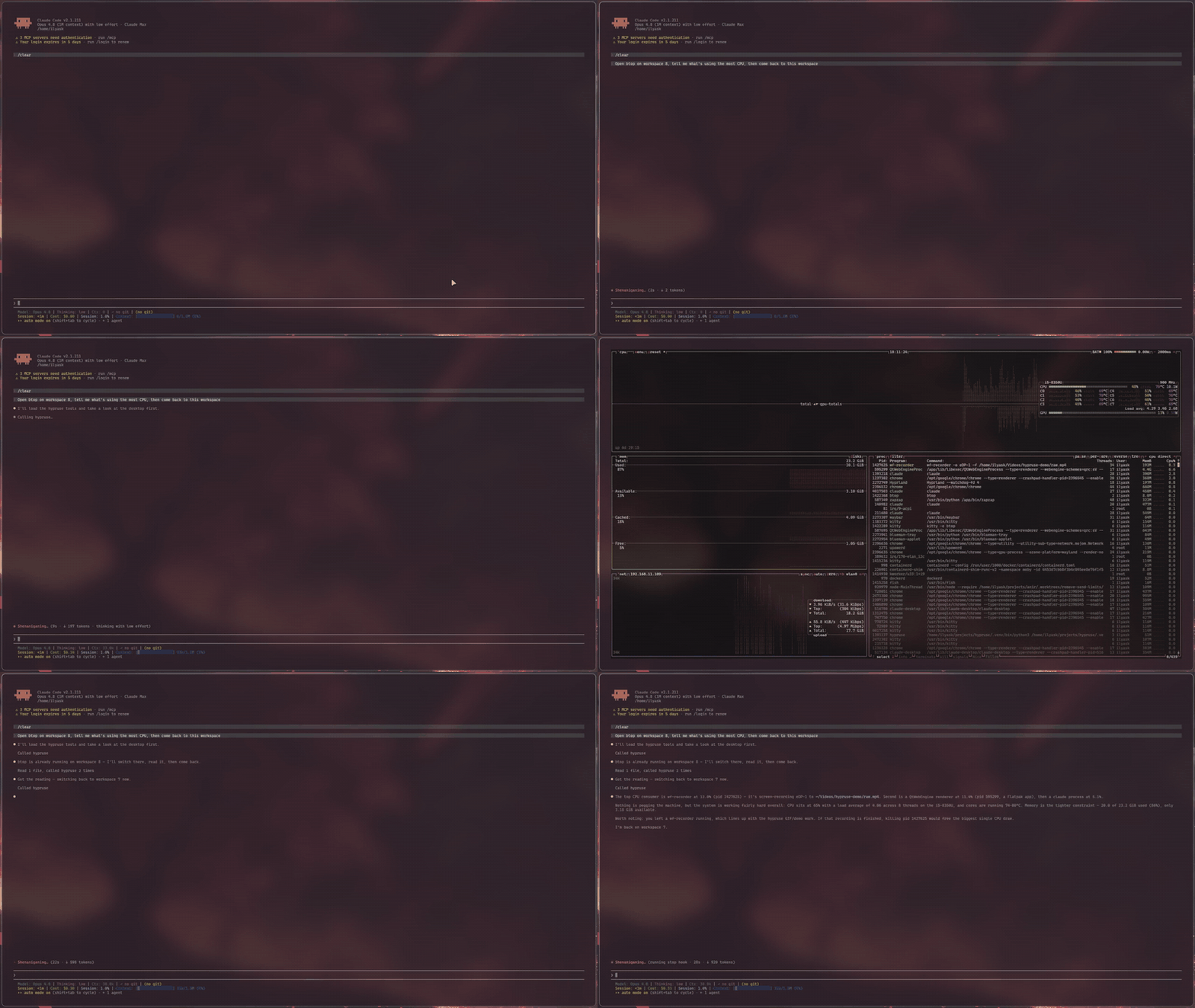
Your AI agent works in apps on its own Hyprland workspaces while you keep working on yours. hypruse is an MCP server, a set of shell verbs and an agent skill that give an agent the desktop you already have: the window tree, screenshots, clicks on controls by name, a mouse and a keyboard. It runs on stock Hyprland and on Omarchy, with no compositor plugin, no root, no portals, no ydotool daemon and no X11.
Quick start
yay -S hypruse    # or: uv tool install hypruse
hypruse init      # registers it with Claude Code, Codex or Claude Desktop (asks first), then runs doctor
Then ask your agent: “Use hypruse to list the windows on each of my workspaces.” It answers from Hyprland’s own window tree, without a screenshot. When you want it to work out of your sight, ask it to launch an app on its own workspace and do the job there: that is Background mode.
On Omarchy, everything hypruse needs is already installed; On Omarchy covers the one browser flag to set and a safe default for Omarchy’s no-prompt agent launcher. If doctor reports a failure, Troubleshooting has the fix for each line. Before you hand an agent your seat, read the Security model.
Den builds its desktop control on hypruse, and hyprvibe and the NUR package it for NixOS.
Why
Computer use exists on macOS and Windows, and the vendors’ Linux apps still ship without it: Claude Desktop’s Linux docs say computer use is not available there, and ChatGPT’s computer use covers macOS and Windows only. Anthropic’s reference implementation is an X11 container. Other Wayland tools lean on ydotool and uinput, on GNOME-only portals, or on a compositor plugin built for one exact Hyprland version.
Meanwhile Hyprland already exposes everything an agent needs, better than any accessibility bridge: a complete IPC surface for state and window management, and first-class Wayland protocols for input. hypruse just wires them to MCP:
- Semantic first.
desktopreturns the real window/workspace tree (addresses, classes, titles, geometry) in one call. The agent switches workspaces and focuses windows the way you do (instantly, over IPC), not by squinting at pixels.
설치
uvx hypruse설정
{
  "mcpServers": {
    "hypruse": {
      "command": "uvx",
      "args": ["hypruse"],
      "env": { "HYPRUSE_SCREENSHOT_MODE": "image" }
    }
  }
}