FY 
format37/youtube_mcp
Developer tools이 페이지는 AI로 자동 번역되었습니다. 기술적인 세부 사항은 원문을 확인하세요. 원문 보기
32 stars 5 forks 품질 35 트렌드 0
youtube transcriber mcp 서버
개요
위의 이미지를 클릭하여 데모 비디오를 시청하십시오. * 당신의 쿠키를 추출. ./mcp/ 폴더에 cookies.md Place cookies.txt를 참조하십시오. * MCP KEY 생성: * 해당 포트가 들어오는 연결을 위해 열려 있는지 확인하십시오. 3. Claude 데스크톱 설정에 Bybit 서버 추가: 예: ` 4. Restart Claude 데스크톱 5. 도구 목록에서 tws 도구가 나열되어 있는지 확인하십시오. ibkr 계정 확인
개요(AI 번역)
Youtube transcribation MCP 서버
데모 영상
- 데모 영상을 시청하려면 위의 이미지를 클릭하세요*
필요조건:
- OpenAI API 키
- 쿠키
서버 설치
-
복제:
-
당신의 쿠키를 추출. 쿠키 보기.md ./mcp/ 폴더에 Cookies.txt를 배치합니다.
-
MCP KEY 생성:
-
정의 .env:
-
런 액세스 제공
-
실행
-
해당 포트가 들어오는 연결을 위해 열려 있는지 확인하십시오.
클라이언트 구성
- Claude 데스크톱 설정에 Bybit 서버 추가: 예:
클라이언트 측
4. Restart Claude 데스크탑
5. tws 도구가 도구 목록에 나열되어 있는지 확인하십시오. ibkr 계정 확인
이 페이지는 AI로 자동 번역되었습니다. 기술적인 세부 사항은 원문을 확인하세요.
README
youtube_mcp
Youtube transcribation MCP server
Demo Video
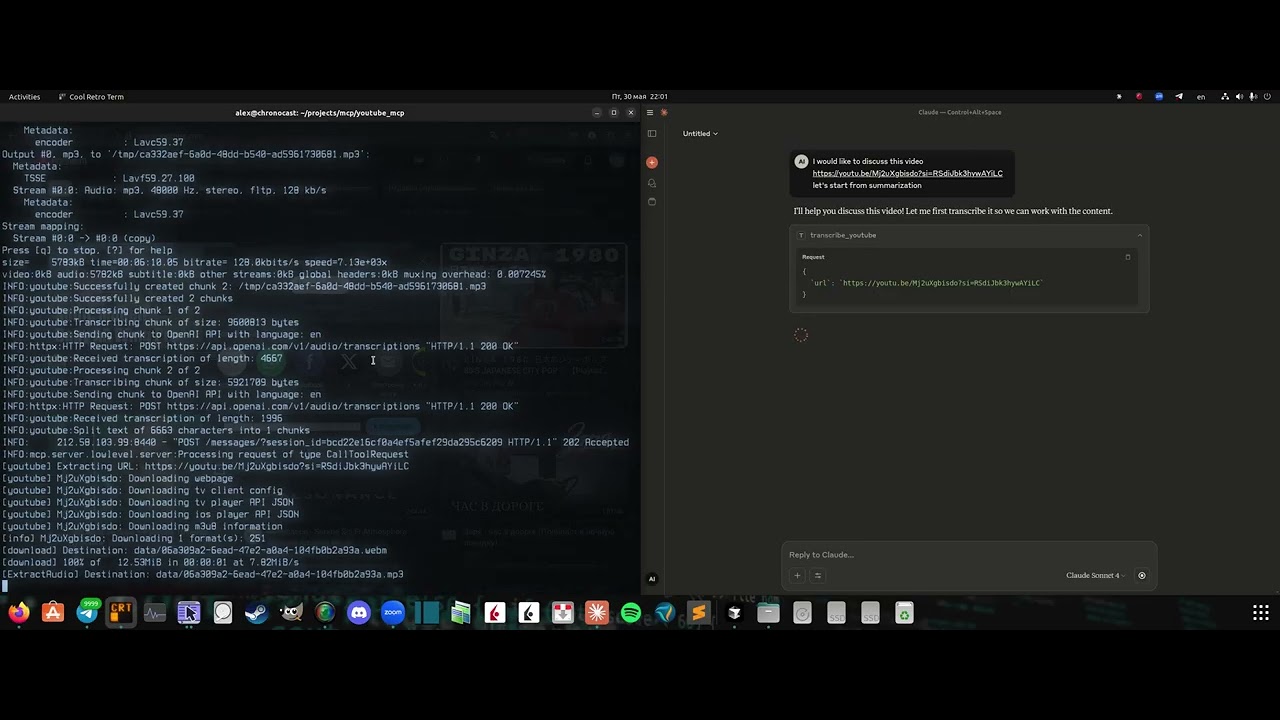
Click the image above to watch the demo video
Requirements:
- OpenAI API key
- Cookies
Server installation
- Clone the repo:
git clone https://github.com/format37/youtube_mcp.git
cd youtube_mcp
nano .env
- Extract your cookies. See cookies.md
Place cookies.txt in the ./mcp/ folder. - Generate MCP_KEY:
python token_generator.py
- Define .env:
CONTAINER_NAME=youtube_mcp_main
PORT=7001
MCP_KEY=YOUR-MCP-KEY
OPENAI_API_KEY=YOUR-OPENAI-KRY
- Provide run access
sudo chmod +x compose.sh
sudo chmod +x logs.sh
sudo chmod +x update.sh
- Run
./compose.sh
- Check that port is opened for incoming connections.
Client configuration
- Add Bybit server to the Claude desktop config: Example:
{
    "mcpServers": {
      "youtube": {
        "command": "npx",
        "args": [
          "mcp-remote",
          "http://localhost:7001/sse",
          "--header",
          "Authorization:YOUR-TOKEN",
          "--allow-http"
        ],
        "disabled": false
      }
    }
}
Client side
4. Restart Claude desktop
5. Check that tws tools are listed in the tools list. Ask Claude to check ibkr account설치
npx mcp-remote http://localhost:7001/sse --header Authorization:YOUR-TOKEN --allow-http