
amxv/mcp-manager
Developer tools이 페이지는 AI로 자동 번역되었습니다. 기술적인 세부 사항은 원문을 확인하세요. 원문 보기
amxv/mcp-manager는 [[T0]에서 가져온 MCP 서버 후보입니다.
개요
amxv/mcp-manager는 [[T0]에서 가져온 MCP 서버 후보입니다.
개요(AI 번역)
Claude 데스크톱용 MCP 관리자
Claude 데스크톱 앱의 Model Context Protocol(MCP) 서버를 쉽게 관리할 수 있는 간단한 웹 GUI입니다. 지침을 따르고 몇 가지 명령어를 붙여넣으면 Claude 앱이 즉각적으로 강력한 성능을 발휘할 수 있습니다.
MCP란 무엇인가?
모델 컨텍스트 프로토콜(MCP)은 클로드가 개인 데이터, API 및 기타 서비스에 접근하여 질문에 답변하고 사용자를 대신해 작업을 수행할 수 있게 합니다. MCP에 대해 더 알아보려면 다음을 참조하세요:
- modelcontextprotocol.io
- Anthropic의 MCP 공지
특징
- 🚀 MCP 서버 관리를 위한 사용하기 쉬운 인터페이스
- 🔒 완전히 클라이언트 측에서 실행됨 - 데이터가 컴퓨터 밖으로 나가지 않습니다
- ⚡️ 인기 있는 MCP 서버의 빠른 설정:
- 애플 노트 - 애플 노트 접근 및 검색
- AWS 지식 베이스 - 정보 검색을 위한 AWS 지식 기반 접근 및 쿼리
- 브레이브 검색 - 브레이브 검색 API로 웹 검색
- Browserbase - Claude가 Browserbase로 웹을 탐색할 수 있게
- Cloudflare - Cloudflare 직원과 계정 자원 관리
- Everart - 디지털 아트 및 디자인 도구를 위한 Everart API와의 인터페이스
- Exa - Exa로 웹 검색
- 파일 시스템 - 로컬 파일 시스템 접근 및 관리
이 페이지는 AI로 자동 번역되었습니다. 기술적인 세부 사항은 원문을 확인하세요.
README
원문 README의 일부입니다. 원문 보기.
MCP Manager for Claude Desktop
A simple web GUI to manage Model Context Protocol (MCP) servers for the Claude Desktop app on MacOS easily. Just follow the instructions and paste a few commands to give your Claude app instant superpowers.
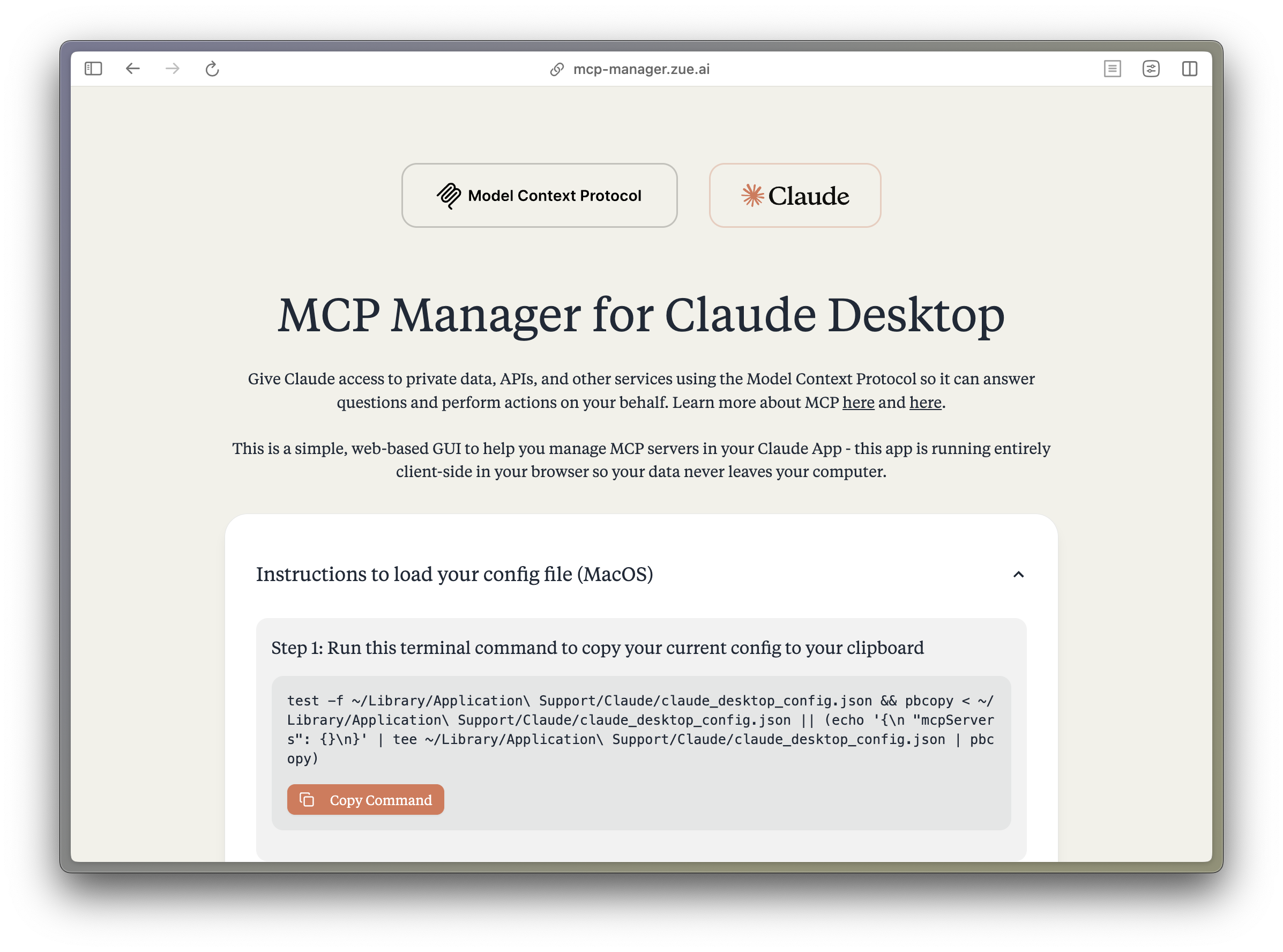
What is MCP?
The Model Context Protocol (MCP) enables Claude to access private data, APIs, and other services to answer questions and perform actions on your behalf. Learn more about MCP at:
Features
- 🚀 Easy-to-use interface for managing MCP servers
- 🔒 Runs entirely client-side - your data never leaves your computer
- ⚡️ Quick setup for popular MCP servers:
- Apple Notes - Access and search your Apple Notes
- AWS Knowledge Base - Access and query AWS Knowledge Base for information retrieval
- Brave Search - Search the web with Brave Search API
- Browserbase - Let Claude explore the web with Browserbase
- Cloudflare - Manage your Cloudflare workers and account resources
- Everart - Interface with Everart API for digital art and design tools
- Exa - Search the web with Exa
- Filesystem - Access and manage local filesystem
- GitHub - Access your GitHub repositories
- GitLab - Manage GitLab repositories and resources
- Google Drive - Access and search files in your Google Drive
- Google Maps - Access Google Maps API for location services
- Memory - Give Claude memory of previous conversations
- Obsidian - Read and search files in your Obsidian vault
- Perplexity - Search the web with Perplexity API
- PostgreSQL - Connect and interact with PostgreSQL databases
- Puppeteer - Automate browser interactions
- Sequential Thinking - Enable step-by-step reasoning
- Slack - Access your Slack workspace
- SQLite - Manage SQLite databases
- Todoist - Access and search your Todoist tasks
- YouTube Transcript - Access and search YouTube transcripts
- 🛠 Simple configuration of environment variables and server settings
- 📋 One-click copying of terminal commands for installation
Tech Stack
- Frontend Framework: React 18 with TypeScript
- Build Tool: Vite
- Styling:
- TailwindCSS for utility-first CSS
- DaisyUI for component styling
- Tiempos Font to match the Anthropic Design Language
- Package Manager: Bun
- Deployment: Cloudflare Pages for <60s build times
Project Structure
src/
├── components/ # React components
│ ├── server-configs/ # Server-specific configuration components
│ └── ...
├── assets/ # Static assets and fonts
├── App.tsx # Main application component
├── server-configs.ts # MCP server configurations
└── utils.ts # Utility functions
Development
-
Install dependencies:
bun install -
Start the dev server:
설치
This server does not publish a one-line install command.
Open the repository installation guide MCP 초보자라면? mcpskill.org 가이드부터 시작하세요 →