
aigengame/godot-agent
Developer tools이 페이지는 AI로 자동 번역되었습니다. 기술적인 세부 사항은 원문을 확인하세요. 원문 보기
AI Agent를 위한 Godot 자동화는 CLI, Agent Skill, 또는 MCP 서버를 통해 프로젝트를 구축하고 검증할 수 있으며, 구조화된 결과, 헤드리스 운영 및 실시간 실행 제어를 제공합니다.
개요
gda는 헤드리스 검증뿐만 아니라 CLI, 번들 에이전트 스킬 또는 MCP 서버를 통해 라이브 런타임 검사 및 제어를 제공하는 Godot 자동화를 제공합니다. 구조화된 결과 에이전트를 반환하면됩니다. gda는 이 build-and-verify 워크플로우에 대한 두 가지 보완 모드를 제공합니다. - — 프로젝트 내용 작성 및 편집, 스크립트 컴파일, 유효성 검사 및 부팅 장면 분석, 프로젝트 구조 분석, 및 수출은 편집기 플러그인 또는 데몬없이 빌드. - — per-project daemon: runtime tree and state, input 시뮬레이션, 프레임 캡처, 로그, 오류 및 성능을 통해 실행 게임을 검사하고 드라이브합니다. gda 는 : 모든 명령은 오늘 종료하지만, 명령 표면은 1.0 이전에 변경 될 수 있습니다. - 헤드리스 유효성 검사는 프로젝트 읽음을 확인합니다; 실제 행동에 대한 라이브 작업 반환 실행 시간 증거. --json로, 각 명령은 stdout에 정확한 1개의 결과 객체를 방출합니다. 입력 및 출력 모델도 전원 --schema 및 생성 된 MCP 도구 표면.
개요(AI 번역)
**영어 · 스페인어 ·
-478CBF)
** AI 코딩 에이전트, 쉘 스크립트 및 CI와 Godot 프로젝트를 구축하고 검증하십시오. **
gda]는 헤드리스 검증뿐만 아니라 실시간 실행으로 Godot 자동화를 제공합니다.
CLI, 번들 에이전트 스킬 또는 MCP 서버를 통해 검사 및 제어,
구조화된 결과를 반환하는 대리인은 위에 행동할 수 있습니다.
두 가지 보완 모드는이 빌드 및 검증 워크플로우를 포함합니다:
-Headless - 프로젝트 내용 작성 및 편집, 스크립트 컴파일, 유효성 검사 및 부팅 현장, 분석 프로젝트 구조, 및 내보내기 편집기 플러그인 또는 daemon없이 빌드.
- Live - per-project daemon: runtime을 통해 실행 게임을 검사하고 드라이브합니다. 트리 및 상태, 입력 시뮬레이션, 프레임 캡처, 로그, 오류 및 성능.
제품 개요 · CLI, 에이전트 기술, 또는 MCP? · Playable 데모 · 사이트맵
TL; DR
당신의 AI 대리인을 말하십시오:
uv tool install gda(또는 [T2]])로 gda CLI를 설치하고 설치하십시오.npx skills add aigengame/godot-agent --skill gda -g와 에이전트 스킬. 그런 다음 기술을 읽으십시오. 나의 Godot 프로젝트를 위해 gda를 설치하기 위하여 그것을 따르고,gda info --json를 가진 체제를 검사하십시오.
내용
- 왜 [T5]?
- 한 눈에 능력
이 페이지는 AI로 자동 번역되었습니다. 기술적인 세부 사항은 원문을 확인하세요.
README
원문 README의 일부입니다. 원문 보기.
gda — Godot Automation for AI Agents
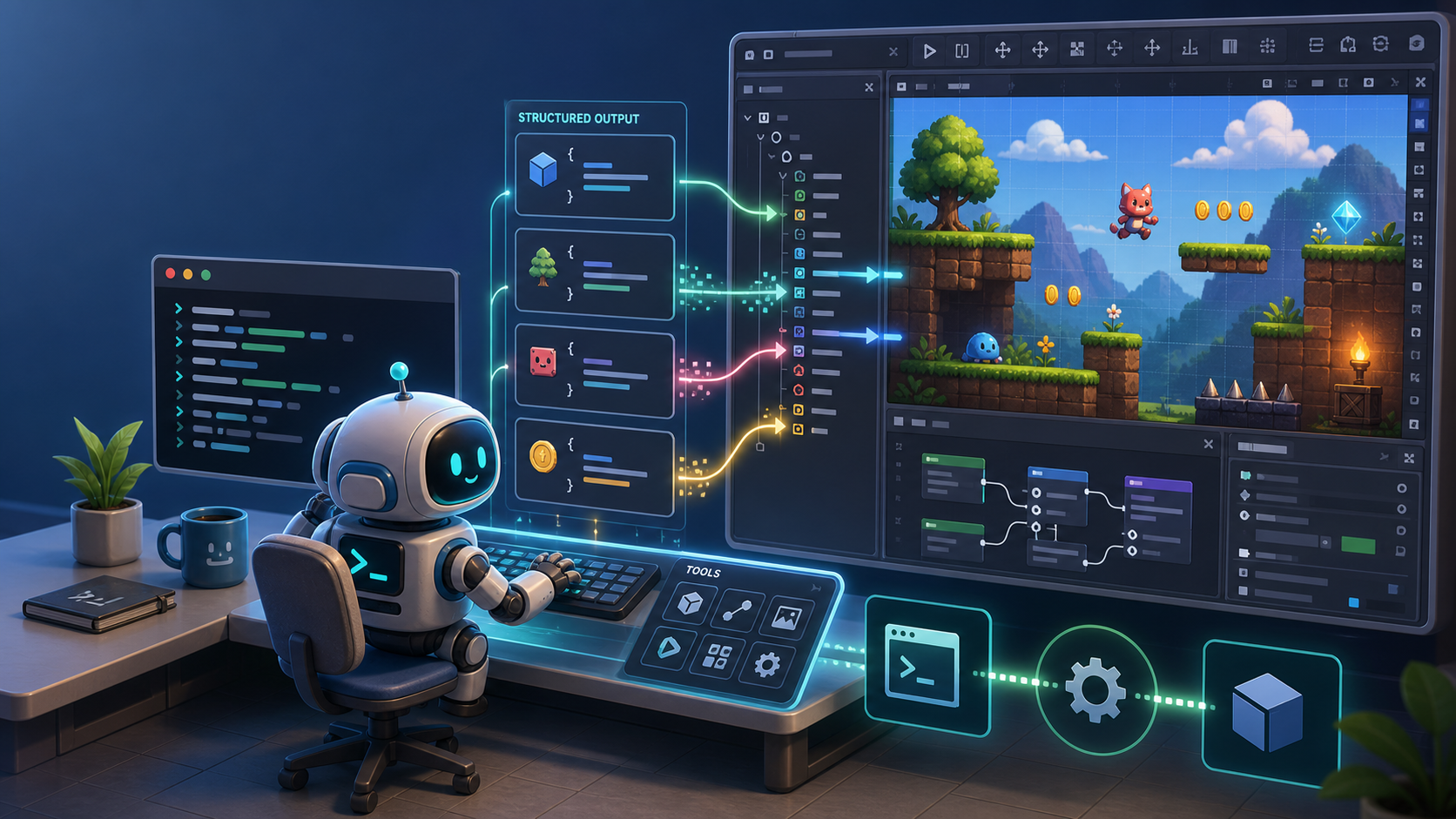
Read this in: 简体中文 · Español · 日本語


-478CBF)



Build and verify Godot projects with AI coding agents, shell scripts, and CI.
gda provides Godot automation with headless validation as well as live runtime
inspection and control through a CLI, a bundled Agent Skill, or an MCP server,
returning structured results agents can act on.
Two complementary modes cover this build-and-verify workflow:
- Headless — create and edit project content, compile scripts, validate and boot scenes, analyze project structure, and export builds without an editor plugin or daemon.
- Live — inspect and drive the running game through a per-project daemon: runtime tree and state, input simulation, frame capture, logs, errors, and performance.
Product overview · CLI, Agent Skill, or MCP? · Playable demos · PyPI
TL;DR
Just tell your AI agent:
Install the gda CLI with
uv tool install gda(orpipx install gda), and install its Agent Skill withnpx skills add aigengame/godot-agent --skill gda -g. Then read the skill, follow it to set up gda for my Godot project, and check the setup withgda info --json.
Contents
- Why
gda? - Capabilities at a glance
- Installation
- Quick start
- Choose your integration
- How it works
- Command reference
- Configuration
- Contributing
- License
Why gda?
- Verification across the game development lifecycle. Headless validation confirms project readiness; Live operations return runtime evidence about actual behavior.
- Structured results and discoverable schemas. With
--json, each command emits exactly one result object on stdout. Typed input and output models also power
설치
uvx --from gda[mcp설정
{
  "mcpServers": {
    "gda-mcp": {
      "command": "uvx",
      "args": ["--from", "gda[mcp]", "gda-mcp"]
    }
  }
}